Employment Application Form Template
Give every applicant the same clear path to apply — and give your team consistent information to evaluate.



A well-structured employment application is the foundation of a fair, efficient hiring process. This form gives applicants the space to present their background clearly and gives hiring managers consistent data to compare candidates without reading through scattered resume formats.
The template covers personal information, the position being applied for, work history (employer, dates, responsibilities, reason for leaving), education, relevant skills and certifications, references, availability and start date, and any prior employment with the company. Resume and cover letter upload fields are included.
With all applications in one format, your team can screen quickly, compare objectively, and move the most qualified candidates forward — without getting buried in email attachments.
Many employers require both. The application provides structured data for comparison, and the resume gives the candidate space to highlight experience in their own voice. Both serve different purposes in the evaluation.
Some jurisdictions restrict salary history and expectation questions. Check your local employment laws before including this question. Asking about desired salary is more common and typically less restricted than asking about salary history.
In the U.S., employers must include an EEO statement on job postings and applications. The specific language varies by employer size and federal contractor status. Consult your HR team or employment attorney.
In the U.S., the EEOC recommends keeping applications for at least 1 year from the date of the action. For federal contractors, the requirement may be longer. Check jurisdiction-specific requirements
Account requirements significantly reduce application completion rates. Use a form that collects what you need without requiring account creation — you can always create an account for successful candidates after selection.
Get inspired by relevant templates and categories
3200+ Templates, 300+ Integrations
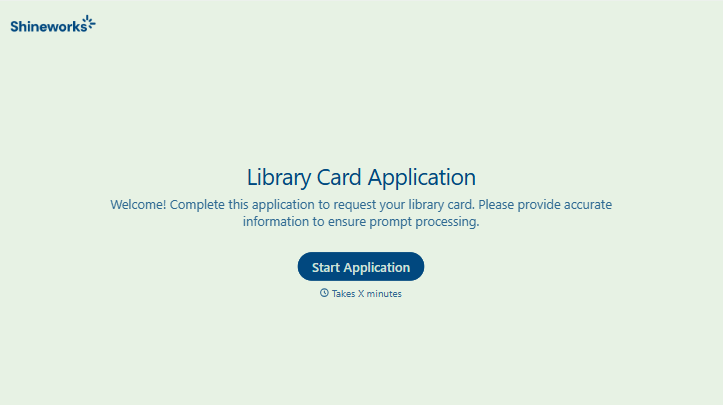
Library Card Application Form
Move past a quick sign-up sheet that just grabs a name and an address. Screen for who actually needs a parent or guardian to co-sign, confirm proof of residency, and keep a record of exactly what each cardholder agreed to before you hand over a card that comes with real financial responsibility attached.
View template
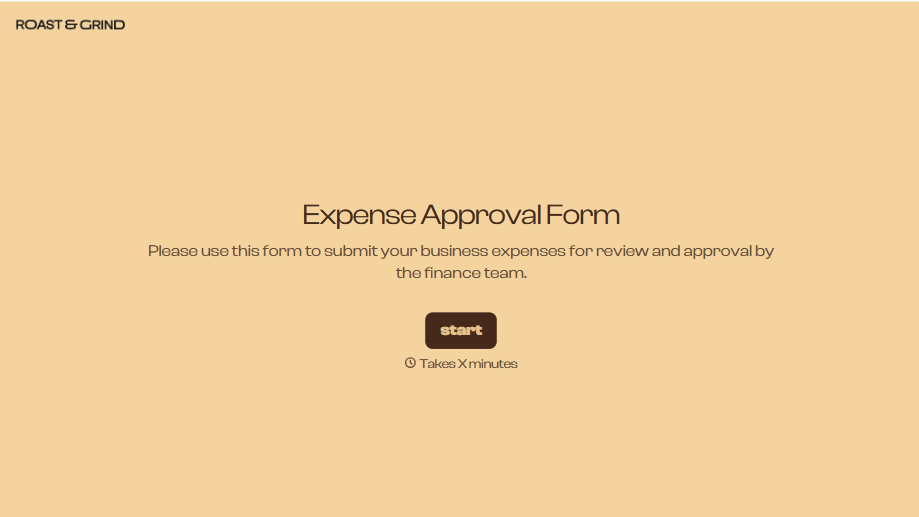
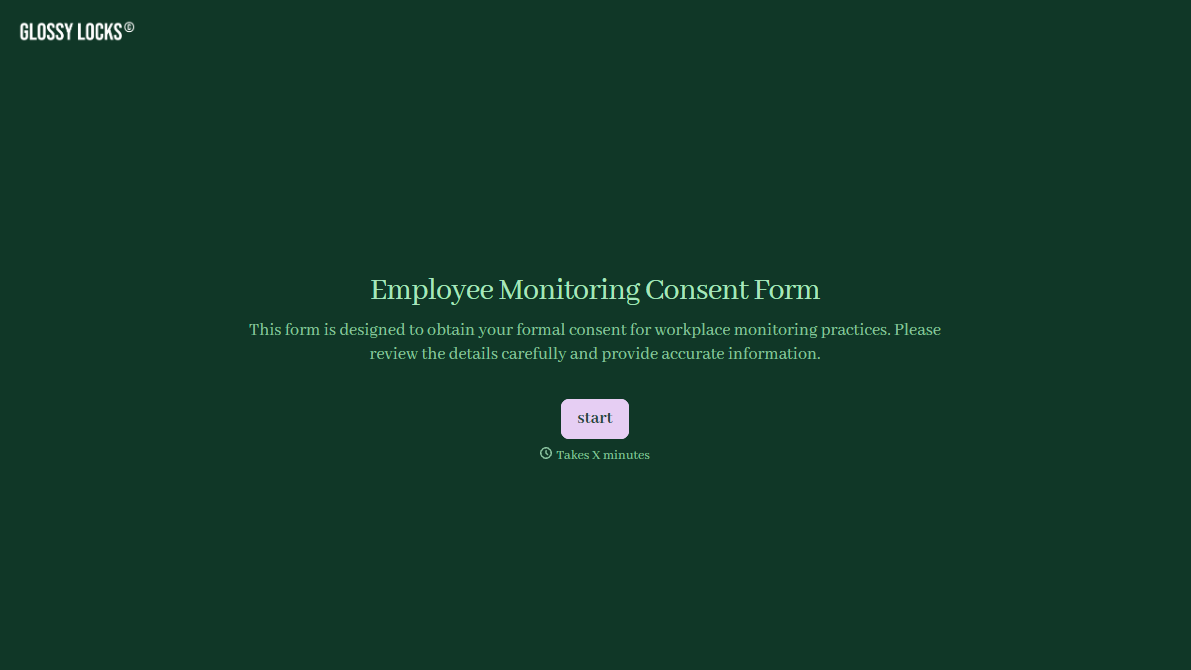
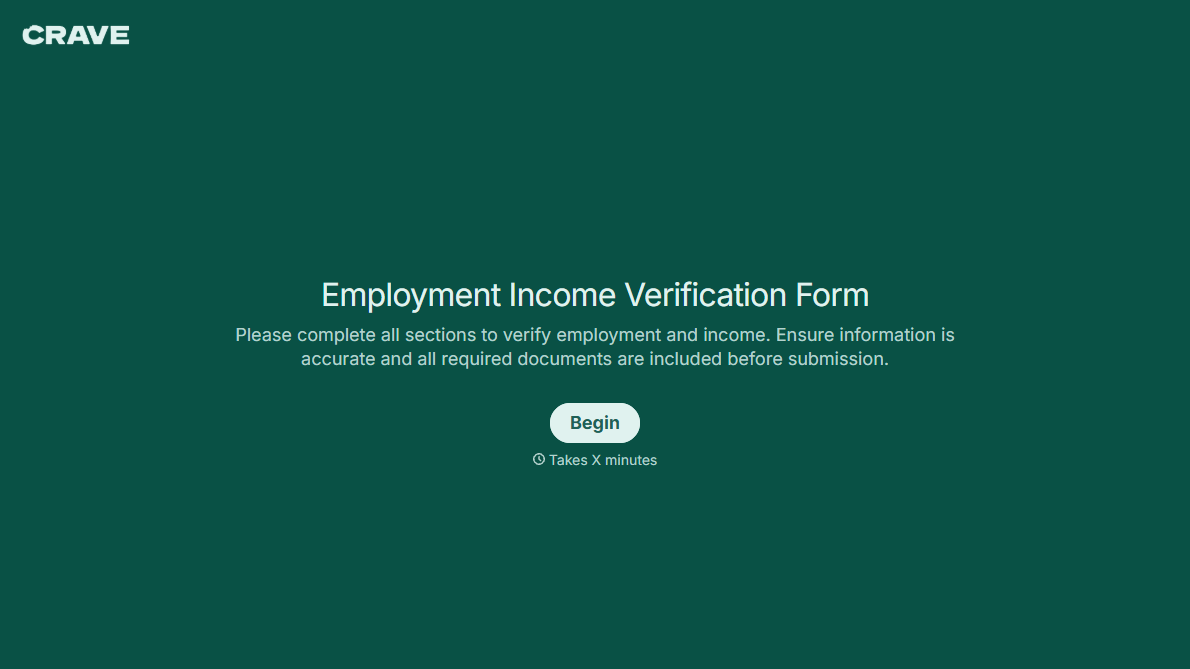
With Typeform, you can customize everything
Change text, colors, and even logos to match the look and feel of your brand. Then embed forms smoothly onto web and email.
Make forms feel effortless to fill out. Pace questions, call people by their name, and adapt the flow based on the data they share.
Stay efficient by connecting forms to your workflow. Typeform integrates with 300+ tools including Slack, Zapier, and HubSpot.


