Hotel Check In Form Template
Check-in shouldn't be the worst part of a guest's stay. Collect arrival information digitally so the front desk experience is smooth from the moment they walk in.



Guests arrive tired, often after a long journey. The last thing they want is to stand at a front desk filling out paper forms while their room sits empty upstairs. But the information you need for check-in — ID verification, payment authorization, special requests — is real and necessary.
A digital hotel check-in form collects all of that before arrival. Guests can complete it on their phone from the airport, the taxi, or the evening before. By the time they arrive, your front desk team has everything they need to hand over the key in under a minute. Conditional logic lets you ask about early check-in, accessibility needs, or special occasions without making every guest answer questions that don't apply.
Customize the form with your property's branding and specific policies, connect it to your property management system, and make a strong first impression before the guest even walks through the door.
A hotel check-in form collects guest information needed to complete the arrival process — including identification, payment details, estimated arrival time, and any special requests. It's the digital equivalent of the paper card guests typically fill out at the front desk.
Pre-arrival digital check-in reduces front desk wait times, gives staff advance notice of special requests, and creates a better first impression. Guests who've already completed check-in digitally report a smoother arrival experience, and your team spends less time on administrative tasks during peak arrival hours.
A good pre-arrival check-in form covers the practical details and preferences. Consider including:
- Full name and booking reference number
- Expected arrival time and flight or travel details
- Government ID type and number
- Credit card authorization for incidentals
- Bed type preference and floor preference (if not pre-selected)
- Special requests: accessibility needs, dietary preferences, occasion (anniversary, birthday, etc.)
Yes. Add a question early in the form to determine whether it's an individual or group booking, then use conditional logic to route group coordinators through a different set of questions covering room assignments and billing arrangements.
Typeform integrates with a range of tools via direct connections and platforms like Zapier or Make. You can route completed submissions directly into your PMS or to a shared inbox for your front desk team, so every completed form is actioned before the guest arrives.
Get inspired by relevant templates and categories
3200+ Templates, 300+ Integrations

Bank Reference Form
A reference request faxed to a bank branch and left sitting in a queue for weeks isn't the kind of turnaround a landlord or business can wait on. Collect the applicant's signed authorization and the specific details you need confirmed before the request even reaches the bank, so a decision isn't stuck behind a letter that hasn't come back yet.
View template

Bar Inventory Form
A bottle count eyeballed at the end of a shift and scrawled on a paper sheet doesn't hold up against a pour cost report that says something doesn't add up. Collect what your bar actually needs, item, count, and variance, on a schedule you can actually compare week to week.
View template


Equipment Inventory Form
Equipment that leaves a storage room in someone's arms, with no note about where it went, doesn't show up again until someone needs it and can't find it. Collect what your team actually needs, item details, condition, and who's got it, every time something moves.
View template
Hotel Room Booking Form
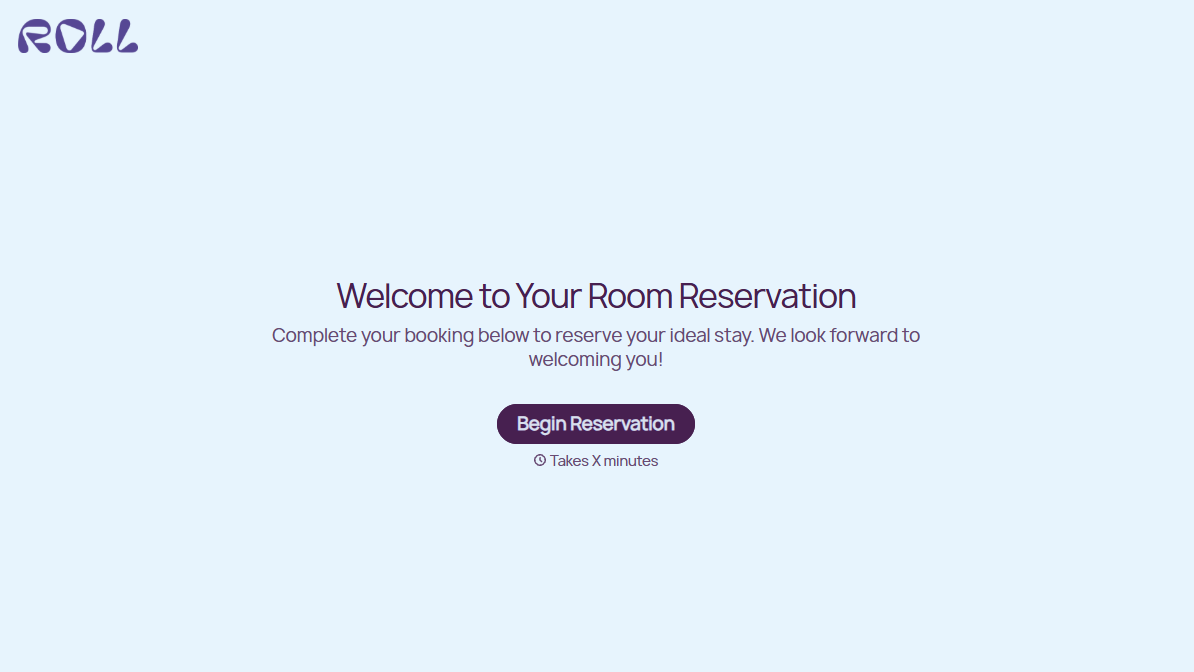
A room booked over the phone with "we'll figure out the room type when you get here" doesn't leave the front desk anything to actually plan around. Collect what your hotel actually needs, guest information, dates, and room preferences, before the reservation gets confirmed.
View template

Nationality Verification Form
A self-certification buried in a stack of new account paperwork isn't the kind of record a compliance team can rely on for a regulatory filing. Collect nationality, tax residency, and a signed declaration before an account opens, so compliance isn't chasing down a customer's citizenship status after the fact.
View template
With Typeform, you can customize everything
Change text, colors, and even logos to match the look and feel of your brand. Then embed forms smoothly onto web and email.
Make forms feel effortless to fill out. Pace questions, call people by their name, and adapt the flow based on the data they share.
Stay efficient by connecting forms to your workflow. Typeform integrates with 300+ tools including Slack, Zapier, and HubSpot.


