Interview Schedule Form Template
Coordinate interviews without the back-and-forth. This template collects candidate preferences and availability so scheduling happens in one pass.



Scheduling interviews eats more time than it should. Recruiters send availability windows, candidates respond with conflicts, someone's calendar slips, and the whole thing becomes a 6-email thread before a 30-minute interview is confirmed. Multiply that by a full hiring pipeline and it's a genuine drain on the recruiting team.
An interview scheduling form moves that process into a single, structured exchange. Candidates select from available time slots, confirm their format preference (video, phone, or in person), and provide any logistical details your team needs — all in one submission. Conditional logic can route candidates to different interviewers or panels based on the role or stage of the process.
Connect the form to your calendar and ATS, set up automated confirmations, and spend your recruiting time on evaluation rather than logistics.
An interview schedule form collects availability, format preferences, and logistical details from candidates so that interview times can be confirmed without extended back-and-forth. It replaces the manual coordination cycle with a self-service flow that candidates can complete on their own time.
Scheduling friction slows hiring down and creates a poor first impression with candidates. A form-based approach respects candidates' time by giving them control over when they're available, and it saves your recruiting team hours per week spent on calendar coordination. It also reduces no-shows because candidates have actively confirmed a time that works for them.
Keep it practical and focused on what you need to confirm the interview:
- What is your full name and the role you're applying for?
- Which of these available time slots works for you?
- Do you prefer a video call, phone call, or in-person meeting?
- If video, what platform do you prefer or have available?
- Is there anything logistical we should know before scheduling?
- What email address should we send the calendar invite to?
Use an integration that connects your Typeform to your calendar in real time. Tools like Google Calendar or Calendly integrations allow you to reflect actual availability in your form's time slot options, so candidates only see windows that are genuinely open. Update available slots whenever the recruiting team's schedule changes.
Yes. You can create separate versions for each stage — initial screen, technical interview, final panel — and customize the questions and available slots accordingly. Conditional logic can also route candidates to the appropriate stage based on their application details, ensuring they land in the right scheduling flow without the recruiter having to manually direct each person.
Get inspired by relevant templates and categories
3200+ Templates, 300+ Integrations


Work From Home Request Form
A Slack message asking to work from home on Thursday isn't a request anyone can track, especially once the same employee has asked five different ways over a month. Collect the request type, dates or schedule, and manager approval in one place, so HR isn't reconstructing who's working where from a scattered inbox.
View template

Return of Property Form
A property checklist stapled to an exit interview packet isn't a record anyone can rely on when a laptop turns up missing three weeks later. Collect itemized equipment details, condition at return, and a signed acknowledgment before an employee's last day, so IT isn't chasing down a laptop that already walked out the door.
View template

Early Retirement Form
A retirement mentioned to a manager in conversation doesn't give HR anything to actually process, and if there's an incentive deadline attached, the date that conversation happened can matter more than anyone realized at the time. Collect what your HR team actually needs, employee information, requested date, and benefit elections, before a window closes.
View template
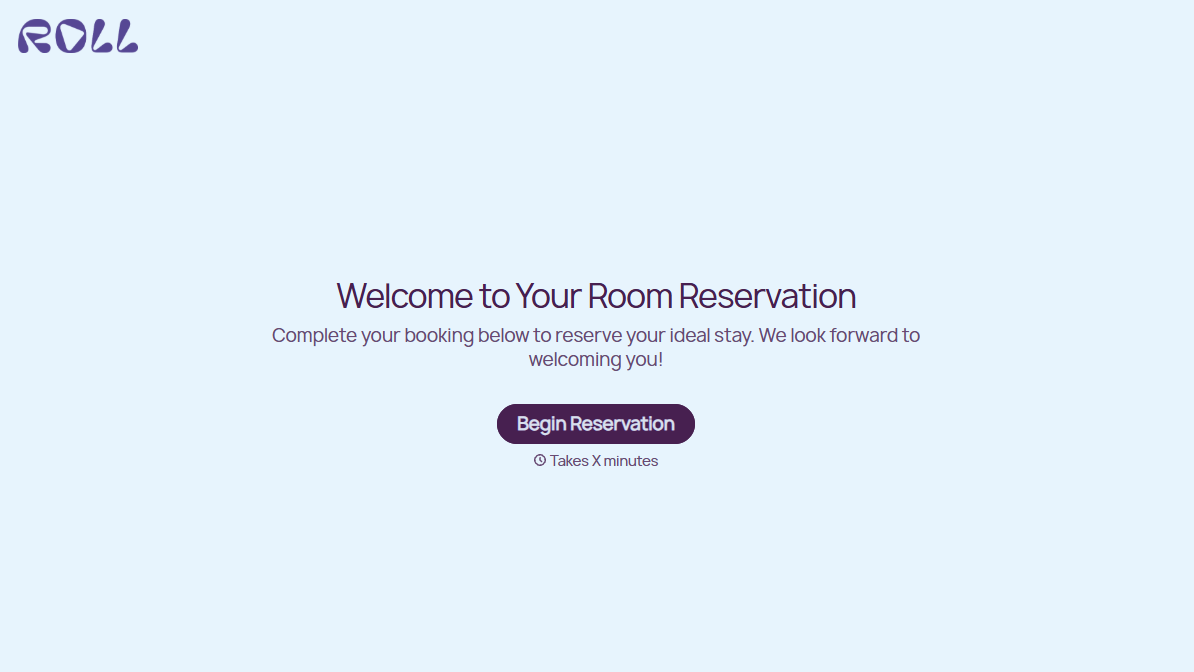
Hotel Room Booking Form
A room booked over the phone with "we'll figure out the room type when you get here" doesn't leave the front desk anything to actually plan around. Collect what your hotel actually needs, guest information, dates, and room preferences, before the reservation gets confirmed.
View template
With Typeform, you can customize everything
Change text, colors, and even logos to match the look and feel of your brand. Then embed forms smoothly onto web and email.
Make forms feel effortless to fill out. Pace questions, call people by their name, and adapt the flow based on the data they share.
Stay efficient by connecting forms to your workflow. Typeform integrates with 300+ tools including Slack, Zapier, and HubSpot.


