License Application Form Template
Give applicants a straightforward path from "I need a license" to "application submitted."



License applications, whether for a business, a professional practice, or a specialized activity, tend to be long, confusing, and full of jargon that makes applicants second-guess every field. The result? Incomplete submissions, frustrated applicants, and your staff spending more time requesting corrections than actually reviewing applications.
This license application form template breaks the process into clear, manageable steps. Applicants provide personal or business details, qualifications, supporting documentation, and declarations in a guided, one-question-at-a-time flow. Conditional logic adjusts the path based on license type, applicant category, or jurisdiction, so each person sees only what's relevant to them.
Customize the form for your specific licensing requirements, embed it on your website, and connect responses to your review workflow through integrations with Google Sheets, Airtable, or your case management system. Complete, organized applications, every time.
A license application form collects the information and documentation required for an individual or business to apply for a specific license or permit. It typically covers personal or business identification, qualifications, compliance history, and supporting evidence. The form serves as the official entry point into the licensing review process.
Digital applications reduce errors, speed up processing, and improve the applicant experience. Required fields and file uploads ensure submissions are complete on the first attempt. Your team gets structured data instead of handwritten forms, and applicants can complete the process from anywhere. No office visits or postage required.
- Applicant's full legal name and identification number
- Business name and registration details (if applicable)
- Type of license being applied for
- Relevant qualifications, certifications, or training
- Supporting documents (file uploads for certificates, IDs, proof of insurance)
- Declaration of accuracy and electronic signature
Conditional logic is your friend here. Start with a question asking which license type the applicant is seeking, then branch into type-specific requirements. A food service license might require health inspection documentation, while a contractor's license needs proof of bonding and insurance. Each path collects exactly what that license type demands.
Typeform's save-and-continue feature lets respondents pick up where they left off, which is especially helpful for lengthy applications that require applicants to gather documents. They receive a link to resume their submission, so they don't have to start from scratch if they're missing a certificate or need to look up a reference number.
Get inspired by relevant templates and categories
3200+ Templates, 300+ Integrations
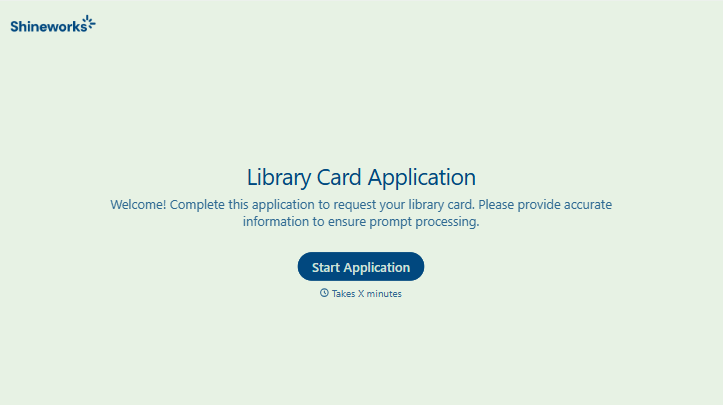
Library Card Application Form
Move past a quick sign-up sheet that just grabs a name and an address. Screen for who actually needs a parent or guardian to co-sign, confirm proof of residency, and keep a record of exactly what each cardholder agreed to before you hand over a card that comes with real financial responsibility attached.
View template

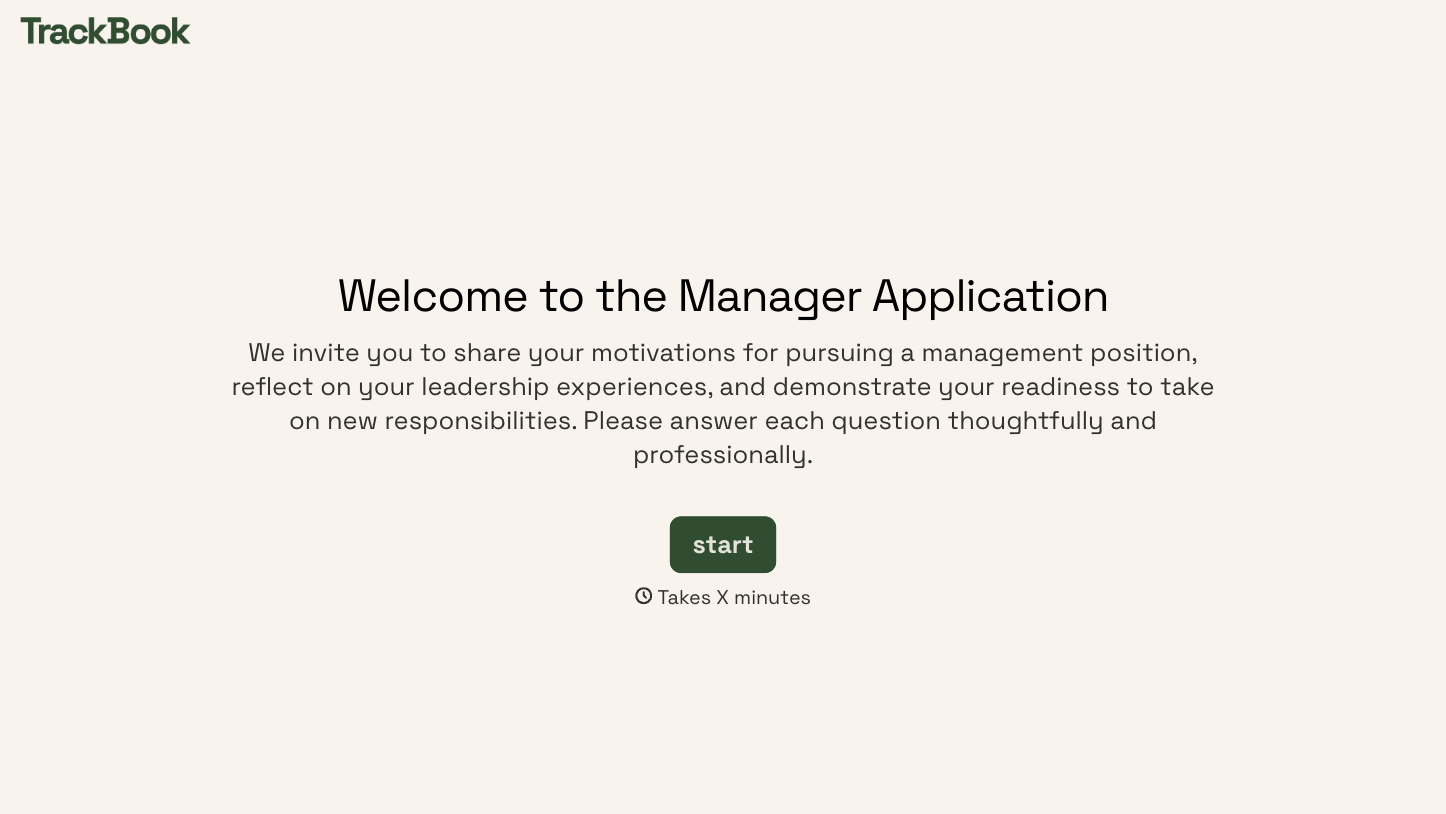
With Typeform, you can customize everything
Change text, colors, and even logos to match the look and feel of your brand. Then embed forms smoothly onto web and email.
Make forms feel effortless to fill out. Pace questions, call people by their name, and adapt the flow based on the data they share.
Stay efficient by connecting forms to your workflow. Typeform integrates with 300+ tools including Slack, Zapier, and HubSpot.


