Life Insurance Questionnaire Form
An application that opens with a 15-page PDF loses people before they ever get to the coverage they wanted. Collect what your underwriting team actually needs, health history, lifestyle, beneficiary details, before the file goes to review.



Applications arrive as a dense paper packet or a PDF asking the same medical questions whether someone smokes or has never touched a cigarette, whether they skydive every weekend or don't leave the couch. Applicants abandon it halfway through, or rush through it just to be done, and underwriting ends up with answers that are incomplete or inconsistent with each other.
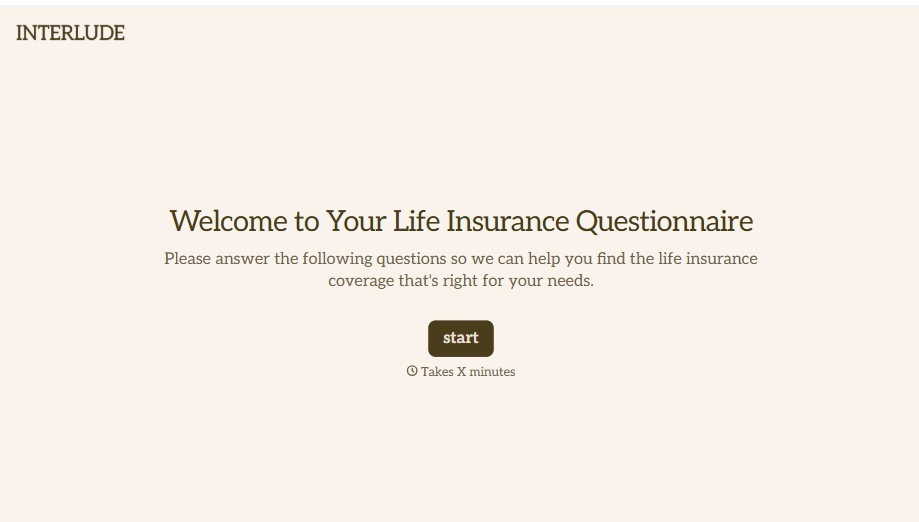
Typeform's life insurance questionnaire form asks for what underwriting needs to evaluate an application, applicant and beneficiary information, health history, and lifestyle or occupation questions, and uses conditional logic to branch from there. An applicant who discloses a chronic condition or a hazardous hobby can branch to follow-up detail questions; an applicant with a straightforward health history can skip straight to beneficiary designation, instead of every applicant working through questions that don't apply to them.
Every questionnaire lands in one record instead of a stack of paper intake forms. Connect the form to your underwriting or policy administration system through Zapier, and a submission that needs a medical exam or additional review can get flagged automatically. Ask for the full history up front, and underwriting starts with a complete picture instead of following up after the fact.
A life insurance questionnaire form is an online form insurers and agents use to collect an applicant's health history, lifestyle information, and beneficiary details before underwriting a policy. Instead of a paper packet, the applicant completes it directly, and underwriting starts with a complete application.
A paper application asks the same 15 pages of every applicant regardless of their answers. A form can route someone straight past sections that don't apply to them, and it's harder to leave a question blank by accident than it is on paper.
Ask for what underwriting will actually need to evaluate the application:
- Applicant and beneficiary information
- Health history
- Lifestyle and occupation questions, like smoking, hazardous hobbies, or travel
- Medical exam scheduling, if required
- Consent for medical records release
No. A submission gives underwriting what they need to evaluate the application, it doesn't determine approval or pricing until they've reviewed it, and often a medical exam. It's also worth being clear with applicants that answers need to be complete and accurate, since a misrepresentation discovered later can affect coverage or a future claim.
Yes. Add a file upload question and applicants can attach medical records, a physician's statement, or prior exam results in the same submission, no separate request required. Pair it with conditional logic so the upload only appears for applicants whose health history actually calls for it.
Get inspired by relevant templates and categories
3200+ Templates, 300+ Integrations


With Typeform, you can customize everything
Change text, colors, and even logos to match the look and feel of your brand. Then embed forms smoothly onto web and email.
Make forms feel effortless to fill out. Pace questions, call people by their name, and adapt the flow based on the data they share.
Stay efficient by connecting forms to your workflow. Typeform integrates with 300+ tools including Slack, Zapier, and HubSpot.


