Marriage Application Form Template
Collect the required information from applicants clearly, so the registration process runs without gaps.



Marriage registration involves specific legal requirements, and the information collected needs to be accurate and complete. When applicants submit paper forms with missing details, incorrect spelling of names, or unclear documentation, staff spend time following up on every case before processing can begin.
A Typeform marriage application form guides applicants through each required field step by step. Conditional logic can ask different questions based on whether applicants have been previously married, require a legal name change, or need a civil versus religious ceremony recorded. All fields are clearly labeled, reducing errors before submission.
You can customize the form to match your jurisdiction's requirements, add supporting document upload fields, and route submissions to the relevant registrar or processing team automatically.
A marriage application form is an official document submitted by prospective spouses to register their intention to marry or to apply for a marriage license. It collects personal details, identity documentation, and ceremony information required by the relevant civil authority.
A digital application form reduces processing errors, ensures all required information is captured before submission, and gives applicants a clear, guided experience. It also creates a consistent record for every application.
Collect the details your jurisdiction mandates:
- Full legal names of both applicants and any previous names used
- Dates of birth, nationality, and identification document numbers
- Current address and contact information for both parties
- Names of witnesses and their contact details
- Proposed ceremony date, location, and officiant details
- Declaration of marital status and any previous marriages
Yes. Applicants who are foreign nationals may need to provide additional documentation such as a Certificate of No Impediment or certified translations of identity documents. Use conditional logic to surface these requirements only when an applicant indicates they are not a national citizen.
Set up an automated follow-up notification via Typeform's integrations to notify applicants of any outstanding items. You can also build a document upload step directly into the form so applicants can attach required files at the point of submission.
Get inspired by relevant templates and categories
3200+ Templates, 300+ Integrations
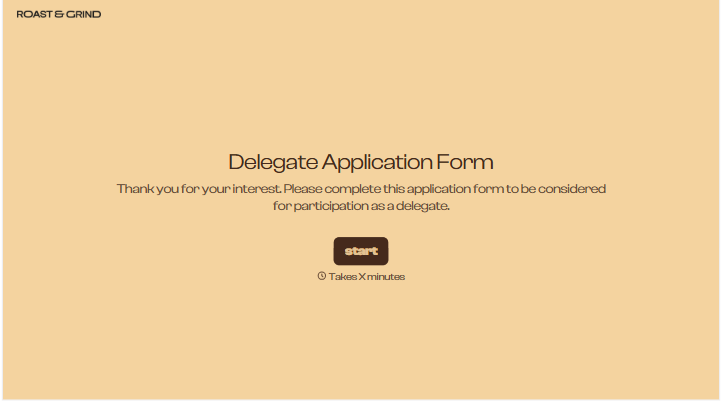
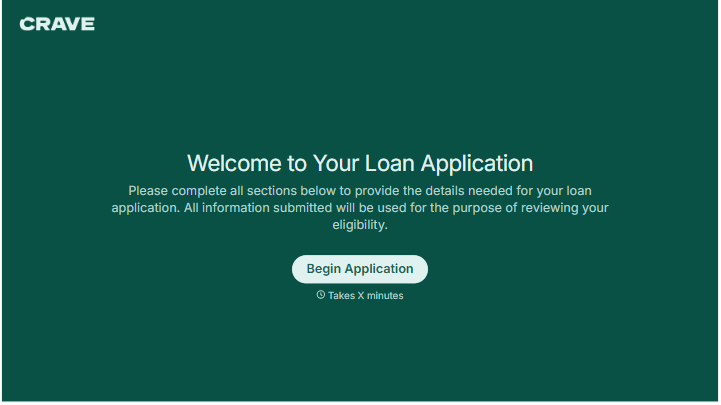
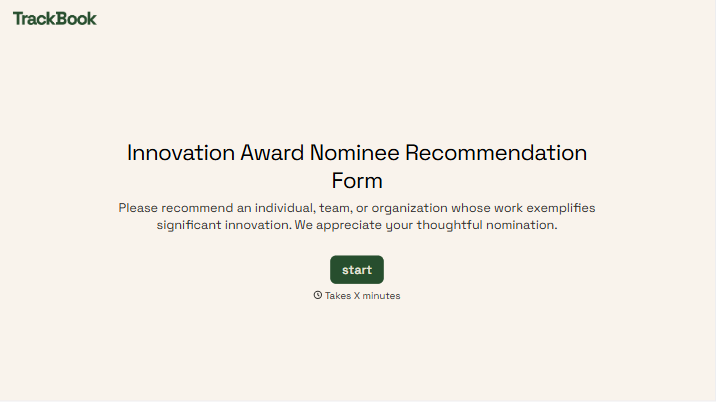
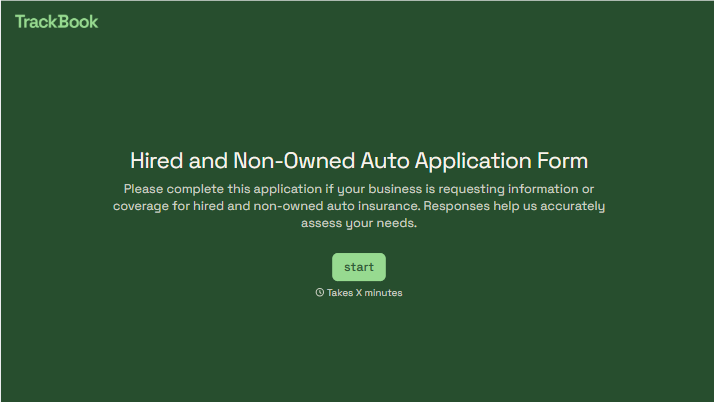
With Typeform, you can customize everything
Change text, colors, and even logos to match the look and feel of your brand. Then embed forms smoothly onto web and email.
Make forms feel effortless to fill out. Pace questions, call people by their name, and adapt the flow based on the data they share.
Stay efficient by connecting forms to your workflow. Typeform integrates with 300+ tools including Slack, Zapier, and HubSpot.


