Move-In Move-Out Inspection Form Template
Document property condition at the start and end of every tenancy — so security deposits are never a dispute.



Security deposit disputes are almost always about documentation. A thorough move-in inspection form, completed at the start of tenancy, creates the baseline. The move-out inspection creates the comparison. When both are documented clearly, disputes rarely get far.
The template covers every room in the property with condition fields for walls, floors, ceilings, fixtures, appliances, and windows. A photo upload field allows visual documentation alongside written notes. Both tenant and landlord sign off at each inspection.
The inspection happens once — but the record lasts for years. Keep it accessible and update it with photos so you have a complete, timestamped record if questions arise.
Before the tenant moves any belongings in — ideally before or on the lease start date. The form should be signed by both parties to be binding.
Yes, whenever possible. A tenant who participates in the move-in inspection is less likely to dispute the findings at move-out. Give them time to note any pre-existing conditions.
More is better. Photograph every room from multiple angles, close-up any existing damage, and capture appliance condition, window function, and any notable features. Timestamped photos are especially valuable for dispute resolution.
Normal wear and tear — minor scuffs, small nail holes — is the tenant's standard of care. Damage beyond normal use — large holes, stains, broken fixtures — is deductible. Define this clearly in your lease to avoid ambiguity.
Keep them for the full tenancy plus the applicable statute of limitations for small claims actions in your state — often 3 to 7 years. Digital records are easier to store long-term.
Get inspired by relevant templates and categories
3200+ Templates, 300+ Integrations

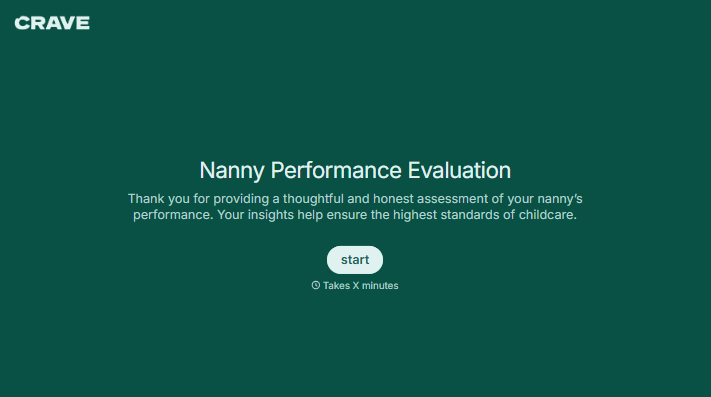
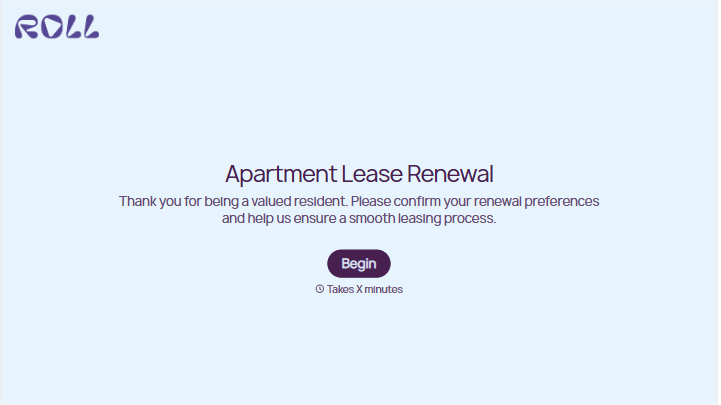

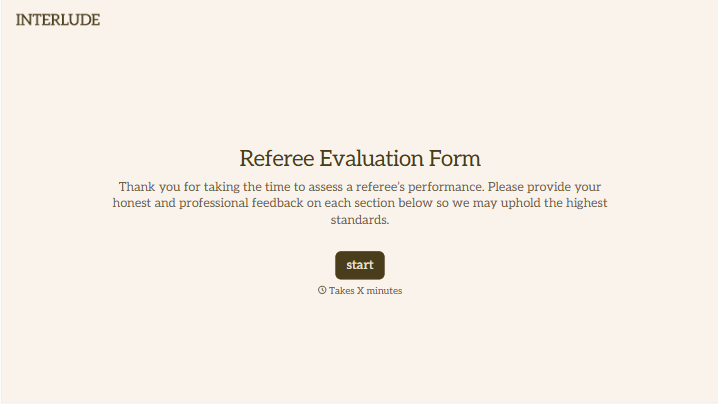

With Typeform, you can customize everything
Change text, colors, and even logos to match the look and feel of your brand. Then embed forms smoothly onto web and email.
Make forms feel effortless to fill out. Pace questions, call people by their name, and adapt the flow based on the data they share.
Stay efficient by connecting forms to your workflow. Typeform integrates with 300+ tools including Slack, Zapier, and HubSpot.


