New employee personal details form template
Collect details and simplify your new employee onboarding workflows



There are lots of ways you can collect and store staff’s important details. We think using online forms tick the two most important boxes—making the onboarding process simple and fun for new staff, and reducing the time and effort your HR team needs to process and organize the information.
Typeforms are intuitive and a joy to complete. Our instant export option and handy integrations make light work of organizing the data.
When a new staff member starts, weave your employee personal details form right in your onboarding process. You can use it to ask for all sorts of information, like their Emergency Contact and their home address.
One of the biggest benefits of using an online form is that you can capture all of the details you need in a single step. No emailing back and forth, or typing up responses from a paper form. Online forms save you heaps of time and effort. You can even set up responses so they sync automatically into Google Sheets, Trello or Office 365.
Get inspired by relevant templates and categories
3200+ Templates, 300+ Integrations
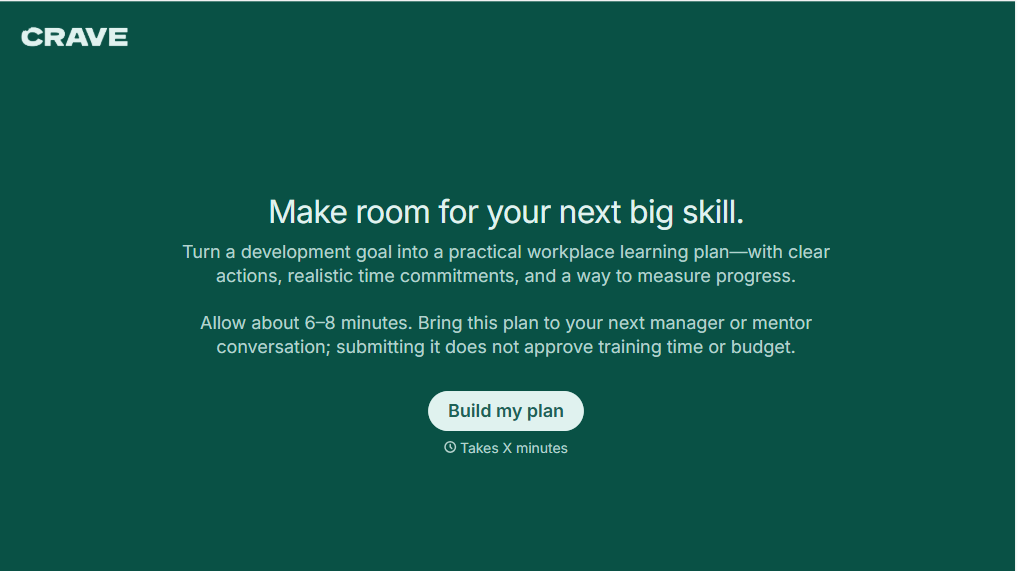
Workplace Learning Plan Form
Help employees and managers create structured professional development plans with a form that collects learning goals, skill gaps, and training preferences. Keep development priorities organized so teams can track progress, identify learning opportunities, and support employee growth in the workplace.
View template

Skills Assessment Consent Form
Give employers, training providers, and educational organizations a straightforward way to obtain consent for skills assessments with a form that collects participant information, assessment details, and authorization. Keep consent records organized so administrators can communicate evaluation procedures, explain how results will be used, and confirm participation before assessments begin.
View template
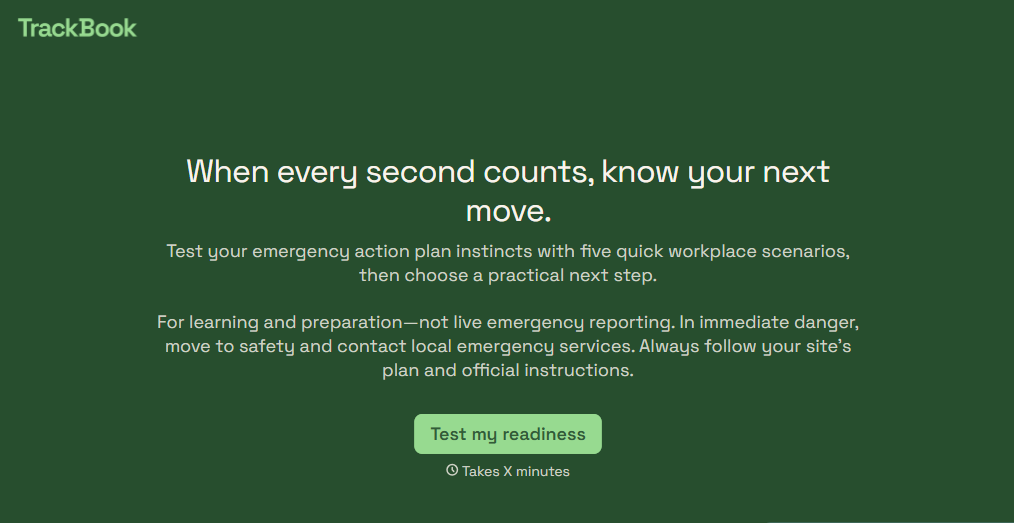
Emergency Action Plan Quiz Form
Give employees an easy way to test their emergency preparedness knowledge with a quiz that covers evacuation procedures, emergency contacts, and workplace safety protocols. Keep the results organized so your team can identify knowledge gaps, reinforce training, and improve emergency response readiness.
View template

Camp Volunteer Staff Reference Form
Give camp coordinators an easy way to collect references for prospective volunteers with a form that gathers information about reliability, relevant experience, and interpersonal skills. Keep reference responses organized so camp administrators can evaluate applicants, identify strengths, and make informed volunteer selection decisions.
View template
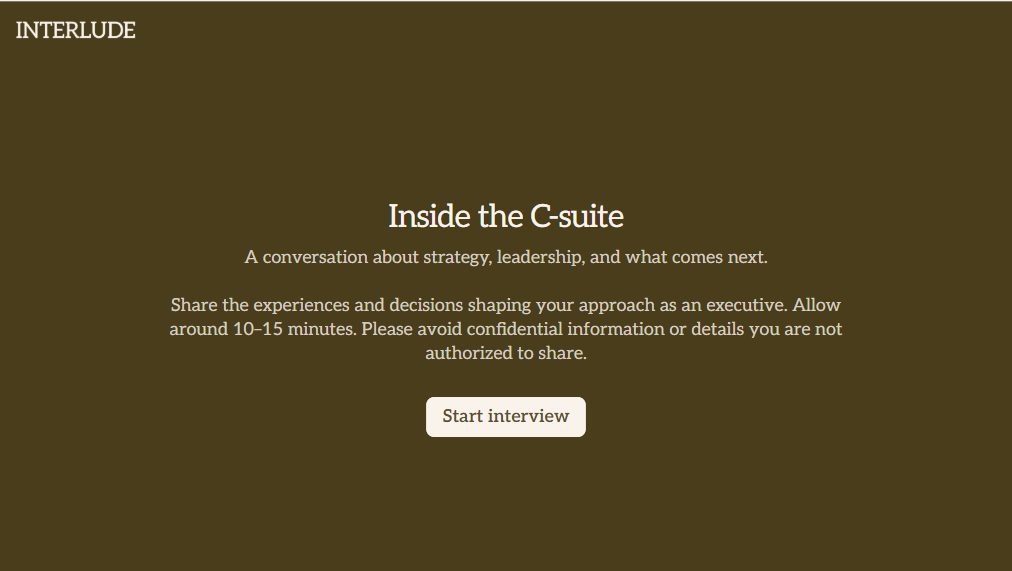
C Suite Interview Form
Give hiring teams a structured way to evaluate executive candidates with a form that collects leadership experience, strategic priorities, and management approaches. Keep the interview feedback organized so decision-makers can compare qualifications and make informed hiring decisions.
View template
With Typeform, you can customize everything
Change text, colors, and even logos to match the look and feel of your brand. Then embed forms smoothly onto web and email.
Make forms feel effortless to fill out. Pace questions, call people by their name, and adapt the flow based on the data they share.
Stay efficient by connecting forms to your workflow. Typeform integrates with 300+ tools including Slack, Zapier, and HubSpot.


