Pre Survey
Events and sessions planned without attendee input often miss what the audience actually needs. Collect goals, background and preferences from every attendee or participant before the session begins.



Facilitators who plan without attendee input design around their own assumptions, not the actual people in the room. A pre survey catches dietary restrictions, experience level mismatches, and logistical gaps before they become problems on the event day. Typeform's pre survey gives organizers a structured way to collect attendee information, goals, and preferences before the session begins.
The survey captures attendee background, session goals, dietary and accessibility needs, preferred learning formats, and questions attendees want addressed in the session. Questions appear one at a time, so attendees give accurate, considered answers on their goals, experience level, and needs rather than skimming through a long form. Conditional logic adapts the survey based on the attendee's role or background. First-time participants answer questions about baseline knowledge and goals, while returning participants name what they want to explore further.
Customize the topic areas, experience level categories, dietary options, and goal questions to match your session format and attendee profile. Share it via email at least two weeks out so organizers have time to adjust content and logistics. Responses feed into Google Sheets via Zapier, giving organizers a clear picture of every attendee before the session begins. Every session that follows is shaped around what attendees actually need, not what the organizer assumed they'd want.
A pre survey collects information from attendees or participants before an event, workshop, training session, or coaching engagement begins. It captures attendee background, session goals, dietary and accessibility needs, preferred formats, and questions attendees want addressed in the session. Organizers who send pre surveys show up prepared for the actual audience, not the one they imagined would attend.
A session designed for the wrong audience wastes time for attendees who already know the material and leaves those who don't even further behind. Both outcomes damage the session's perceived value and the organizer's credibility with that audience. A pre survey gives organizers the information they need to calibrate content, pace, and format before attendees show up.
Gather what shapes the session:
- Current experience level or familiarity with the topic
- What the attendee hopes to learn or get out of the session
- Role, background, or industry context relevant to the session content
- Dietary requirements and accessibility needs for in-person events
- Any specific questions or challenges the attendee wants addressed
Dropdown fields work well for experience level and role questions because they produce consistent, comparable answers across all respondents. This lets organizers quickly see the experience distribution across the full attendee group before planning session content. An open-text field works best for questions attendees want addressed, capturing what the organizer didn't think to ask.
Send a pre survey at least two weeks out so there's enough lead time to adjust content and logistics. Send a reminder three to five days before the survey closes to reach attendees who missed the first send. For recurring training programs, run a pre survey before each session rather than just at registration.
Get inspired by relevant templates and categories
3200+ Templates, 300+ Integrations
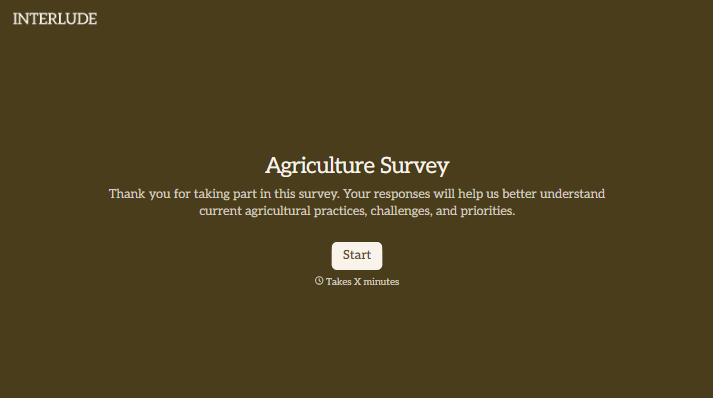
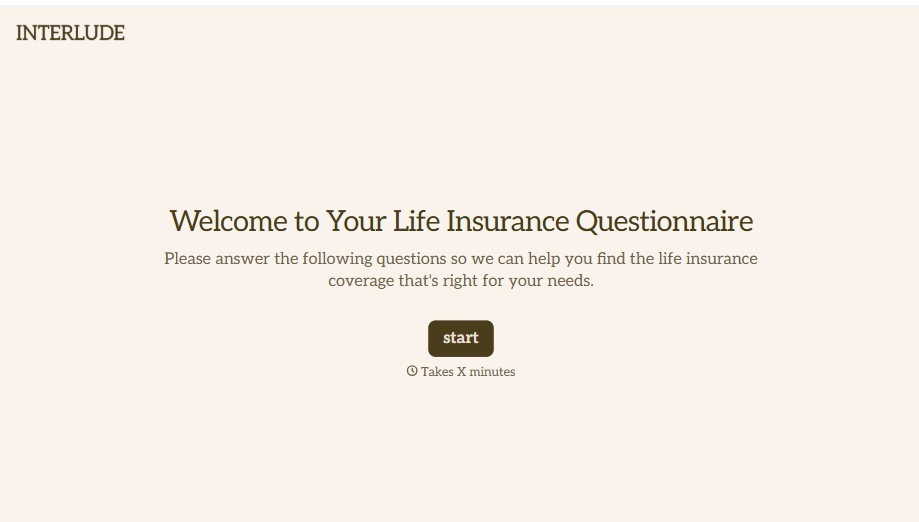
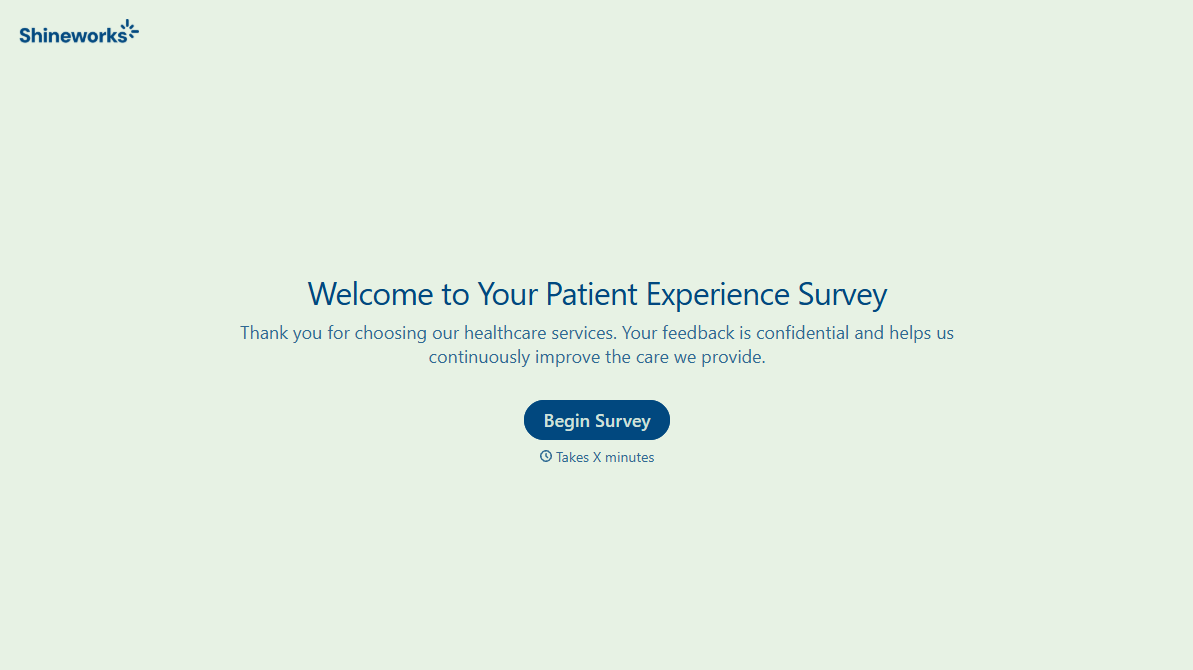
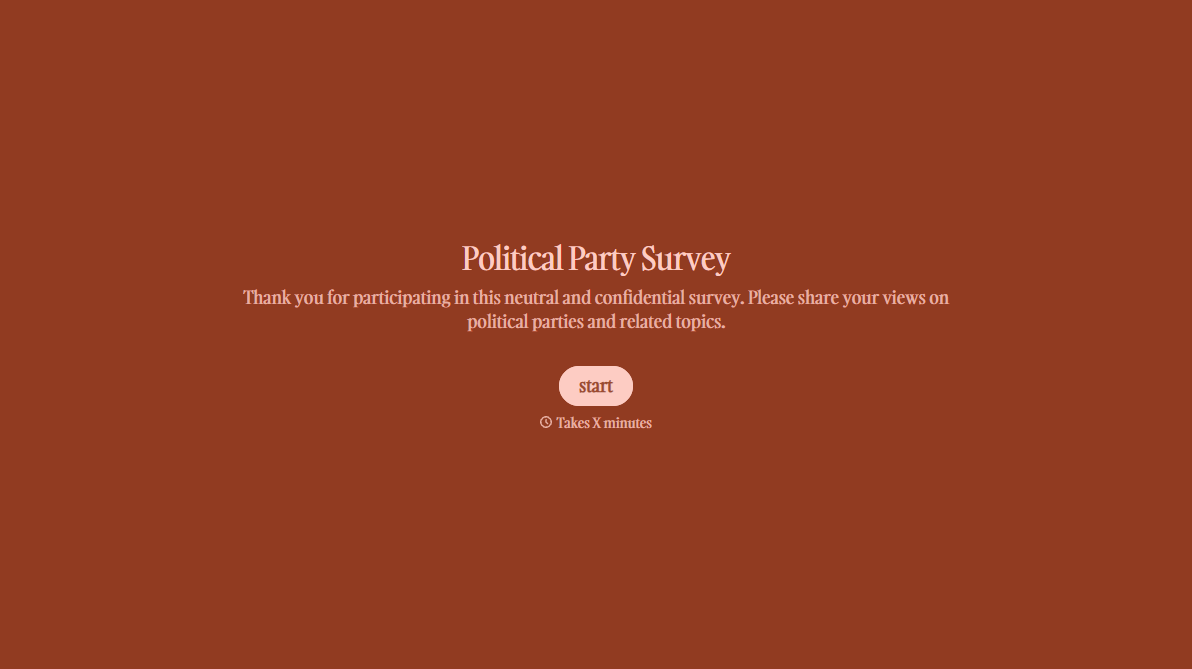
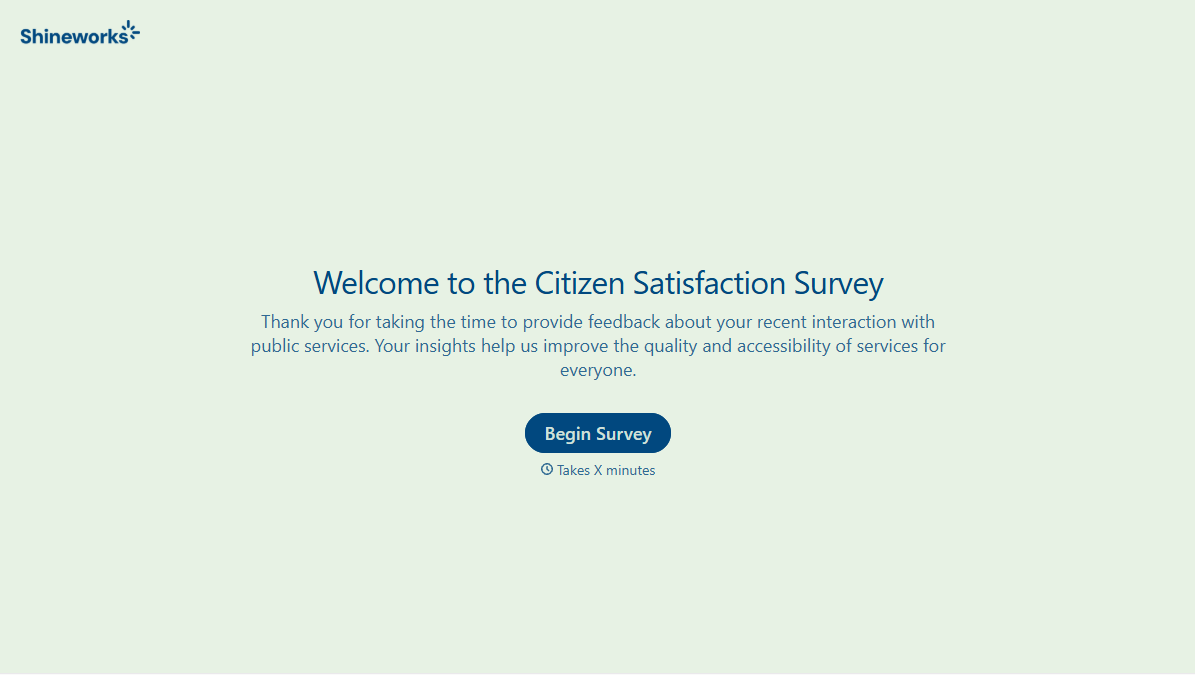
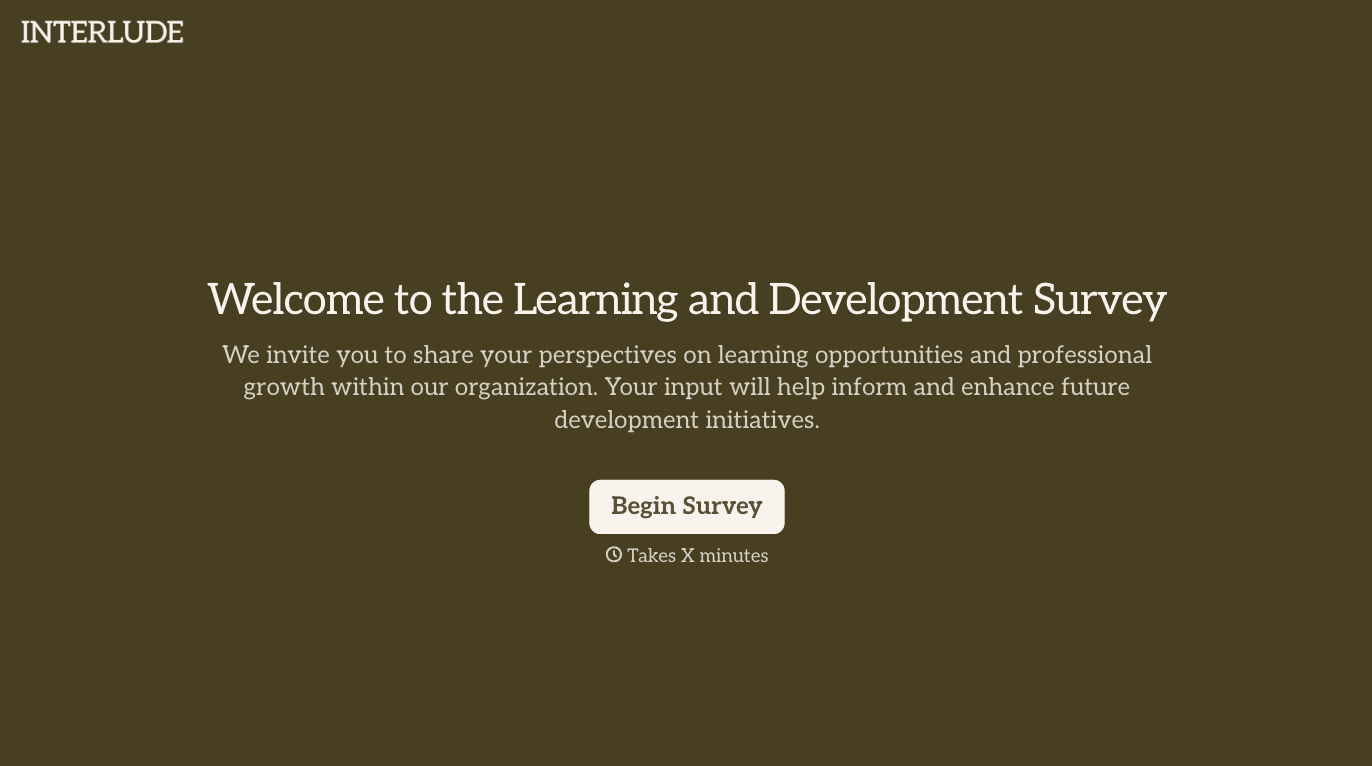
With Typeform, you can customize everything
Change text, colors, and even logos to match the look and feel of your brand. Then embed forms smoothly onto web and email.
Make forms feel effortless to fill out. Pace questions, call people by their name, and adapt the flow based on the data they share.
Stay efficient by connecting forms to your workflow. Typeform integrates with 300+ tools including Slack, Zapier, and HubSpot.


