Participation Form Template
When you're coordinating participants for an event, program, or activity, a clear sign-up process makes everything that follows easier.



Confirming participation through group chats, email threads, and verbal RSVPs works right up until it doesn't. You end up with a list that's neither accurate nor complete, and when logistics depend on knowing exactly who's participating, those gaps become real problems.
A participation form gives you a single, reliable record. Typeform's template collects names, contact details, any relevant preferences or requirements, and formal confirmation of participation in a clean, easy-to-complete format. Conditional logic handles the variations — some participants may need additional information collected based on their role or level of involvement, while others just need to confirm their attendance. Every response is organized and exportable.
Customize the form for your specific event or program, share the link with your intended participants, and go into your planning with accurate numbers.
A participation form is a sign-up or confirmation form used to formally register individuals for an event, program, activity, or initiative. It creates a documented record of confirmed participants along with any relevant details needed to plan and deliver the experience.
Informal confirmation methods produce inaccurate headcounts and missing information. A form creates a reliable participant list that you can plan against — whether you're organizing catering, ordering materials, assigning groups, or preparing communications.
Tailor the questions to what you actually need to plan the activity. Common fields include:
- Participant's name and contact information
- Confirmation of attendance or participation
- Role or category (attendee, volunteer, presenter, etc.)
- Dietary or accessibility requirements
- T-shirt size or materials preferences (if applicable)
- Emergency contact (for multi-day or high-activity events)
- Any questions or comments
You can include a checkbox acknowledgment of terms or a brief liability statement at the end of the form. For formal legal waivers, consult legal counsel about whether a checkbox acknowledgment meets the requirements in your jurisdiction, or whether a separate e-signature process is needed.
Keep the form open until a hard cutoff date and communicate that deadline clearly. For changes after closing, a simple update form or direct communication channel works better than reopening the main form, which can introduce confusion about who's officially registered.
Get inspired by relevant templates and categories
3200+ Templates, 300+ Integrations

Distributor Registration Form
A distributor application that arrives as a scanned resale certificate attached to an email doesn't tell your sales team what territory they're actually asking for. Collect what your company actually needs, business information, tax documentation, and territory, before you set up an account.
View template
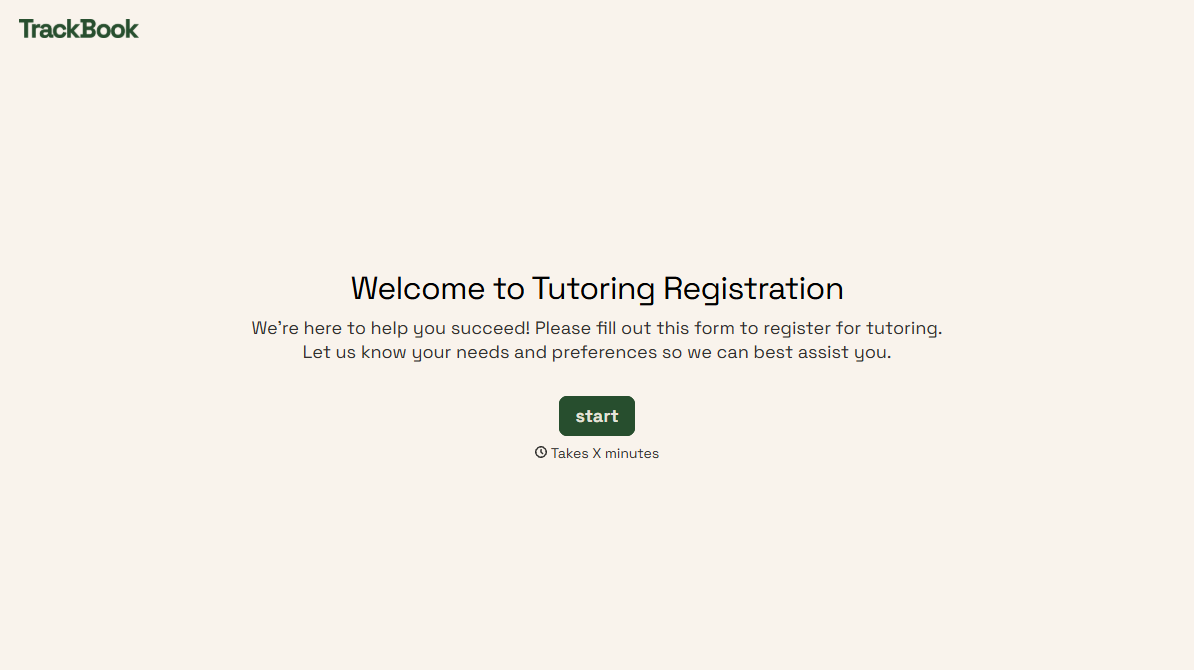
Tutoring Registration Form
A phone call to sign up for tutoring isn't the kind of information a tutor can build a first session around, especially without knowing which chapter of algebra is causing the trouble. Collect the student's subject needs, schedule, and goals before the first session, so a tutor isn't starting from scratch on day one.
View template
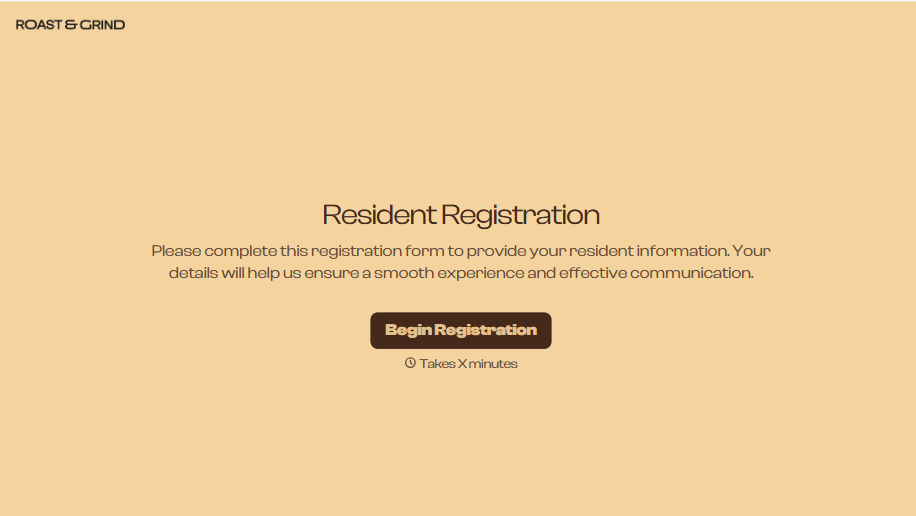
Resident Registration Form
A move-in packet signed at the leasing office and filed in a drawer isn't the kind of record your front desk can pull up when a resident's guest needs access or a car needs to be identified in the lot. Collect household members, vehicles, and emergency contacts before move-in day, so your community has an accurate record from the start.
View template
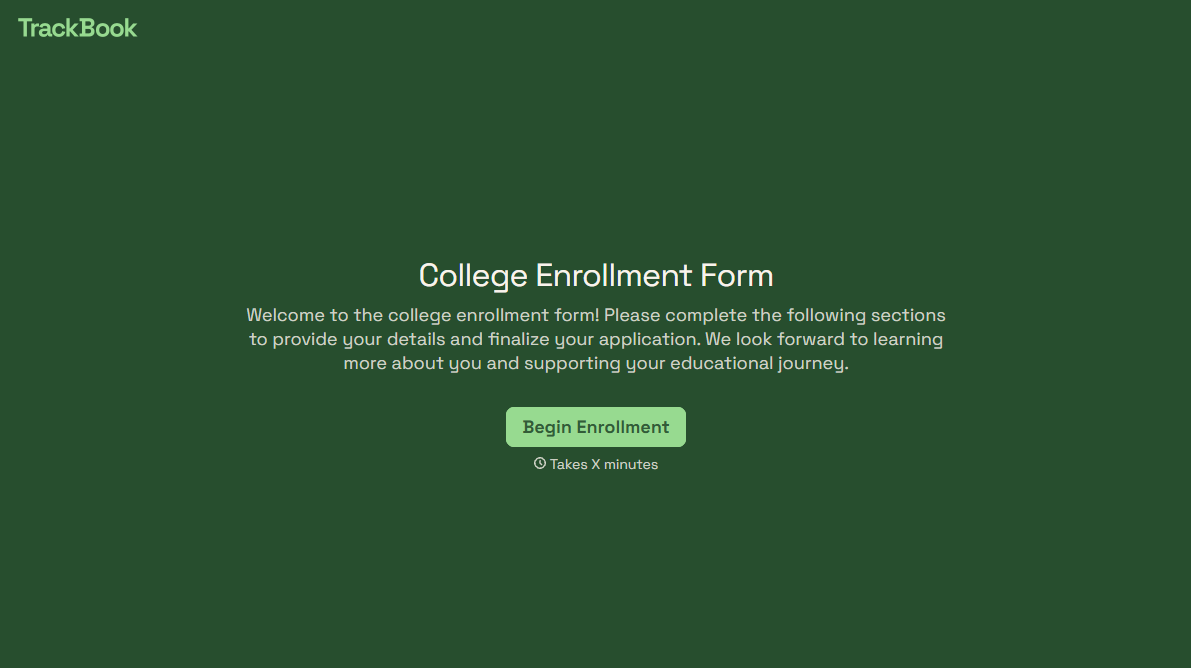
College Enrollment Form
An acceptance letter isn't an enrolled student, it's an interested one, and if the deposit, housing, and immunization records live in three different portals, some of the admitted class quietly enrolls somewhere else instead. Confirm it one place at a time, before the deposit deadline passes.
View template
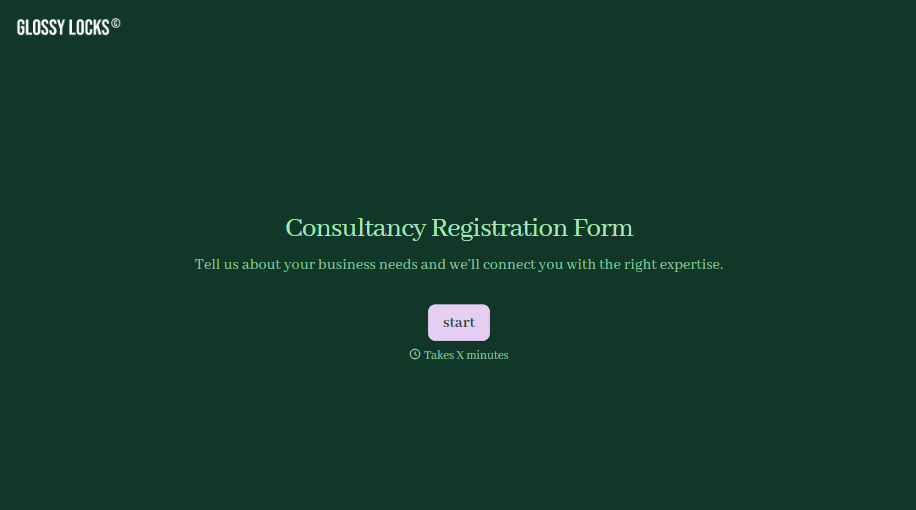
Consultancy Registration Form
Move past a registration form that only grabs a name and a phone number. Confirm the client understands who they're signing up with, screen for what a consultancy is legally allowed to charge and promise, and keep a record of exactly what was disclosed and agreed to.
View template

With Typeform, you can customize everything
Change text, colors, and even logos to match the look and feel of your brand. Then embed forms smoothly onto web and email.
Make forms feel effortless to fill out. Pace questions, call people by their name, and adapt the flow based on the data they share.
Stay efficient by connecting forms to your workflow. Typeform integrates with 300+ tools including Slack, Zapier, and HubSpot.


