Personal Data Sheet Template
Collect personal information cleanly, securely, and completely, without the paper-form headaches.



Personal data sheets are foundational documents for HR onboarding, membership organizations, government agencies, and academic institutions. But collecting personal information on paper is slow, error-prone, and creates storage and privacy challenges. And let's be honest. No one's handwriting is as legible as they think.
This personal data sheet template digitizes the process with a clear, guided flow. Each question appears one at a time, which makes the form feel less invasive and more manageable. Important when you're asking for sensitive details. Conditional logic adapts the form based on the respondent's situation, showing relevant fields for employment, education, family information, or emergency contacts.
Customize it for your organization's specific data requirements, add privacy policy references, and share the link. Responses are encrypted in transit and at rest, and integrations with your database or HRIS ensure the data lands where it needs to without manual re-entry.
A personal data sheet is a comprehensive form that collects an individual's personal, demographic, contact, educational, and employment information. It's used by employers during onboarding, by institutions for record-keeping, and by organizations for membership management. Think of it as a structured profile that captures everything an organization needs to know about an individual in one document.
Paper personal data sheets are a liability waiting to happen. They can be lost, misfiled, or accessed by unauthorized people. Digital forms encrypt the data, limit access to authorized personnel, and create a searchable, organized record. They also eliminate manual data entry, reduce errors from illegible handwriting, and make it easy to update information when a person's circumstances change.
- Full legal name, date of birth, and gender
- Current address, phone number, and email address
- Citizenship, nationality, and government-issued ID numbers
- Educational background (degrees, institutions, years)
- Employment history (current and previous positions)
- Emergency contact name, relationship, and phone number
Include a clear statement at the beginning of the form explaining what data you're collecting, why, how it will be used, who will have access, and how long it will be retained. Add a consent checkbox that respondents must check before proceeding. This isn't just good practice — depending on your jurisdiction, it may be legally required under regulations like GDPR, CCPA, or POPIA.
You can set this up in a few ways. Share the form link again when updates are needed, and each new submission creates a current record. Alternatively, connect submissions to a Google Sheet or database through integrations, and share edit access with the individual for their row. For organizations with frequent updates, consider sending a periodic "data verification" form that pre-fills current information and asks for corrections.
Get inspired by relevant templates and categories
3200+ Templates, 300+ Integrations


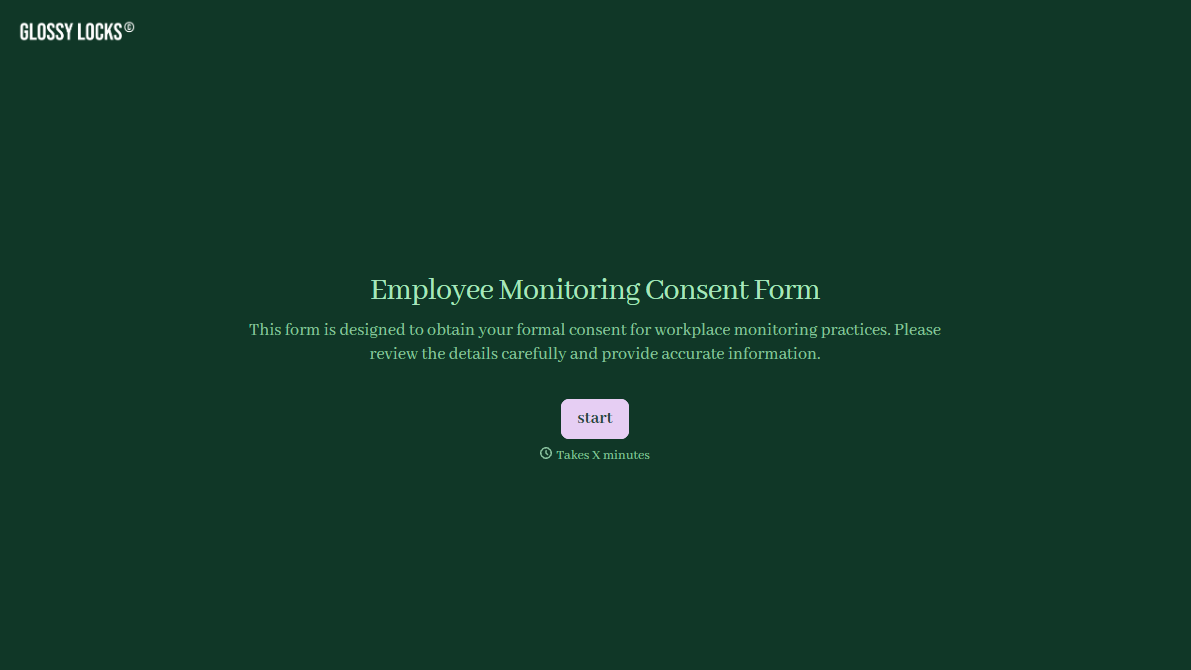



With Typeform, you can customize everything
Change text, colors, and even logos to match the look and feel of your brand. Then embed forms smoothly onto web and email.
Make forms feel effortless to fill out. Pace questions, call people by their name, and adapt the flow based on the data they share.
Stay efficient by connecting forms to your workflow. Typeform integrates with 300+ tools including Slack, Zapier, and HubSpot.


