Petition Letter Form Template
Turn individual voices into collective action, one signature at a time.



You've got a cause worth fighting for. But collecting signatures on a clipboard at a farmer's market only gets you so far, and a Google Doc with 200 names doesn't exactly scream legitimacy. When you're petitioning for change in your community, workplace, or government, how you collect support matters as much as how many signatures you get.
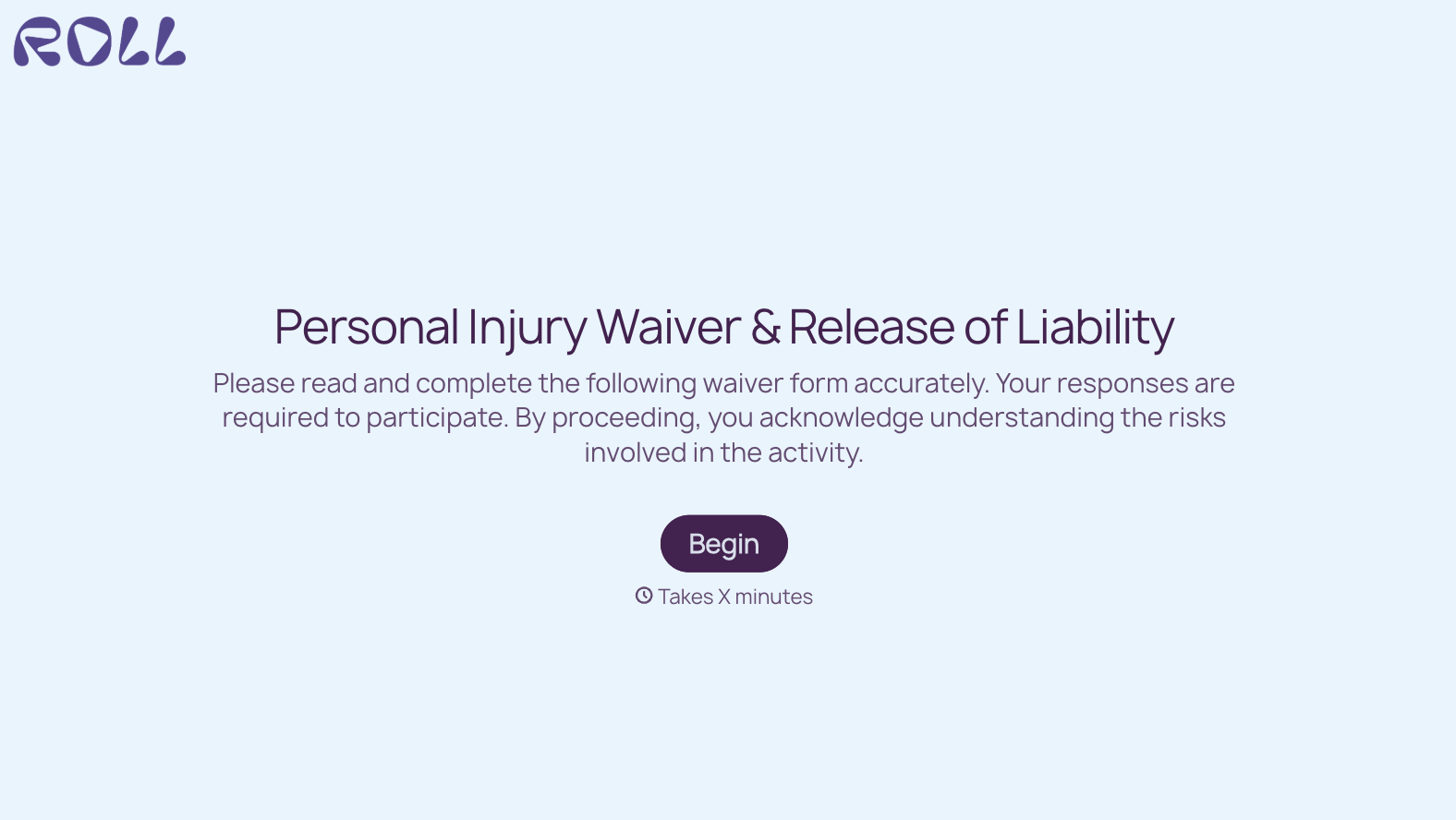
This petition letter form template captures each supporter's name, contact information, and optional personal statement in a clean, one-question-at-a-time format. It feels personal, not bureaucratic, which means more people complete it and more of those completions include genuine, thoughtful responses. Conditional logic can add follow-up questions for supporters who want to volunteer or donate.
Share it via social media, email campaigns, or your website. Responses collect in real time through integrations with Google Sheets or Airtable, giving you a live count and organized supporter data for your advocacy efforts.
A petition letter form collects signatures and supporting information for a formal request directed at a decision-maker, whether a government body, corporation, institution, or individual. It typically includes the petition statement, the signer's name and contact information, and sometimes a personal comment. It provides organized, verifiable evidence of public support for a specific cause or demand.
Digital petitions reach further, collect faster, and organize automatically. A shared link can circulate through email, social media, and messaging apps, reaching thousands of people in hours instead of weeks. Every entry is timestamped, legible, and stored in a searchable database. It also makes it easier to verify signatures and demonstrate momentum to decision-makers.
- The petition statement or demand (displayed clearly before signing)
- Signer's full name and email address
- City, state, or zip code (for geographic verification)
- Optional personal comment or reason for signing
- Checkbox to opt into updates about the petition
- Checkbox to volunteer for further advocacy efforts
There's no universal number. It depends on the context. A local zoning issue might need 100 engaged community members, while a national policy campaign might aim for tens of thousands. What matters most is the quality and relevance of your signatures. 500 verified constituents carry more weight with a city council than 5,000 anonymous names from other states.
Typeform doesn't display a live counter on the form itself, but you can connect responses to a Google Sheet and embed a live counter on your website using a simple script or widget. This creates social proof. When people see that 2,300 others have already signed, they're more likely to add their name.
Get inspired by relevant templates and categories
3200+ Templates, 300+ Integrations
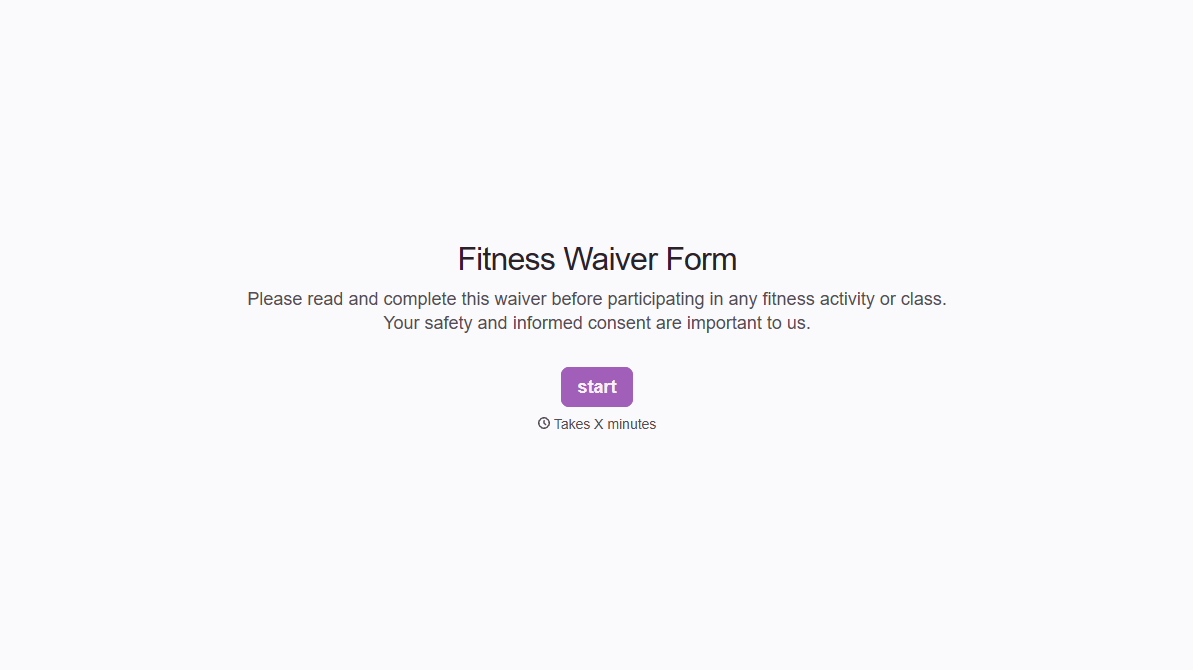
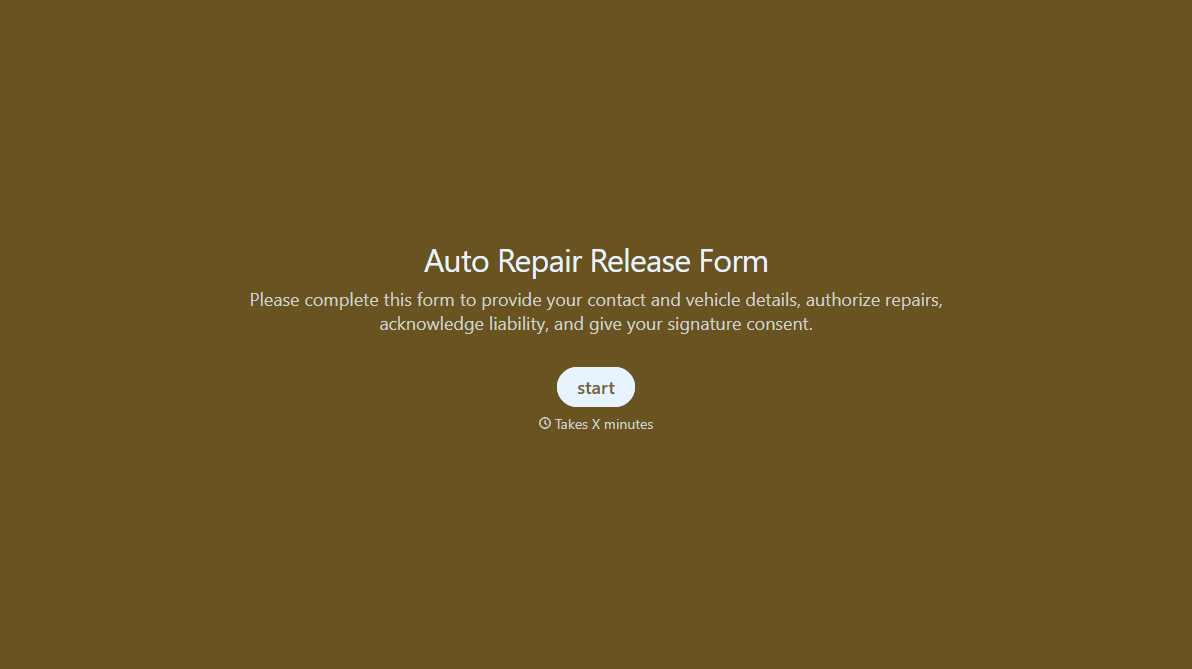
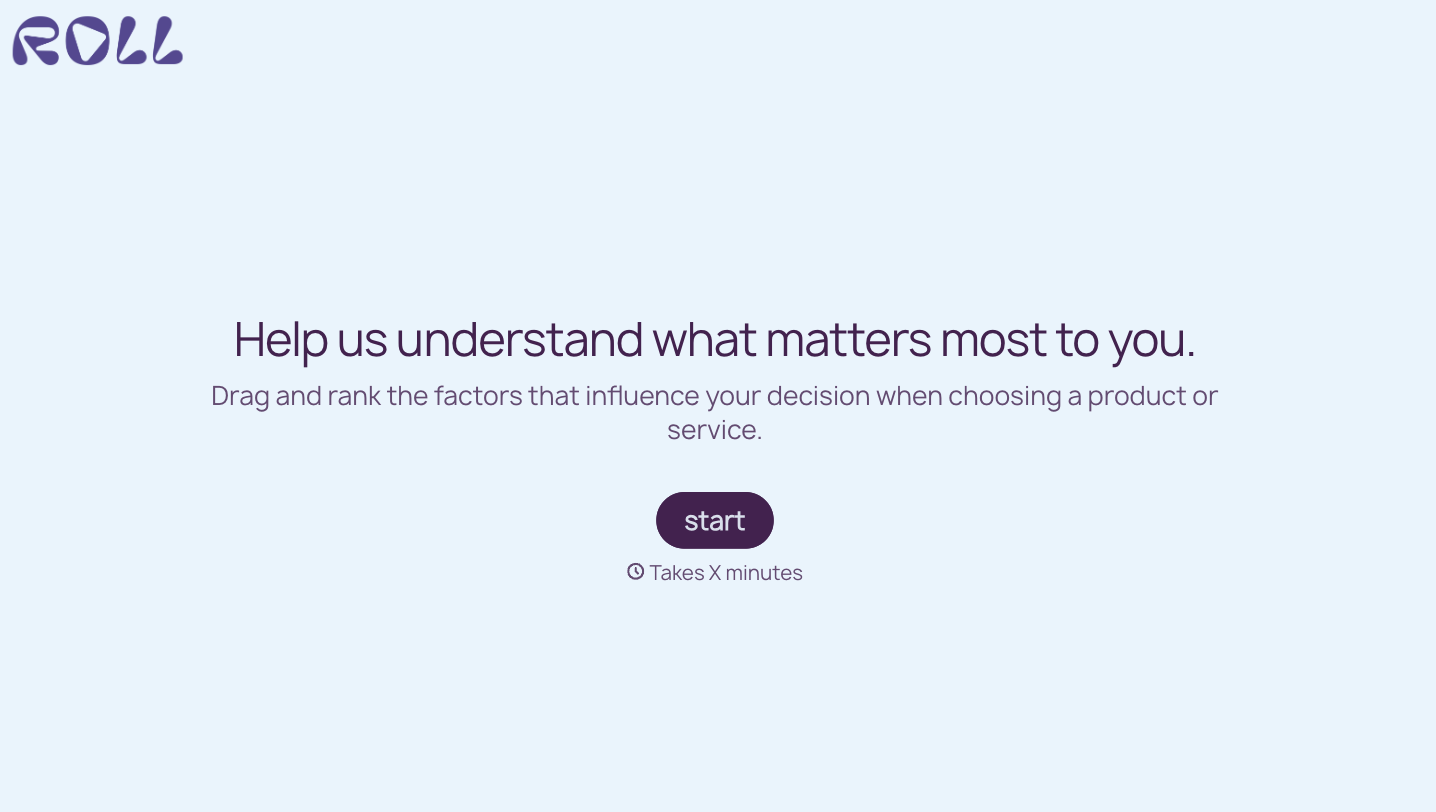

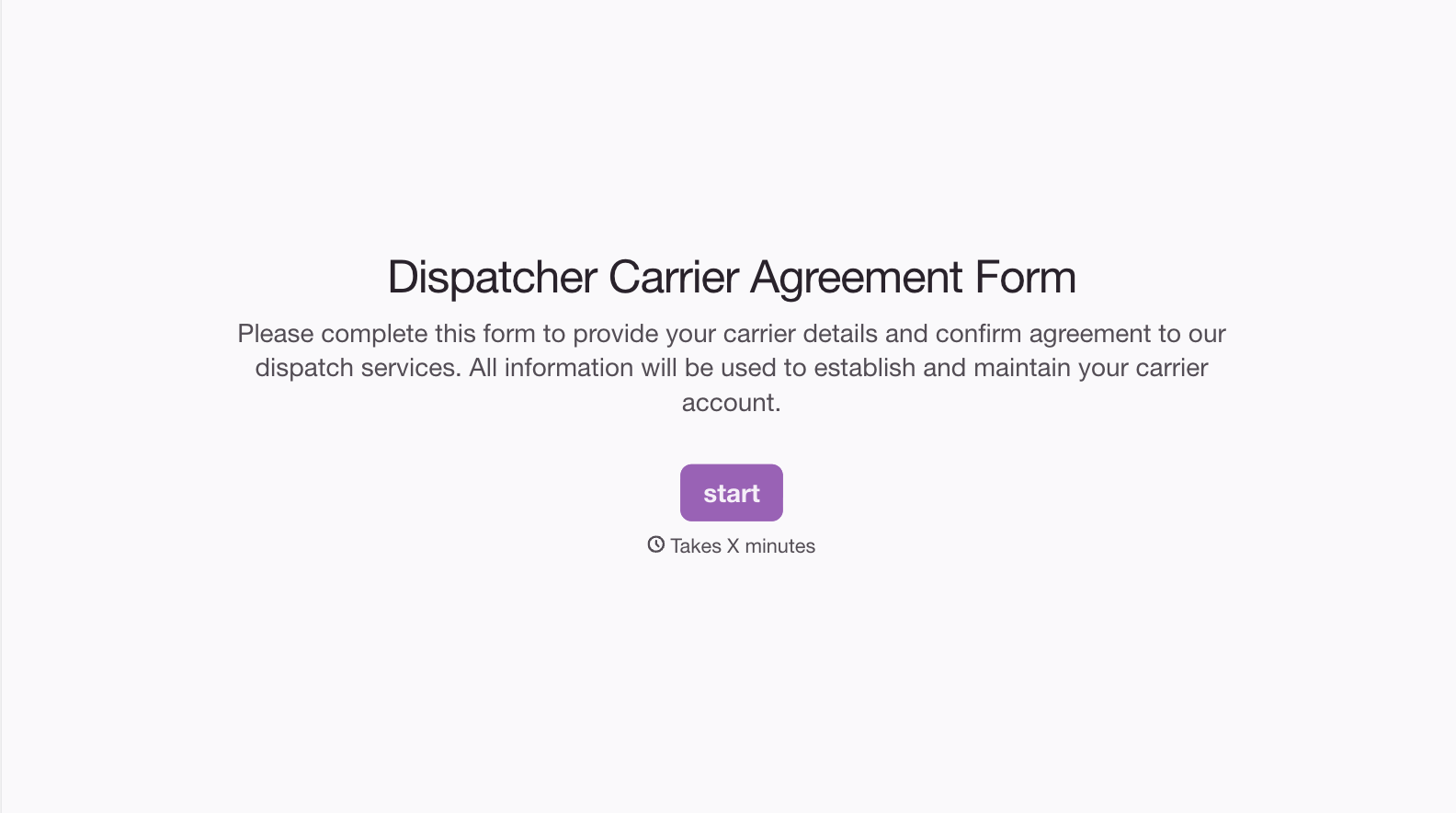
With Typeform, you can customize everything
Change text, colors, and even logos to match the look and feel of your brand. Then embed forms smoothly onto web and email.
Make forms feel effortless to fill out. Pace questions, call people by their name, and adapt the flow based on the data they share.
Stay efficient by connecting forms to your workflow. Typeform integrates with 300+ tools including Slack, Zapier, and HubSpot.


