Provisional Patent Application Form Template
Capture invention details for a provisional patent application. Document the technical description, claims, and inventor information in a structured format your patent attorney can work from.



A provisional patent application establishes your priority date — the earlier you file, the better your position. But a provisional is only as strong as its technical disclosure. A structured intake form helps inventors capture the invention description, problem solved, how it works, key components, and distinguishing features in enough detail for a qualified patent attorney to prepare a thorough filing.
This template covers inventor name and contact details, the invention title, the problem the invention solves, a technical description of how it works, key components and their functions, what makes it novel compared to existing solutions, any drawings or diagrams, current development stage, and questions about prior disclosure or public use. An NDA confirmation field addresses confidentiality before disclosure.
Patent attorneys, invention development firms, university technology transfer offices, and independent inventors use provisional patent intake forms to capture technical disclosure efficiently. Store completed intakes securely with the client or invention file. Connect to your docketing system to create a new matter record automatically.
Yes — add a file upload field for drawings, sketches, flowcharts, or any visual that supports the technical description.
No — the form captures information for the attorney to prepare the application. Protection begins only when the USPTO (or relevant patent office) receives the filed application.
Restrict form access to authorized patent staff only. Add an NDA acknowledgment field and handle all submissions under attorney-client privilege.
Your patent attorney reviews the disclosure, identifies any gaps, and follows up with questions before preparing the provisional application draft.
Add a co-inventor section with fields for each additional inventor's name and contribution. Make the section repeatable if the number of inventors varies.
Get inspired by relevant templates and categories
3200+ Templates, 300+ Integrations
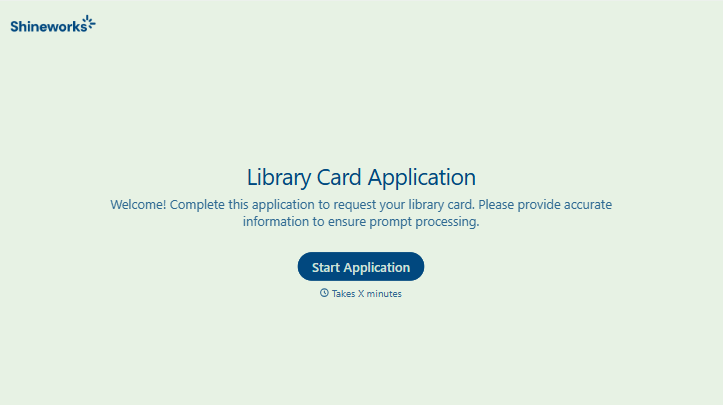
Library Card Application Form
Move past a quick sign-up sheet that just grabs a name and an address. Screen for who actually needs a parent or guardian to co-sign, confirm proof of residency, and keep a record of exactly what each cardholder agreed to before you hand over a card that comes with real financial responsibility attached.
View template





With Typeform, you can customize everything
Change text, colors, and even logos to match the look and feel of your brand. Then embed forms smoothly onto web and email.
Make forms feel effortless to fill out. Pace questions, call people by their name, and adapt the flow based on the data they share.
Stay efficient by connecting forms to your workflow. Typeform integrates with 300+ tools including Slack, Zapier, and HubSpot.


