Real estate client registration form template
Must-have criteria that surface mid-search wastes time on all ends. A real estate client registration form captures preferences, financing status, and timeline from every buyer before the first showing.



A home buyer consultation covers the basics, but specific must-haves, deal-breakers, and hard budget limits don't always come up in the first conversation. A buyer who didn't mention a deal-breaker until the third showing has already toured the wrong properties. Typeform's real estate client registration form captures every detail an agent needs before the first showing: budget, financing status, must-haves, deal-breakers, and timeline, all in one place.
The form uses conditional logic to route questions based on financing status. A buyer who isn't pre-approved answers questions about their timeline and lender search, while a pre-approved buyer moves directly to neighborhood preferences and must-haves. Agents get a complete client profile without running a separate intake call for every new lead.
Customize the form with your market's property types, neighborhood lists, and financing options, so clients select from the choices most relevant to their search. Send the form via email after the initial inquiry, so new leads complete their profile before the first showing. Responses feed into your CRM automatically via Zapier, so your team identifies buyer priorities, matches active listings, and books showings quickly. Agents who know what their clients are looking for, spend less time touring the wrong properties and more time closing the right ones.
A real estate client registration form gives agents a complete client profile before the first showing is scheduled. It collects budget, financing status, must-haves, deal-breakers, and timeline in one submission so the search begins with the right properties. Use this real estate client registration form to help your team match clients to listings based on confirmed priorities.
A client who tours several properties that consistently miss their criteria will question whether the agent understands what they need. That loss of confidence is hard to rebuild, and often leads clients to look for a different real estate agent. A client registration form captures the full picture upfront, so agents show the right properties from the first visit.
Cover what shapes every client's property search:
- Budget range and financing pre-approval status
- Preferred property type (single-family, condo, townhouse, multi-unit)
- Must-have features and deal-breakers
- Target neighborhoods or school districts
- Move-in timeline and flexibility
- Buyer type (first-time buyer, relocating, investor, downsizing)
Add a neighborhood or price range question early in the form so every submission includes the data needed to assign it to the right agent. Connect the form to your CRM via Zapier and set up filters to route each submission to the agent who covers that neighborhood area or price range. This keeps high-intent leads from sitting in a shared inbox while the team decides who handles them.
Send a follow-up form when a buyer's budget, timeline, or must-haves shift so the agent's profile stays current without another full intake call. Pre-fill known details using URL parameters so the buyer only updates what's changed, and doesn’t have to resubmit everything from scratch. Responses update the same spreadsheet so the agent always works from the most current buyer profile.
Get inspired by relevant templates and categories
3200+ Templates, 300+ Integrations

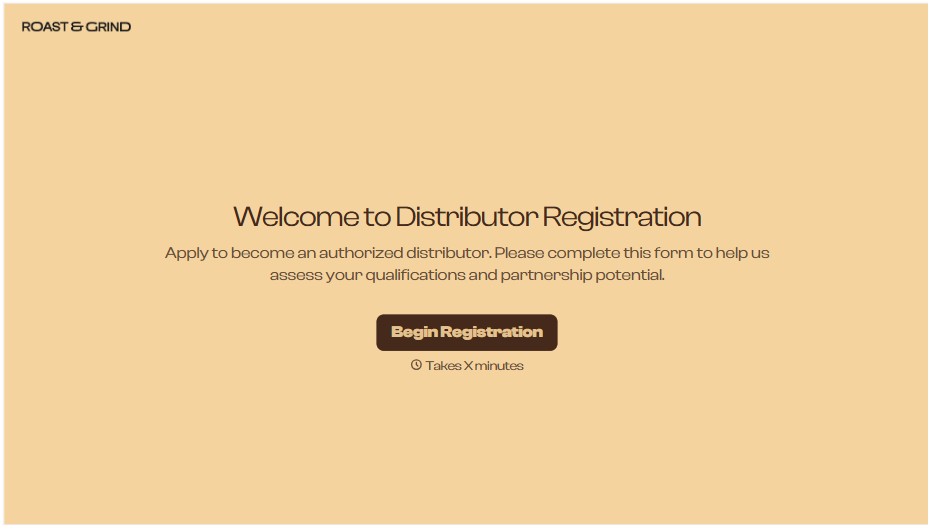
Distributor Registration Form
A distributor application that arrives as a scanned resale certificate attached to an email doesn't tell your sales team what territory they're actually asking for. Collect what your company actually needs, business information, tax documentation, and territory, before you set up an account.
View template
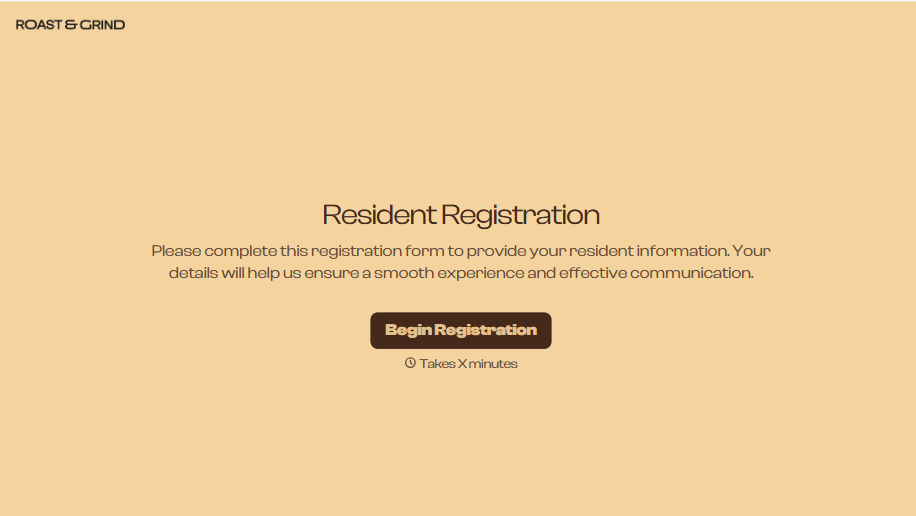
Resident Registration Form
A move-in packet signed at the leasing office and filed in a drawer isn't the kind of record your front desk can pull up when a resident's guest needs access or a car needs to be identified in the lot. Collect household members, vehicles, and emergency contacts before move-in day, so your community has an accurate record from the start.
View template
Consultancy Registration Form
Move past a registration form that only grabs a name and a phone number. Confirm the client understands who they're signing up with, screen for what a consultancy is legally allowed to charge and promise, and keep a record of exactly what was disclosed and agreed to.
View template
With Typeform, you can customize everything
Change text, colors, and even logos to match the look and feel of your brand. Then embed forms smoothly onto web and email.
Make forms feel effortless to fill out. Pace questions, call people by their name, and adapt the flow based on the data they share.
Stay efficient by connecting forms to your workflow. Typeform integrates with 300+ tools including Slack, Zapier, and HubSpot.


