Restaurant Reservation Form Template
Make it easy for guests to book a table — and easy for you to prepare for them.



Phone reservations get missed, and third-party platforms take a cut. A direct online reservation form gives your guests a smooth booking experience and gives your team the information to prepare properly — party size, dietary needs, special occasions, all in one place.
The template captures the guest's name and contact information, the preferred date and time, the party size, any dietary restrictions or allergies, the occasion if applicable, and any special requests. You can add a field for preferred seating if your layout supports it.
When connected to your email or restaurant management system, each reservation arrives as an organized record. You can also send automated confirmation emails so guests know their booking is confirmed — without extra staff time.
The form itself collects the request. Preventing double bookings requires connecting it to a real-time availability system. Integrate with Google Calendar, Calendly, or your booking platform to cross-reference availability. At minimum, set up instant notifications through Slack or email so your team can confirm or adjust reservations as they come in.
For larger parties or high-demand nights, yes. Use a payment integration to collect a deposit as part of the reservation process. This reduces no-shows significantly.
Include a free-text field for dietary restrictions and allergies, and make sure your kitchen team sees this information before service. You can also use checkboxes for common options like vegan, gluten-free, and nut-free.
Yes. Use a dropdown or radio button field listing your available reservation times. This prevents requests for times when you're closed or fully booked.
Include your cancellation policy in the form and ask guests to acknowledge it. For parties above a certain size, you can add a field requiring them to agree to a cancellation fee if they don't notify you within a set window.
Get inspired by relevant templates and categories
3200+ Templates, 300+ Integrations

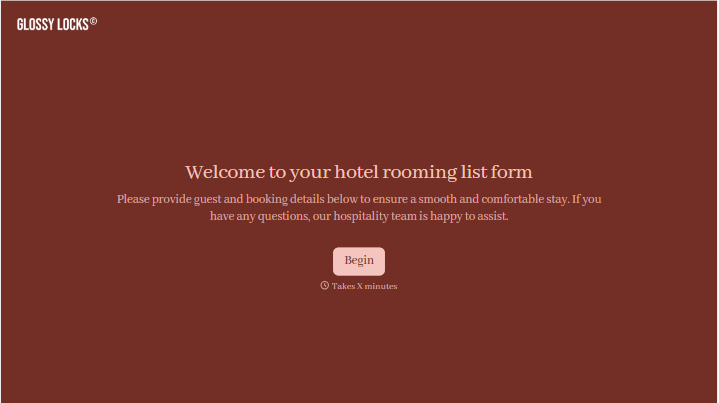



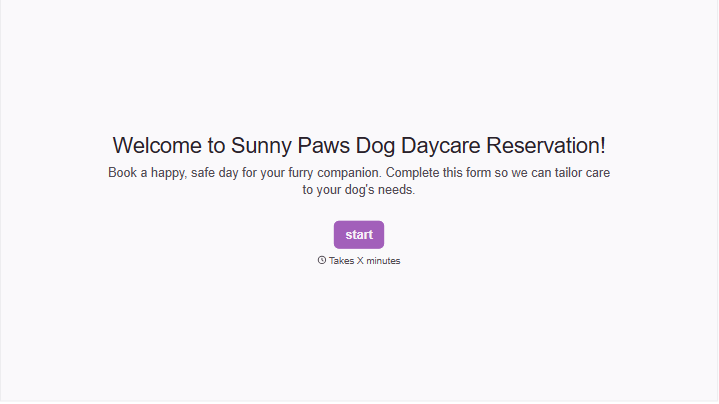
With Typeform, you can customize everything
Change text, colors, and even logos to match the look and feel of your brand. Then embed forms smoothly onto web and email.
Make forms feel effortless to fill out. Pace questions, call people by their name, and adapt the flow based on the data they share.
Stay efficient by connecting forms to your workflow. Typeform integrates with 300+ tools including Slack, Zapier, and HubSpot.


