Sign Up Form Template
Collect signups for your product, service, newsletter, event, or waitlist with a form that gets completed.



A signup form is often the first interaction someone has with your brand. When it's clunky, asks for too much information, or doesn't feel like it belongs to the brand they were just browsing, people drop off. You lose potential customers, subscribers, or attendees before they've even had a chance to engage.
A well-designed signup form collects only what you need at this stage of the relationship and presents it in a way that feels intentional. Typeform's conversational interface and progress indicator keep people engaged through completion rather than presenting a wall of empty fields all at once. For most signups, that means name, email, and maybe one qualifying question, delivered in a format that feels like the brand said hello rather than started an intake process.
Customize the template with your brand colors and messaging, add the fields you actually need (and cut the ones you don't), and embed the form on your landing page or trigger it as a pop-up.
It's a form that collects basic information from people who want to join a mailing list, register for a product, sign up for an event, or express interest in a service. It's typically the first step in a new relationship between a person and a brand or organization.
A form standardizes how you collect new contact information and ensures every signup includes the fields you need. More importantly, the experience of filling out the form is part of the first impression your brand makes. A well-designed form signals professionalism and care.
Keep it short. Ask only for what you'll actually use at this stage. A solid baseline includes:
- First name (and last name if you need it for personalization or records)
- Email address
- One qualifying question if relevant (how did you hear about us, which product are you interested in, etc.)
- Any required consent or opt-in checkbox
Every additional field reduces completion rates, so be disciplined about what you ask for upfront. A 3-field form will outperform an 8-field form in completions almost every time. You can always collect more information later in the onboarding process once someone is already engaged.
Typeform has native integrations with Mailchimp, HubSpot, Salesforce, ActiveCampaign, and many other platforms. New signups flow directly into your contact lists without manual export. For platforms not natively supported, Zapier connects Typeform to virtually any tool in your stack.
Get inspired by relevant templates and categories
3200+ Templates, 300+ Integrations

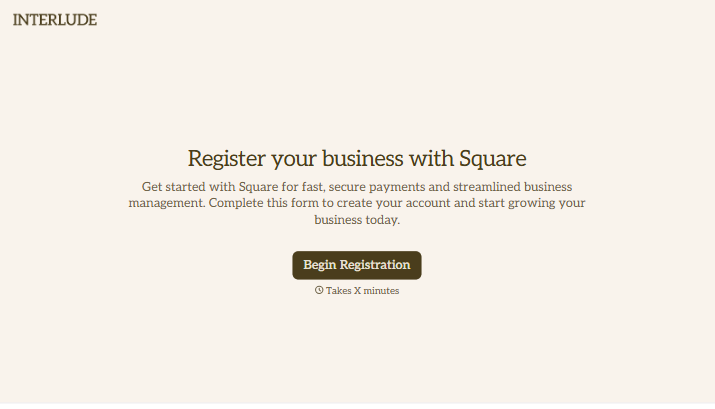



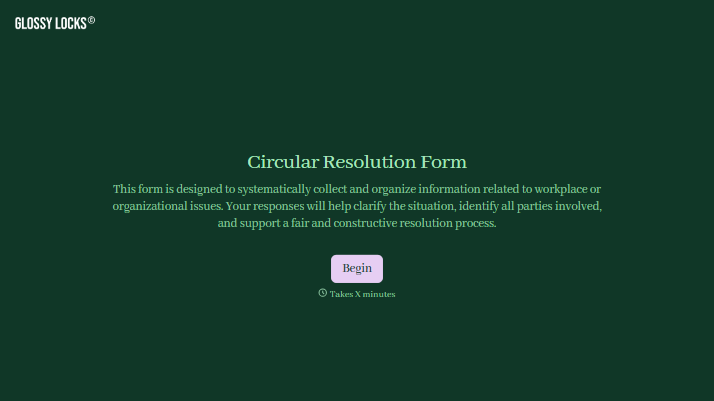
With Typeform, you can customize everything
Change text, colors, and even logos to match the look and feel of your brand. Then embed forms smoothly onto web and email.
Make forms feel effortless to fill out. Pace questions, call people by their name, and adapt the flow based on the data they share.
Stay efficient by connecting forms to your workflow. Typeform integrates with 300+ tools including Slack, Zapier, and HubSpot.


