Subscribe Form Template
Build your audience with a subscribe form that people actually want to fill out.



Growing an email list isn't about quantity. It's about getting the right people to raise their hand and say "yes, I want to hear from you." But most subscribe forms offer nothing in return for someone's email address except a vague promise of "updates." That's not a value proposition. That's a request dressed as an opportunity.
This subscribe form template helps you earn subscribers by leading with value. Tell people exactly what they'll get (weekly insights, exclusive offers, early access, curated resources) and let them choose their preferences with conditional logic. The one-question-at-a-time format feels intentional, not intrusive, which translates to higher opt-in rates.
Embed it anywhere: your website, blog, landing page, or social bio link. Connect it to your email marketing platform and every new subscriber is automatically tagged, segmented, and added to the right list.
A subscribe form is a web form that collects a visitor's contact information (usually name and email address) to add them to a mailing list or communication channel. It's the front door to your email marketing strategy, turning website visitors into an engaged audience you can reach directly.
Clarity and value. Tell visitors exactly what they'll receive, how often, and why it's worth their attention. "Get our weekly 5-minute marketing digest, real tactics, no fluff" outperforms "Subscribe to our newsletter" every time. Keep the form short; name and email is usually enough. And place it where intent is highest: after a strong blog post, on your homepage, or alongside a lead magnet.
- Email address (required)
- First name (for personalized messaging)
- Content preferences: what topics they care about most
- Frequency preference: daily, weekly, or monthly
- Optional: company name or role (for B2B segmentation)
- Clear opt-in statement with a link to your privacy policy
Multiple touchpoints perform better than a single location. Embed it in your site header or footer for persistent visibility. Add it inline within blog posts, ideally after the first few paragraphs when engagement is highest. Use an exit-intent version for visitors about to leave. And create a dedicated landing page you can link to from social media and paid campaigns.
Quality over quantity, always. Use double opt-in to confirm genuine interest. Regularly clean your list by removing inactive subscribers who haven't opened an email in 6+ months. Segment by engagement level and send re-activation campaigns before removing people. A smaller, engaged list outperforms a large, disengaged one on every metric that matters.
Get inspired by relevant templates and categories
3200+ Templates, 300+ Integrations
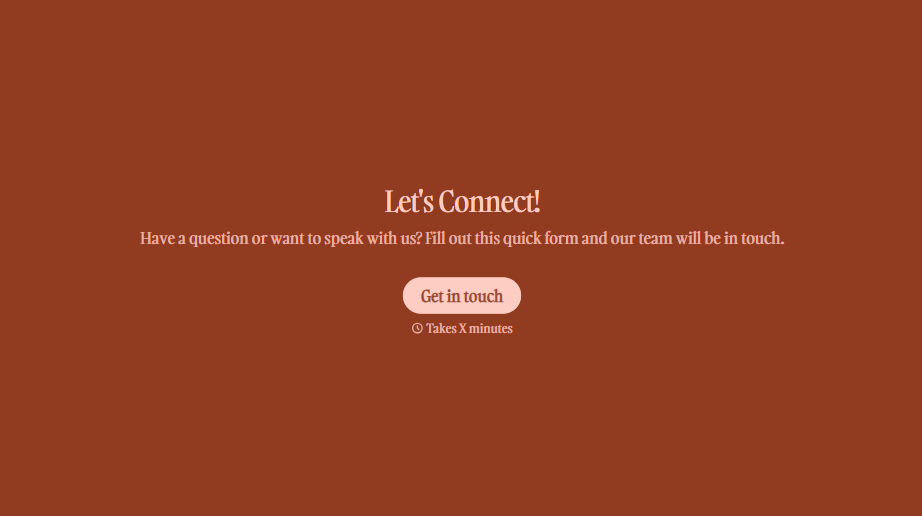


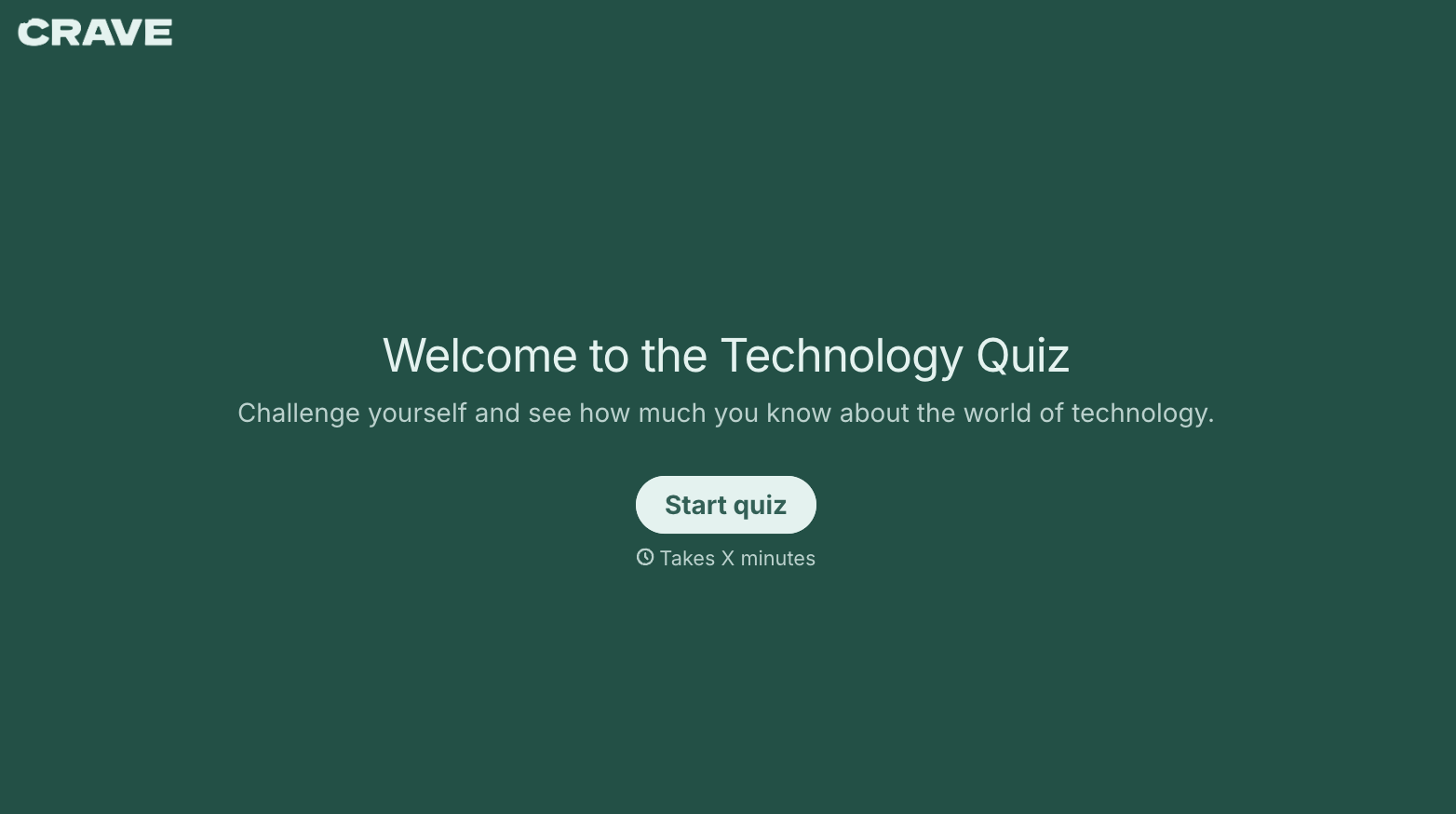
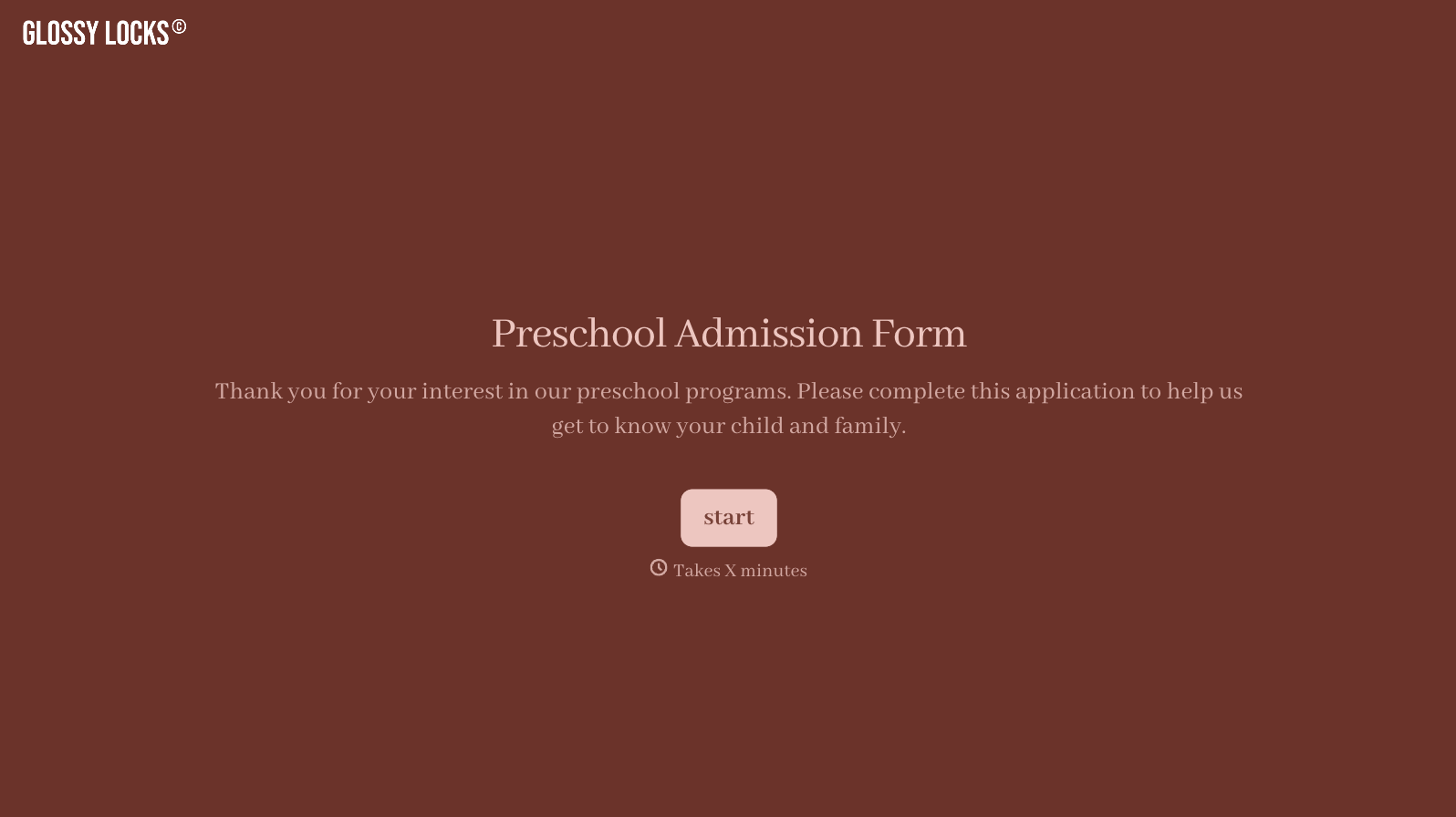
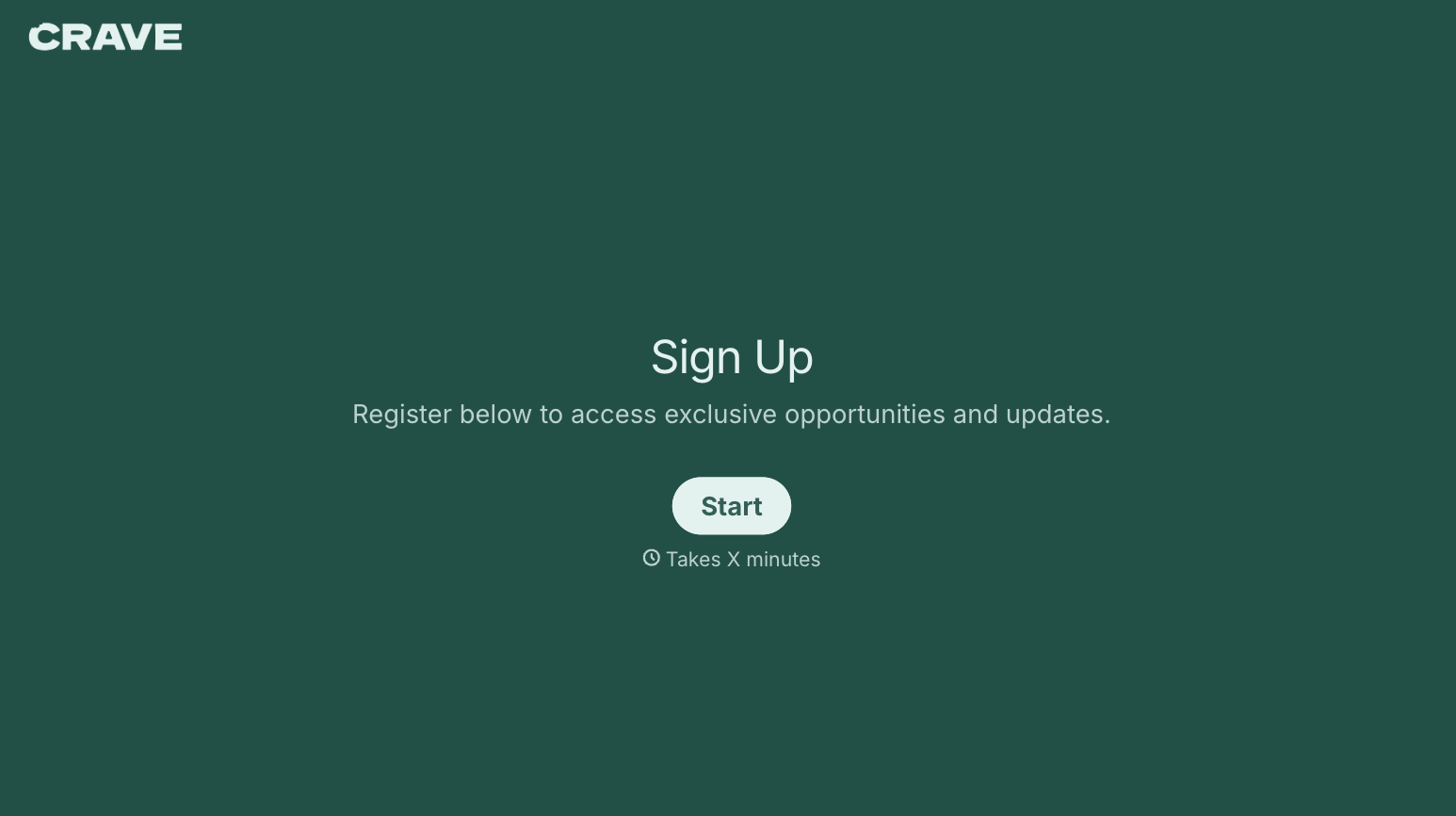
With Typeform, you can customize everything
Change text, colors, and even logos to match the look and feel of your brand. Then embed forms smoothly onto web and email.
Make forms feel effortless to fill out. Pace questions, call people by their name, and adapt the flow based on the data they share.
Stay efficient by connecting forms to your workflow. Typeform integrates with 300+ tools including Slack, Zapier, and HubSpot.


