Booking Request Form Template
Give clients and customers a clear way to request appointments or services without the back-and-forth.



When booking requests come in through email, phone, social media, and your contact page all at once, coordinating them is a significant time drain. You're manually reviewing each request, checking availability, responding, and sometimes going back and forth multiple times before a booking is confirmed.
A booking request form centralizes this. Typeform collects the service type, preferred dates and times, client details, and any relevant context in one flow, so your team has everything they need to confirm or respond in one message. Conditional logic adapts the form based on the service selected — a photography booking has different questions than a consulting engagement or a venue hire. Responses can connect to your calendar tool, CRM, or a shared inbox via integrations.
Customize the form to match your services, availability windows, and any lead time requirements. Embed it on your website's booking page or share it via a link in your email signature or social bio.
A booking request form is an online form that lets potential clients or customers request an appointment, service, or reservation. It collects the information needed to assess and confirm the request — service type, preferred dates, client details, and any specific requirements.
It reduces the number of messages you exchange before a booking is confirmed and gives your team a complete picture of every request from the moment it arrives. Clients also appreciate a clear, professional intake process rather than sending a message and waiting to hear back without knowing what information to include.
Tailor these to your service type, but a booking request form typically includes:
- Client name and contact information
- Service or appointment type
- Preferred date(s) and time(s)
- Duration or scope of the request
- Any relevant background or requirements
- How they heard about you
- Questions or special requests
A booking request form works best alongside a calendar that shows your real availability. Connect your form to a scheduling tool like Calendly or Google Calendar so clients can see open slots when they request. Alternatively, review requests manually and confirm bookings within a set response time that you communicate clearly in the form.
Send an automatic confirmation acknowledging receipt and setting expectations for when they'll hear back. This reduces follow-up messages and reassures clients that their request landed. Your confirmation screen can also include preparation instructions or next steps relevant to the service they've requested.
Get inspired by relevant templates and categories
3200+ Templates, 300+ Integrations

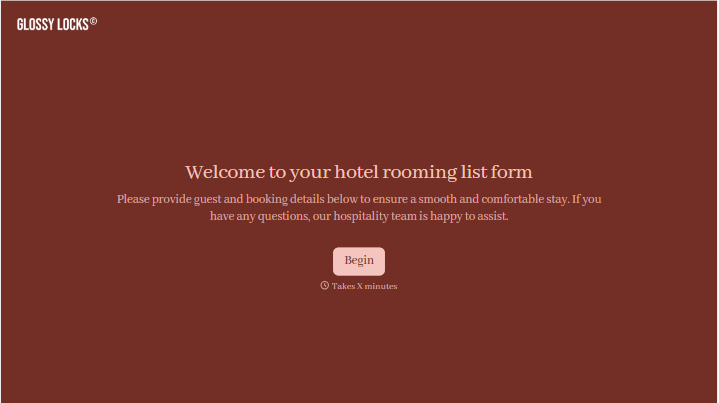



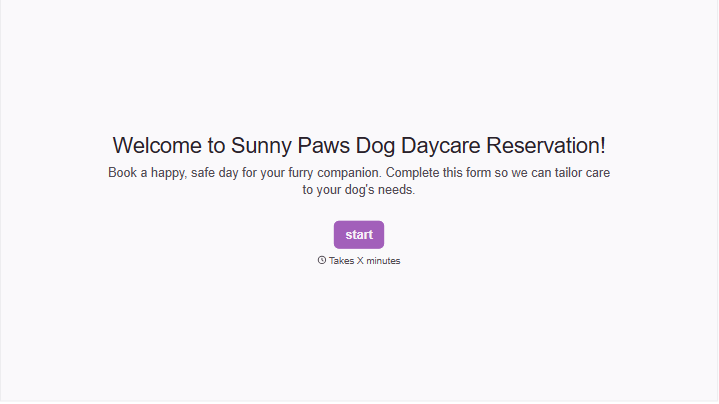
With Typeform, you can customize everything
Change text, colors, and even logos to match the look and feel of your brand. Then embed forms smoothly onto web and email.
Make forms feel effortless to fill out. Pace questions, call people by their name, and adapt the flow based on the data they share.
Stay efficient by connecting forms to your workflow. Typeform integrates with 300+ tools including Slack, Zapier, and HubSpot.


