Expense Reimbursement Form Template
Make expense claims painless for employees and transparent for finance. No more chasing receipts.


Nobody became an employee to fill out expense reports. Yet the process is often so tedious that people either submit claims late (incomplete and hard to verify), batch everything into a massive end-of-quarter submission, or give up on small expenses entirely. Meanwhile, finance teams deal with missing receipts, unclear categorizations, and the administrative burden of making sense of it all.
This expense reimbursement form template simplifies the process for everyone. Employees walk through a guided flow. Expense date, category, amount, description, receipt upload — one entry at a time. Conditional logic adapts based on expense type (travel, meals, supplies, client entertainment) and can trigger additional documentation requirements above certain thresholds. Submissions route to managers for approval and log to Google Sheets for finance tracking through Zapier.
Customize the expense categories, approval thresholds, and required documentation to align with your company's reimbursement policy. Add your branding, share the link, and watch submission quality and timeliness improve.
An expense reimbursement form is a document employees submit to request repayment for out-of-pocket business expenses. It captures the nature of the expense, date incurred, amount, purpose, and supporting receipts. Finance teams use it to verify, approve, and process reimbursements in accordance with company policy.
Paper forms and email-based claims create bottlenecks — lost receipts, illegible handwriting, unclear categorization, and delayed processing. A digital form with receipt upload fields standardizes submissions, ensures completeness, speeds up approvals, and creates a searchable record. Employees submit faster, and finance processes faster.
Capture what finance needs to approve and process:
- Employee name, department, and manager
- Date the expense was incurred
- Expense category (travel, meals, supplies, etc.)
- Detailed description and business purpose
- Amount (with currency if applicable)
- Receipt or proof of purchase (file upload)
Build guardrails into the form. Use description fields that require specific information (not just "business lunch" but "lunch with [client name] to discuss [project]"). Set conditional prompts for expenses above policy limits. Route flagged submissions to a manager and finance simultaneously. The transparency of a documented digital process discourages misuse far more effectively than an honor system.
Best practice is within 2 weeks of submission. Faster if possible. Delayed reimbursement is a morale issue, especially for employees who front significant travel costs. Set clear expectations in your policy and communicate the typical processing timeline on your form's thank-you screen so employees know when to expect payment.
Get inspired by relevant templates and categories
3200+ Templates, 300+ Integrations
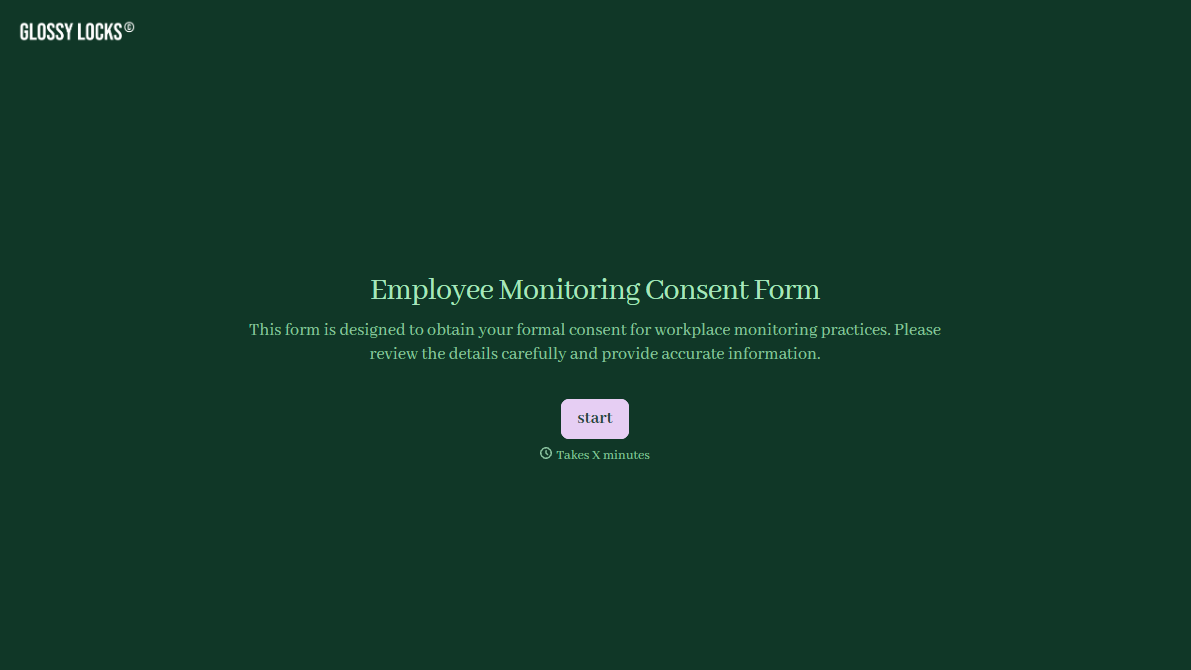
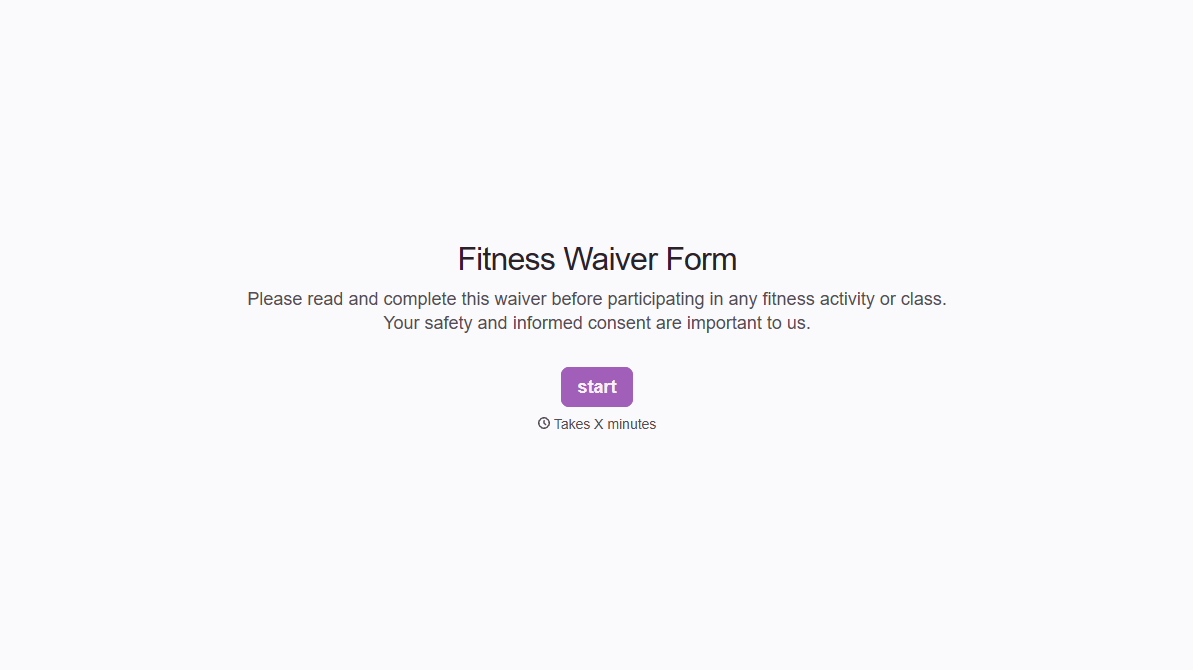
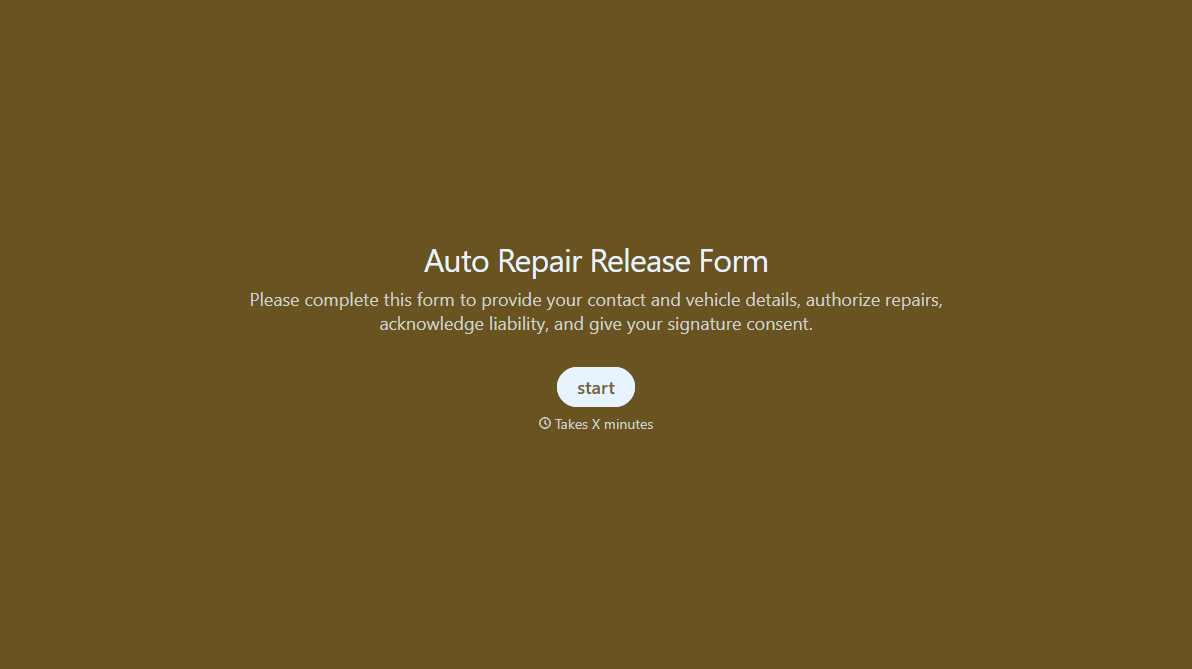
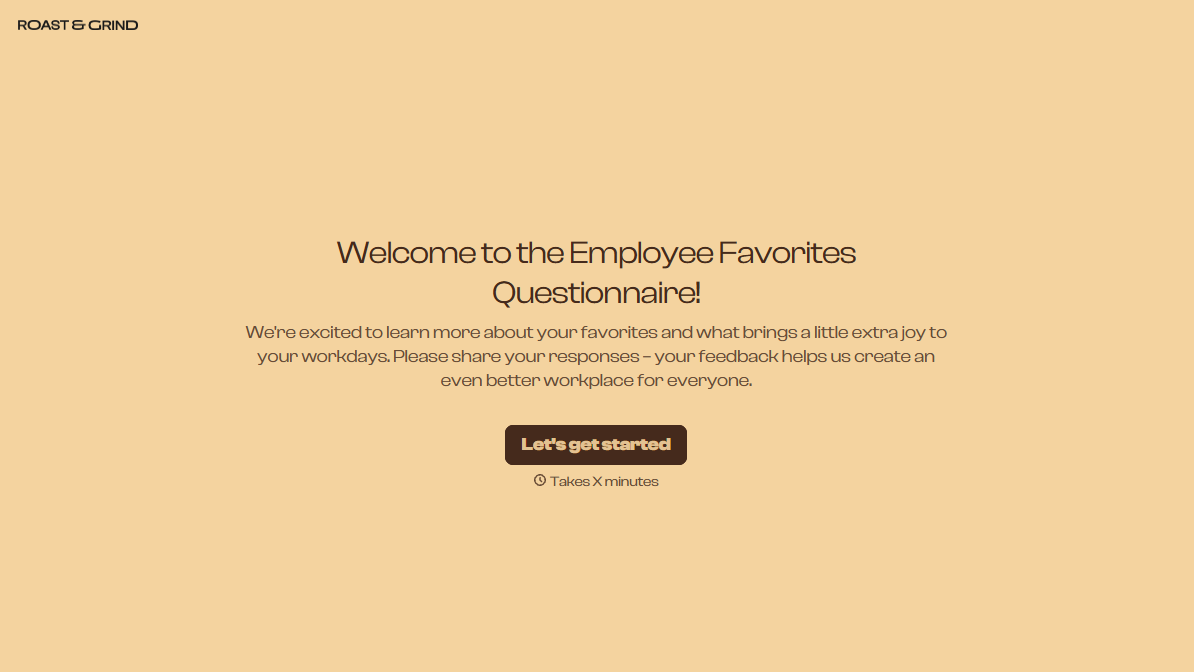
With Typeform, you can customize everything
Change text, colors, and even logos to match the look and feel of your brand. Then embed forms smoothly onto web and email.
Make forms feel effortless to fill out. Pace questions, call people by their name, and adapt the flow based on the data they share.
Stay efficient by connecting forms to your workflow. Typeform integrates with 300+ tools including Slack, Zapier, and HubSpot.


