Speed dating registration form template
Speed dating only works when the matches are right. Collect each attendee's age range, orientation, interests, and dealbreakers before the first round begins.



A speed dating night is only as good as its matches. When organizers track signups by email and spreadsheet, matching preferences by hand gets messy. One person paired outside their age range or orientation can sour the whole evening. Typeform's speed dating registration template gives organizers a dependable way to collect every preference upfront.
The form collects the essentials: name, age, contact details, who each guest wants to meet, and their interests. Questions appear one at a time, so signing up for the speed dating event feels quick, instead of like a long form. Conditional logic adapts the form based on each guest's answers. A first-time attendee gets a quick rundown of how the night works and what to bring, while a returning guest skips straight to updating their preferences, so no one reads instructions they already know.
Customize the questions to match your event—whether it's a singles mixer, a niche meetup, or an over-40s night. Share it as a link, by email, or through a QR code on your event flyer. Every signup flows into Google Sheets or Airtable via Zapier, so your guest list builds itself. By the time the first round starts, every match is set to give people a real shot at a connection.
A speed dating registration form collects the information organizers need to match attendees before an event. It gathers each guest's age, contact details, who they want to meet, interests, and any dealbreakers. Organizers who collect this information upfront walk into the speed dating event already knowing who to pair with whom.
People judge a speed dating night entirely by who they got to meet. Without preferences collected upfront, organizers pair by guesswork, and mismatched dates leave guests frustrated. A registration form captures what each person wants, so the matches feel right.
Cover what makes a good match:
- Name and contact details
- Age and the age range they're open to
- Gender and who they want to meet
- Interests and conversation starters
- Dealbreakers and dietary needs
Yes. Typeform's response limit feature closes the form automatically once a set number of submissions is reached. Use separate form versions for each gender bracket to cap them independently and keep the ratio balanced. Pair each version with a custom end screen that tells late registrants the event is full for their group.
When one bracket fills, redirect latecomers to a waitlist form with a custom end screen explaining the status. Store waitlist submissions separately and contact guests directly when a cancellation creates an opening. This keeps the event balanced and ensures interested guests aren't lost when a spot opens up.
Get inspired by relevant templates and categories
3200+ Templates, 300+ Integrations
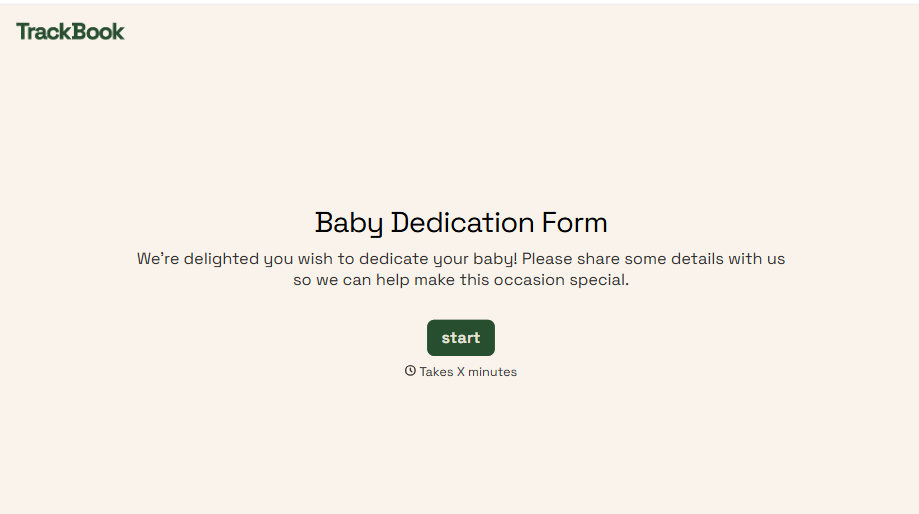
Baby Dedication Form
A sign-up sheet passed around during announcements isn't the kind of detail you want to compile into a Sunday program from memory. Collect the baby's information, requested ceremony date, and any required class attendance before the service, so your team isn't confirming a name's spelling the morning of.
View template
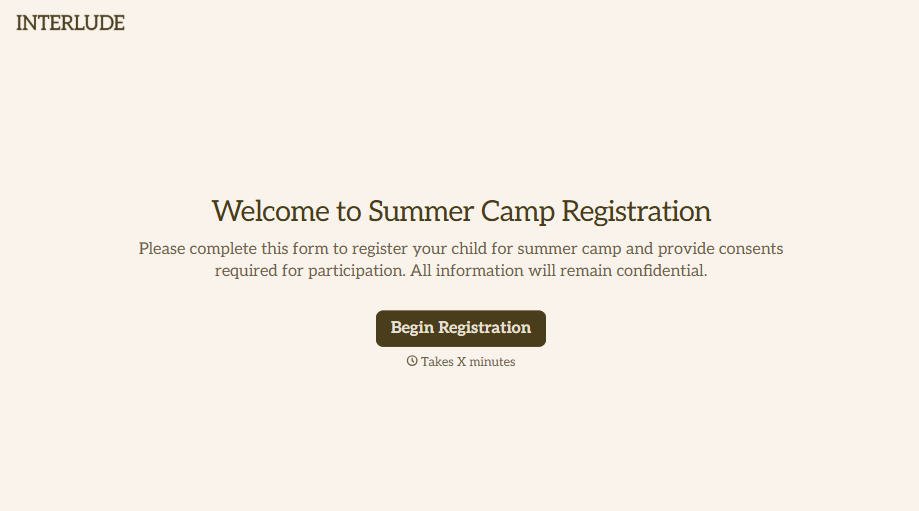
Summer Camp Consent Form
A camper with a bee sting and a counselor on the phone trying to reach a parent isn't a consent process, it's a delay. Collect guardian consent for emergency medical treatment, medication administration, and photo or media use before drop-off, so your staff can act instead of waiting for a callback.
View template
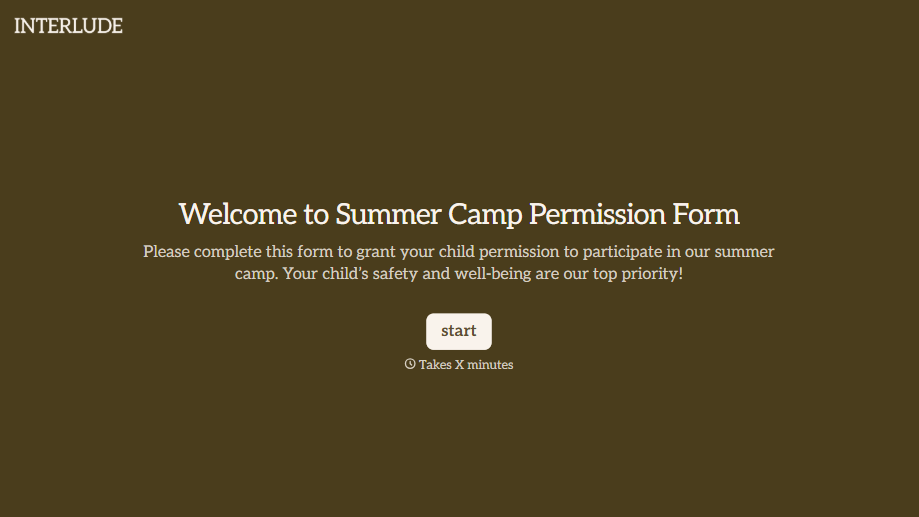
Summer Camp Permission Form
A permission packet crumpled at the bottom of a backpack for two weeks isn't a permission slip anyone can rely on. Collect camper information, medical disclosures, and a signed permission for camp activities before drop-off, so your staff aren't scrambling for an emergency contact on day one.
View template
With Typeform, you can customize everything
Change text, colors, and even logos to match the look and feel of your brand. Then embed forms smoothly onto web and email.
Make forms feel effortless to fill out. Pace questions, call people by their name, and adapt the flow based on the data they share.
Stay efficient by connecting forms to your workflow. Typeform integrates with 300+ tools including Slack, Zapier, and HubSpot.


