Table tennis registration form template
A table tennis tournament is only as fair as its seeding. Collect each player's skill level, singles or doubles choice, and availability before you set the bracket.



Running a table tennis tournament means knowing who can actually play before you seed the bracket. When signups come in by group chat and paper, organizers guess at skill levels and hope for the best. Guess wrong, and the first round turns into one-sided mismatches that leave players frustrated or unchallenged. Typeform's table tennis registration form gives organizers a clean way to collect every player's details in one go.
The form collects each player's name, contact, skill level, event type, and availability. Questions appear one at a time, so players can register from their phones in under a minute. Conditional logic adapts the form based on the events each player enters. A player who signs up for doubles gets extra questions for their partner's name, rating, and shirt size, while someone entering singles only skips straight to availability.
Customize the divisions and events to fit your club, from junior singles to open doubles. Post the link in your club chat, on flyers, or on your registration page. Entries flow into Google Sheets or Airtable via Zapier, so your seeding bracket builds from clean data. By tournament morning, every player sits in the right division, seeded on a rating you can actually trust.
A table tennis registration form collects the details organizers need to seed brackets and run a tournament. It gathers each player's contact information, skill level, event entries, and availability. Clubs that collect these details upfront build balanced draws instead of guessing where each player belongs.
Players judge a tournament by whether their matches felt fair and well run. Without accurate skill levels collected upfront, brackets end up mismatched, and good players don’t return.A table tennis registration form captures accurate skill levels upfront, so you seed players fairly and keep the whole day on schedule.
Cover every detail that affects bracket planning:
- Name and contact details
- Skill level or club rating
- Singles, doubles, or both
- Age or skill division
- Availability for match times
Yes. Connect Stripe to collect entry fees at registration, so players pay and register in one step. If you run early-bird and standard pricing, take payment through the form or send a payment link after. Add a required checkbox for your refund and withdrawal policy so players confirm the terms before submitting.
Sort players by the skill level or rating they submitted, then build divisions so matched players compete. Use ratings to separate a beginners' draw from an advanced field, while availability tells you who fits which time slot. Clean registration data means you seed once and reduce fielding complaints about an unfair draw.
Get inspired by relevant templates and categories
3200+ Templates, 300+ Integrations
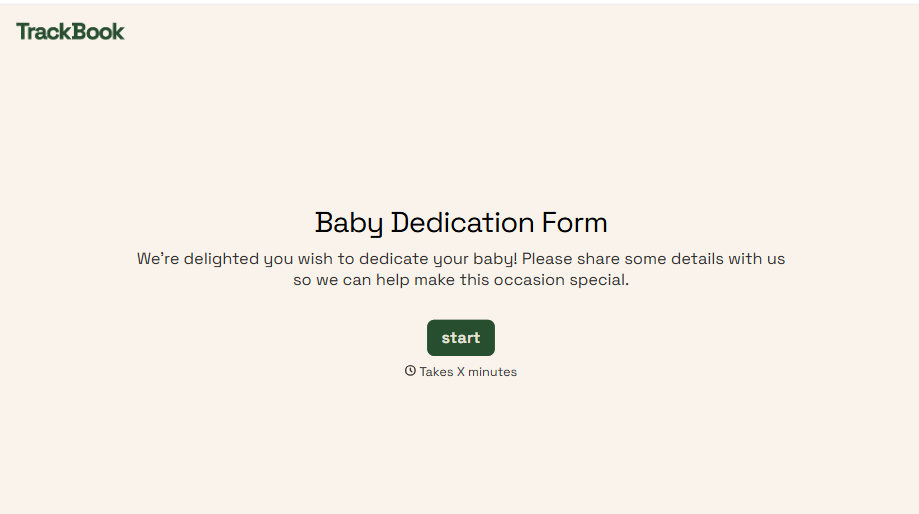
Baby Dedication Form
A sign-up sheet passed around during announcements isn't the kind of detail you want to compile into a Sunday program from memory. Collect the baby's information, requested ceremony date, and any required class attendance before the service, so your team isn't confirming a name's spelling the morning of.
View template
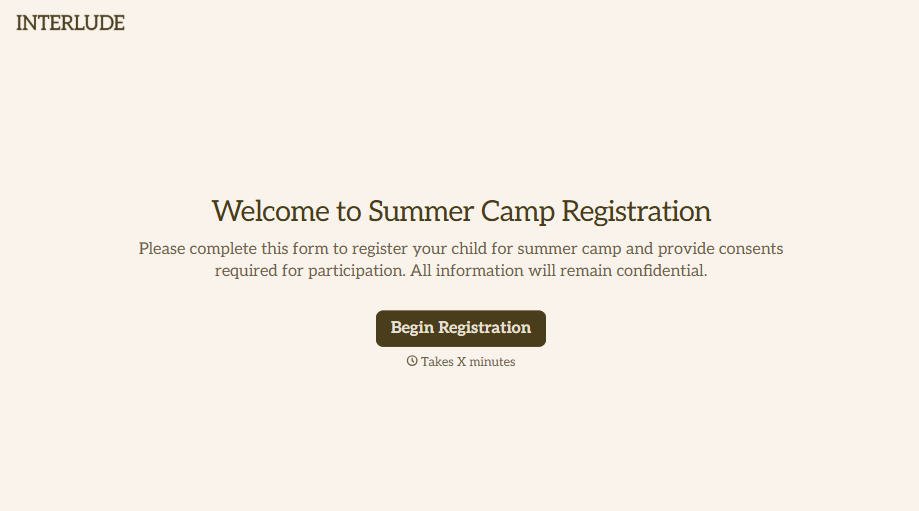
Summer Camp Consent Form
A camper with a bee sting and a counselor on the phone trying to reach a parent isn't a consent process, it's a delay. Collect guardian consent for emergency medical treatment, medication administration, and photo or media use before drop-off, so your staff can act instead of waiting for a callback.
View template
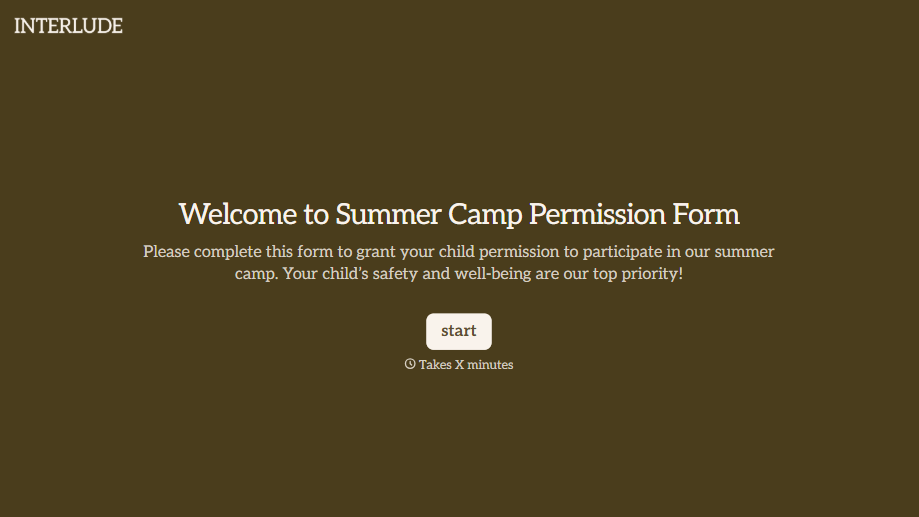
Summer Camp Permission Form
A permission packet crumpled at the bottom of a backpack for two weeks isn't a permission slip anyone can rely on. Collect camper information, medical disclosures, and a signed permission for camp activities before drop-off, so your staff aren't scrambling for an emergency contact on day one.
View template
With Typeform, you can customize everything
Change text, colors, and even logos to match the look and feel of your brand. Then embed forms smoothly onto web and email.
Make forms feel effortless to fill out. Pace questions, call people by their name, and adapt the flow based on the data they share.
Stay efficient by connecting forms to your workflow. Typeform integrates with 300+ tools including Slack, Zapier, and HubSpot.


