Timesheet Form Template
Track hours worked without the end-of-week scramble or the Monday morning guilt.



Nobody enjoys filling out timesheets. But inaccurate time tracking causes real problems: payroll errors, billing disputes, project overruns, and compliance violations. The issue isn't that people don't want to track their time. It's that most timesheet tools are tedious enough that everyone puts it off until they can't remember what they worked on.
This timesheet form template makes the process as painless as possible. The one-question-at-a-time format guides employees through each entry: date, project, task, hours, and notes. Conditional logic can adjust based on employee type. Hourly workers see overtime fields, while salaried project staff see client and project code selections.
Send it as a daily or weekly reminder, collect responses in a centralized sheet, and integrate with your payroll or invoicing system. Accurate data in, accurate payments out.
A timesheet form is a structured tool for employees or contractors to log the hours they've worked, typically broken down by date, project, task, or client. It's used for payroll processing, client billing, project cost tracking, and labor compliance.
Spreadsheet timesheets are error-prone: wrong cells, broken formulas, inconsistent formats across employees. A form ensures every entry follows the same structure, validates data in real time, and collects everything in 1 place. It's also faster to fill out, which means people actually do it on time.
- Employee name and department
- Date or date range
- Project or client name
- Task description or category
- Hours worked (with decimal or hour:minute format)
- Notes or comments (optional but useful for context)
Daily submission gives you the most accurate data. People remember what they worked on today better than what they did last Tuesday. If daily feels too frequent for your team, weekly is the minimum. Anything less frequent than weekly leads to inaccurate guesswork and inflated entries.
Absolutely. Add fields for rate, client, and project code. Connect the form to a Google Sheet with billing formulas, and you've got the foundation for automated invoice generation. Contractors can submit from any device, and you have a clear audit trail for every hour billed.
Get inspired by relevant templates and categories
3200+ Templates, 300+ Integrations
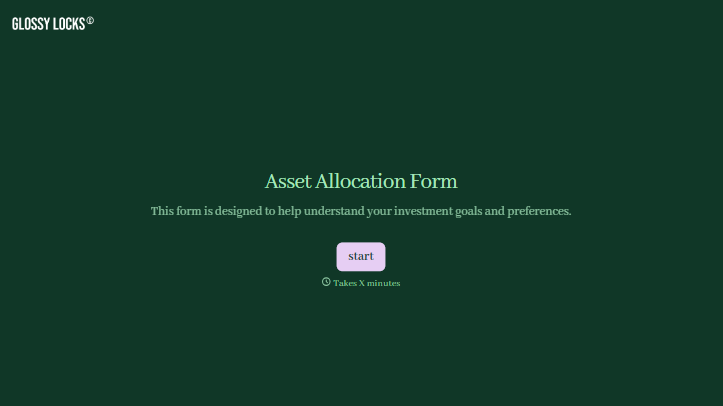
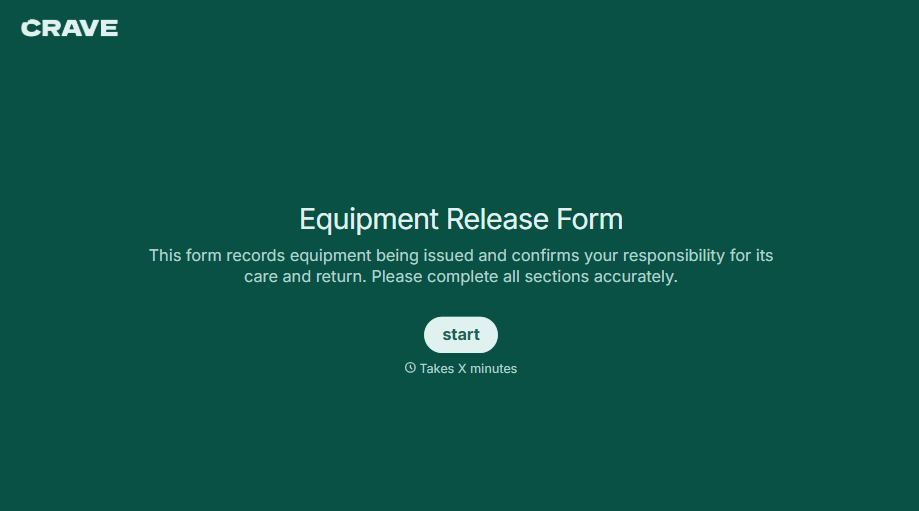
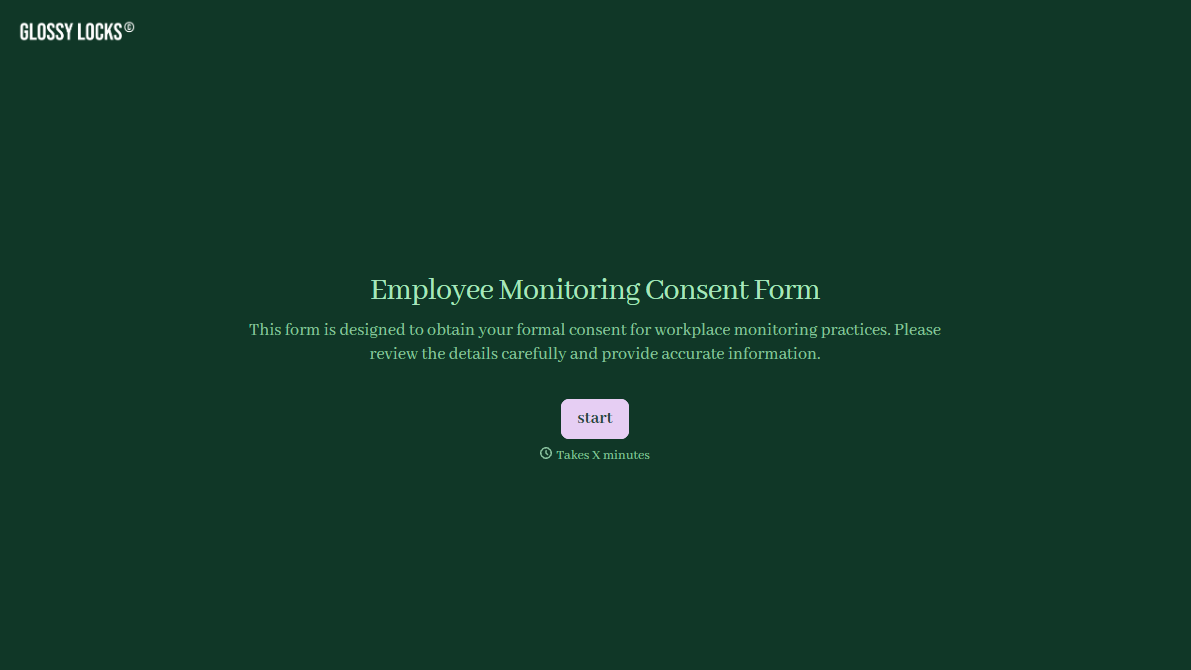
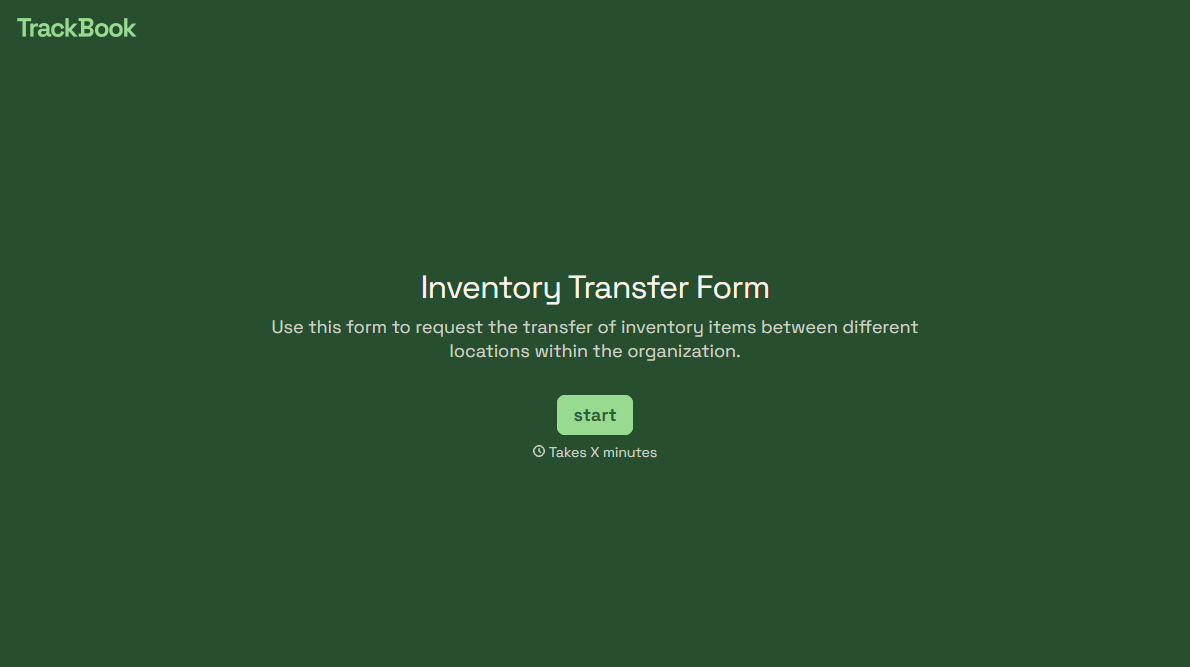
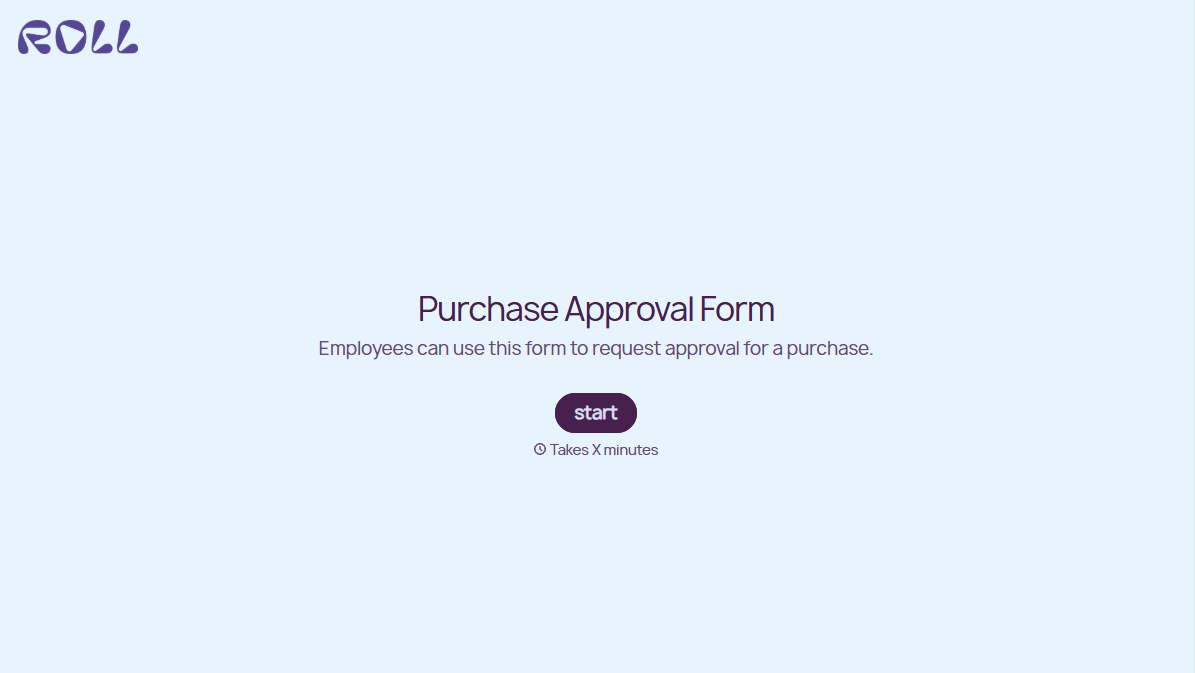
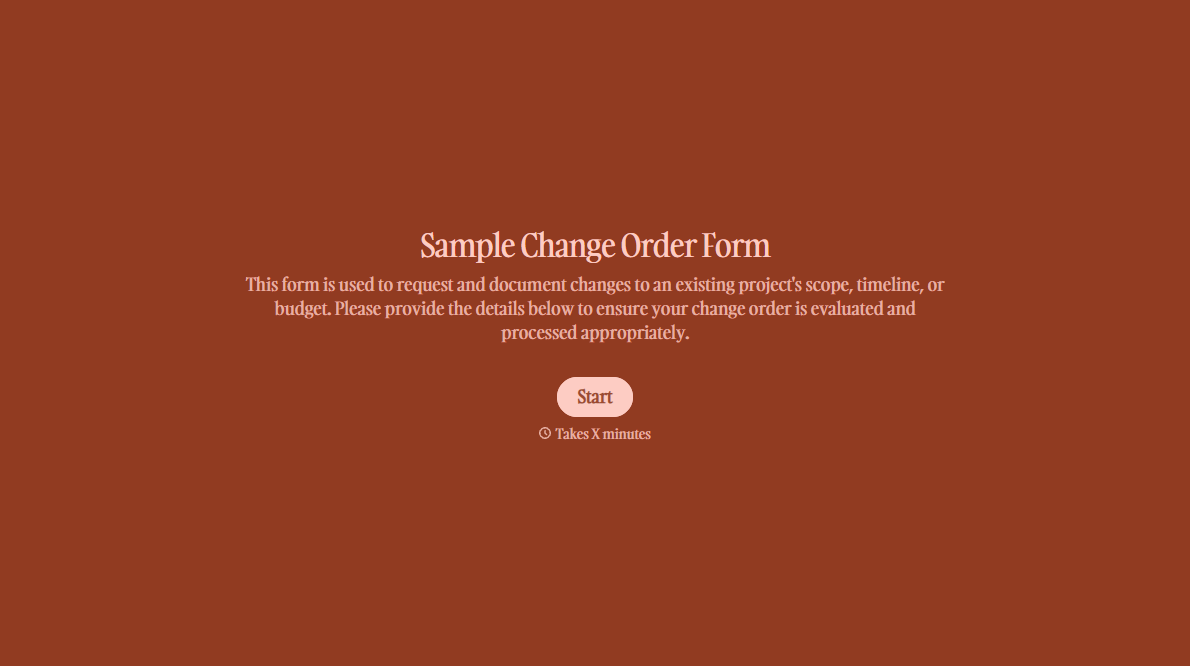
With Typeform, you can customize everything
Change text, colors, and even logos to match the look and feel of your brand. Then embed forms smoothly onto web and email.
Make forms feel effortless to fill out. Pace questions, call people by their name, and adapt the flow based on the data they share.
Stay efficient by connecting forms to your workflow. Typeform integrates with 300+ tools including Slack, Zapier, and HubSpot.


