Vehicle booking form template
Move past a booking flow that quietly adds a gas option or roadside protection nobody actually asked for. Get affirmative consent for every add-on, disclose the damage waiver the way state law requires, and keep a record of exactly what a renter agreed to.



A vehicle booking flow that bundles in extras by default isn't just a design problem, it's the exact practice that will cost Payless Car Rental $19 million in 2025. The class action alleged customers were charged for a gas service option and roadside protection they never expressly agreed to purchase. As part of the settlement, Payless now has to get affirmative consent, an active opt-in, before charging for add-ons like these, rather than applying them by default and letting customers notice the charge later.
The collision damage waiver has its own disclosure rules that vary by state but follow a similar pattern. California's Civil Code, for example, requires rental companies to clearly disclose what a damage waiver covers, that a renter's personal auto insurance or credit card may already cover the same thing, that buying it is optional, and the cost, in the contract, on posted signage, and through an oral explanation with an initialed acknowledgment for renters outside a membership program, and it caps what a company can charge per day for the waiver on most vehicle classes. A booking form that mentions "damage protection" as a single line item skips most of what the law actually requires you to say.
Typeform's vehicle booking form separates the reservation from every optional add-on, gas options, roadside protection, a damage waiver, and requires an active selection for each one instead of a pre-checked bundle, presenting the specific disclosure language a damage waiver requires as its own step rather than something the renter skims past. Every completed booking becomes a timestamped record of exactly what the renter selected, opted into, and was shown, the file you want if a charge gets disputed, a damage waiver claim comes up, or a regulator asks what a renter actually agreed to.
A vehicle booking form is how a customer reserves a rental vehicle: dates, vehicle type or class, pickup and return location, driver information, and any optional add-ons like insurance products, GPS, or roadside protection.
Not without their affirmative consent. Payless Car Rental settled a class action for $19 million in 2025 over exactly this, charging customers for a gas service option and roadside protection they hadn't expressly agreed to. As part of the settlement, Payless now has to get an active opt-in before charging for these add-ons rather than applying them automatically.
It depends on your state, but California's rule is a useful benchmark: rental companies have to clearly and conspicuously disclose what the waiver covers, that the renter's personal insurance or credit card may already cover the same thing, that it's optional, and its cost, in the contract and on posted signage, with an oral explanation and an initialed acknowledgment for non-membership renters. California also caps the daily rate for the waiver on most vehicle classes. Confirm your own state's specific disclosure and pricing rules.
Capture what's needed for the reservation without bundling anything by default:
- Renter name, contact information, and driver's license details
- Vehicle type or class, pickup and return dates and locations
- Each optional add-on as its own selection, not bundled by default
- Required disclosure language for any damage waiver or protection product
- Total cost breakdown before the booking is confirmed
- Signature or confirmation of the booking terms
Yes. Typeform's signature question lets a renter sign by typing, drawing, or uploading their signature, time-stamps it the moment they submit, and locks the response so it can't be changed afterward, generating a PDF you can keep on file. It's available on Typeform's Growth Flow, Growth Custom, and Enterprise plans.
Get inspired by relevant templates and categories
3200+ Templates, 300+ Integrations

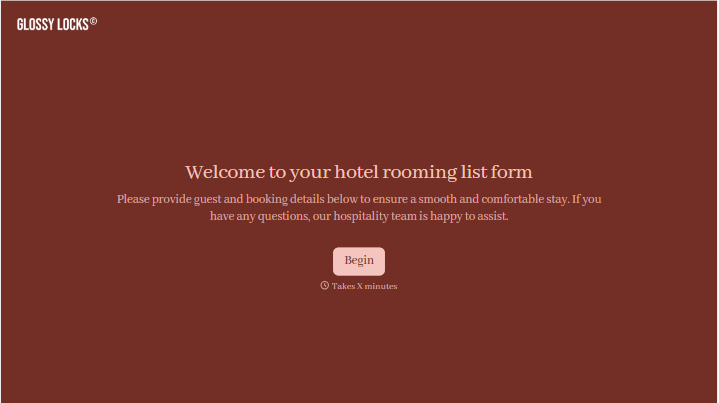



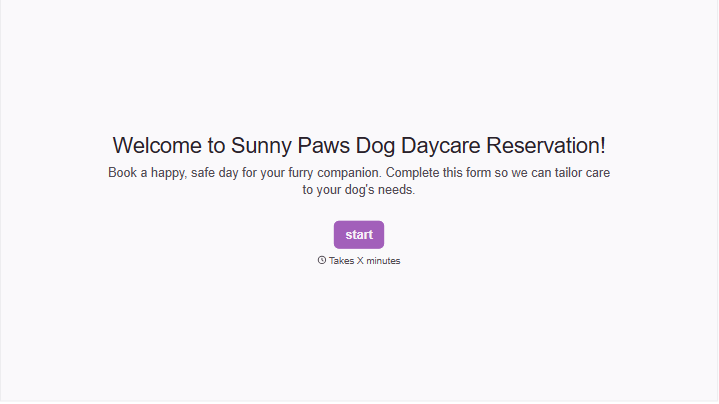
With Typeform, you can customize everything
Change text, colors, and even logos to match the look and feel of your brand. Then embed forms smoothly onto web and email.
Make forms feel effortless to fill out. Pace questions, call people by their name, and adapt the flow based on the data they share.
Stay efficient by connecting forms to your workflow. Typeform integrates with 300+ tools including Slack, Zapier, and HubSpot.


