Video Game Quiz Form Template
Create an engaging quiz that tests players' knowledge and keeps them coming back for more.



A quiz that's too easy bores players. One that's too hard or vague frustrates them. Getting the difficulty level and format right for your audience is the difference between a quiz people share and one they abandon halfway through.
A Typeform video game quiz form delivers questions one at a time, which keeps players focused and builds anticipation before the next question. You can use multiple choice, image questions, or open-text answers depending on what tests knowledge best for your game titles. Conditional logic lets you adjust the path based on responses — harder follow-ups for correct answers, hints or explanations for wrong ones. At the end, players see their score and can be prompted to share or try again.
Customize it with your game titles, difficulty levels, and any branded visuals. It works on mobile and desktop, and you can embed it on your site or share it directly on social.
A video game quiz form is an interactive questionnaire that tests players' knowledge of video games — including game history, characters, mechanics, trivia, and lore. It can be used for entertainment, community engagement, or as a promotional tool.
Quizzes are one of the most shared types of content in gaming communities. A well-crafted quiz creates an opportunity for players to test and show off their knowledge, drives engagement with your platform or brand, and gives you data about what your audience knows and cares about.
Think about the range of difficulty and topic areas:
- Release year or developer of a specific game
- Character names, abilities, or storylines
- Game mechanics or gameplay trivia
- Iconic quotes or dialogue from games
- Franchise history or sequel order
- Obscure facts for hardcore fans
Start with easier questions that most players will get right to build confidence and momentum, then increase difficulty as the quiz progresses. Including 1-2 genuinely hard questions separates the dedicated fans from casual players and gives everyone a moment of discovery.
Yes. Typeform captures response data and timestamps, so you can calculate scores, track who answered correctly, and build a leaderboard from the data. For competitive events, connect the form to a spreadsheet and update the leaderboard in real time as submissions come in.
Get inspired by relevant templates and categories
3200+ Templates, 300+ Integrations
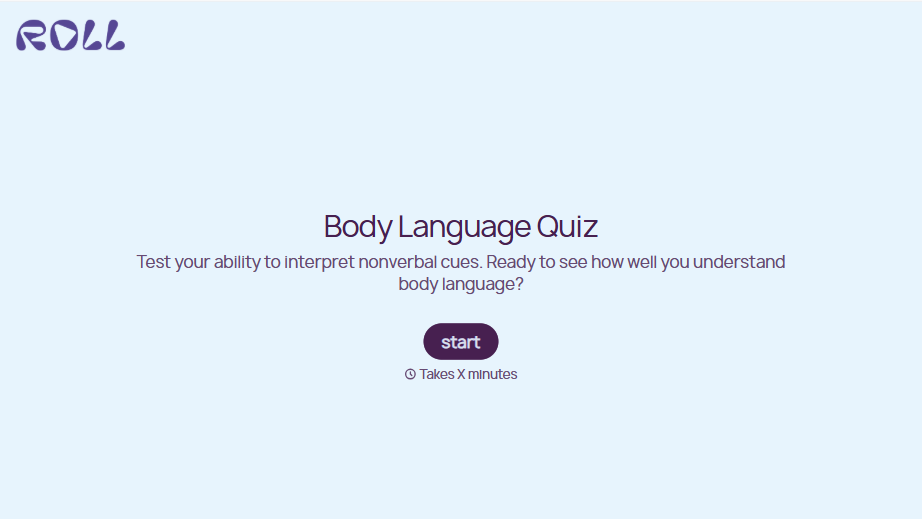
Body Language Quiz
A quiz that hands back the same score no matter which questions someone actually missed isn't teaching anyone to read a room. Ask what the quiz is actually measuring, attraction cues, deception tells, stress signals, and let each wrong answer route somewhere that explains what the cue really meant.
View template

With Typeform, you can customize everything
Change text, colors, and even logos to match the look and feel of your brand. Then embed forms smoothly onto web and email.
Make forms feel effortless to fill out. Pace questions, call people by their name, and adapt the flow based on the data they share.
Stay efficient by connecting forms to your workflow. Typeform integrates with 300+ tools including Slack, Zapier, and HubSpot.


