Work Authorization Form Template
Verify employment eligibility without turning onboarding into a bureaucratic obstacle course.



Employment eligibility verification is required by law, but it doesn't have to feel like law school. Paper I-9 forms are confusing, error-prone, and consistently rank among the most botched HR documents. Missing signatures, incorrect document codes, and illegible entries create compliance risks that nobody needs.
This work authorization form template walks new hires through the process step by step, in plain language. It collects citizenship or immigration status, document information, and attestation in a clear, guided flow. Conditional logic adjusts the questions based on authorization type — a U.S. citizen sees different fields than someone with a work visa or permanent residency. File upload fields capture document images on the spot.
Embed it in your onboarding portal, share the link with new hires before their start date, and connect responses to your HRIS or compliance system through integrations. Clean data, complete submissions, and one fewer headache during orientation.
A work authorization form collects the information and documentation needed to verify that an individual is legally eligible to work in a specific country. In the U.S., this process is governed by the I-9 form, which requires employees to attest to their status and present acceptable identification documents. The form creates a compliance record for the employer.
Paper-based I-9 completion has a staggeringly high error rate — some estimates put it above 60%. A digital form with required fields, conditional logic, and clear instructions dramatically reduces mistakes. It also speeds up onboarding, creates searchable records, and makes audit preparation far less painful.
- Full legal name and date of birth
- Citizenship or immigration status
- Alien registration number or visa details (if applicable)
- List A, B, or C document type and identification numbers
- Document expiration dates
- Employee attestation with electronic signature and date
Conditional logic makes this straightforward. When a new hire selects their status. Citizen, permanent resident, visa holder, asylum/refugee. The form branches to show only the relevant document requirements and fields for that category. This prevents confusion and ensures you collect exactly the right information for each situation.
Non-compliance with employment eligibility verification laws can result in substantial fines. Up to thousands of dollars per violation in the U.S.. Along with potential criminal penalties for knowingly hiring unauthorized workers. Beyond legal risk, it can also lead to loss of government contracts and reputational damage. A proper digital process protects you from avoidable mistakes.
Get inspired by relevant templates and categories
3200+ Templates, 300+ Integrations
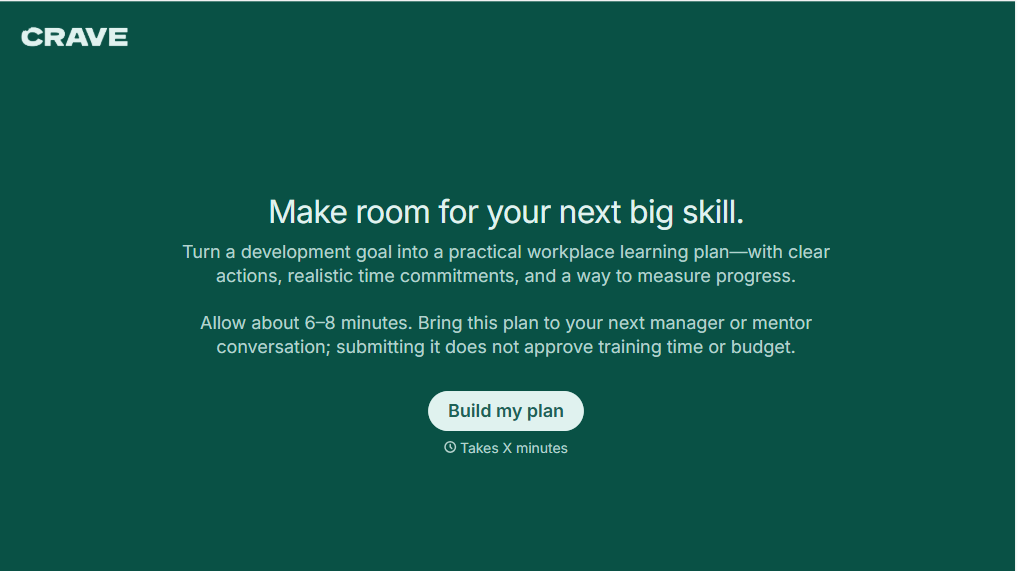
Workplace Learning Plan Form
Help employees and managers create structured professional development plans with a form that collects learning goals, skill gaps, and training preferences. Keep development priorities organized so teams can track progress, identify learning opportunities, and support employee growth in the workplace.
View template

Skills Assessment Consent Form
Give employers, training providers, and educational organizations a straightforward way to obtain consent for skills assessments with a form that collects participant information, assessment details, and authorization. Keep consent records organized so administrators can communicate evaluation procedures, explain how results will be used, and confirm participation before assessments begin.
View template
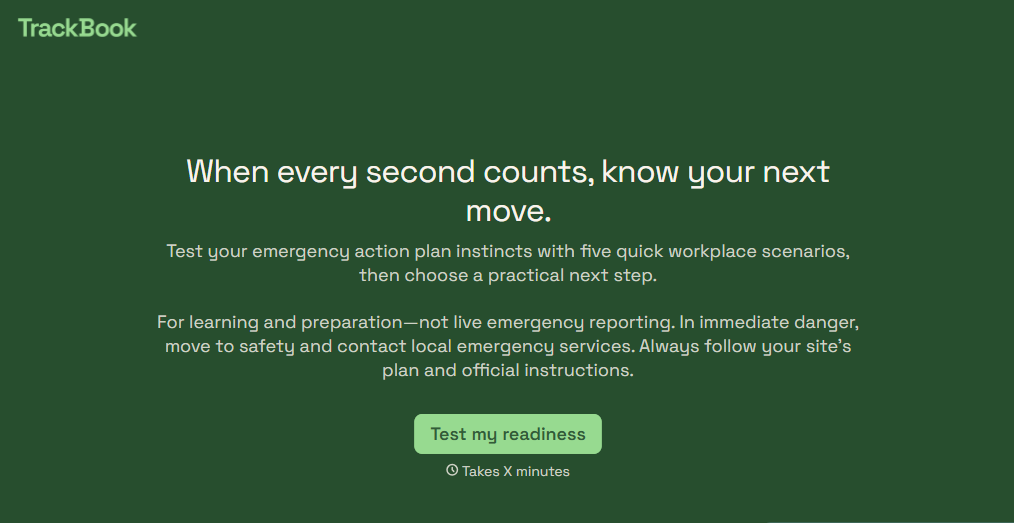
Emergency Action Plan Quiz Form
Give employees an easy way to test their emergency preparedness knowledge with a quiz that covers evacuation procedures, emergency contacts, and workplace safety protocols. Keep the results organized so your team can identify knowledge gaps, reinforce training, and improve emergency response readiness.
View template

Camp Volunteer Staff Reference Form
Give camp coordinators an easy way to collect references for prospective volunteers with a form that gathers information about reliability, relevant experience, and interpersonal skills. Keep reference responses organized so camp administrators can evaluate applicants, identify strengths, and make informed volunteer selection decisions.
View template
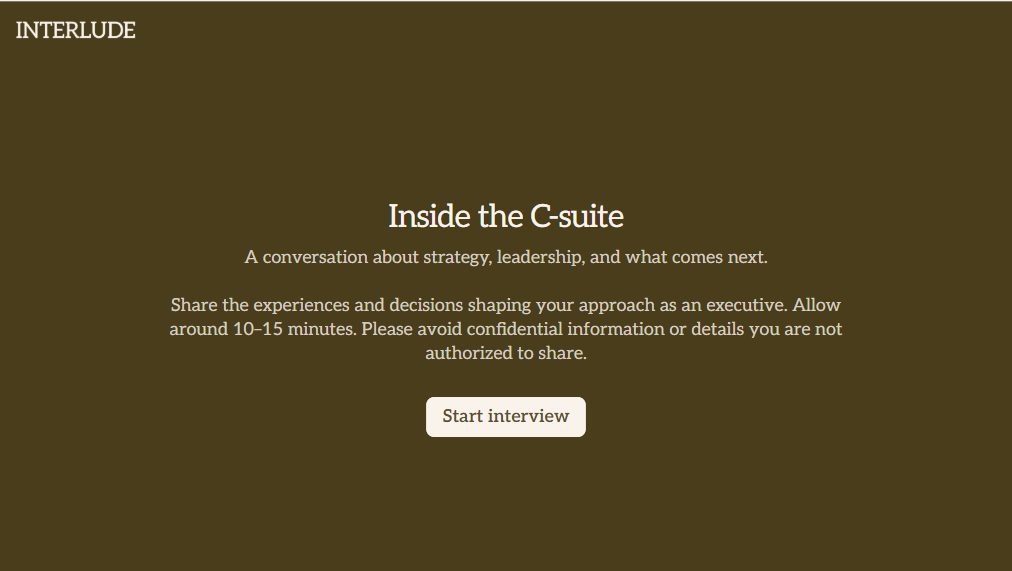
C Suite Interview Form
Give hiring teams a structured way to evaluate executive candidates with a form that collects leadership experience, strategic priorities, and management approaches. Keep the interview feedback organized so decision-makers can compare qualifications and make informed hiring decisions.
View template
With Typeform, you can customize everything
Change text, colors, and even logos to match the look and feel of your brand. Then embed forms smoothly onto web and email.
Make forms feel effortless to fill out. Pace questions, call people by their name, and adapt the flow based on the data they share.
Stay efficient by connecting forms to your workflow. Typeform integrates with 300+ tools including Slack, Zapier, and HubSpot.