Online Activity Log Template
Track online activities consistently so you have a clear record of what was done, when, and by whom.



Tracking digital tasks through memory, chat messages, or informal notes leads to gaps. When you need to audit what happened, figure out who completed something, or report on progress, those gaps become real problems. Without a structured log, you're piecing together a timeline from fragments.
A Typeform online activity log creates a consistent record of digital tasks or events as they happen. Whether you're tracking staff activity, student online work, compliance tasks, or project milestones, each submission captures who did what, when, on which platform, and any relevant notes. Responses accumulate in a structured, searchable data set that you can export or connect to a reporting tool.
Set up the log once, share it with your team or students, and integrate it with Google Sheets for a running record that updates automatically with each entry.
An online activity log is a structured form used to record digital activities, tasks, or events as they occur. It captures key details like who completed the activity, the time and date, the platform used, and any relevant outcomes or notes.
Structured logging creates an auditable record that informal tracking methods can't provide. For teams, students, or compliance purposes, having a consistent data trail makes reporting, review, and accountability much easier.
Adapt to your use case, but common fields include:
- Name of the person completing the log
- Date and time of the activity
- Type of activity or task
- Platform or tool used
- Duration
- Outcome or completion status
- Notes or observations
Use required fields for the most critical information and add helpful placeholder text to guide entries. For open text fields, consider providing examples of what a useful entry looks like. Typeform's validation options let you set minimum character counts on description fields.
Yes. Schools and educators use activity logs to track reading time, online lesson completion, or research tasks. Conditional logic can show different question sets based on the type of activity being logged, keeping the form relevant for different assignments.
Get inspired by relevant templates and categories
3200+ Templates, 300+ Integrations
With Typeform, you can customize everything
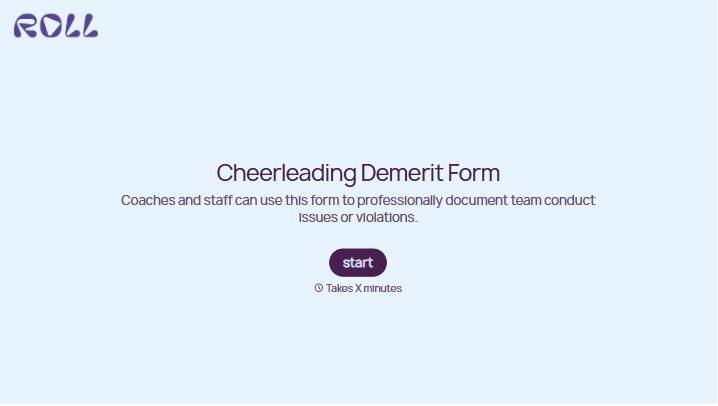
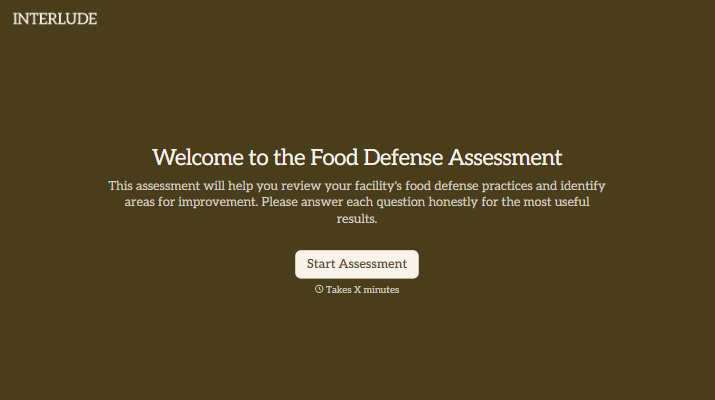
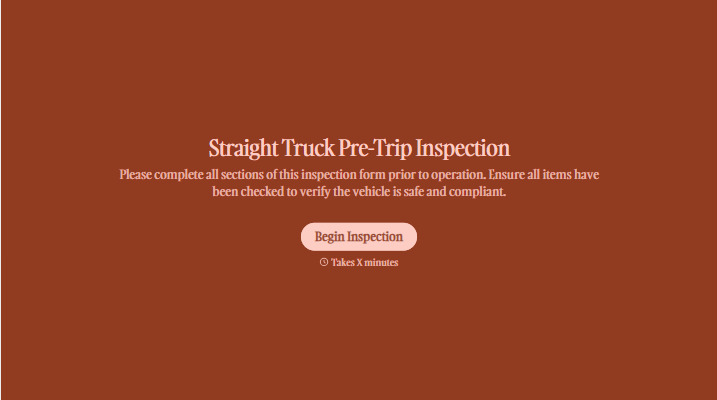
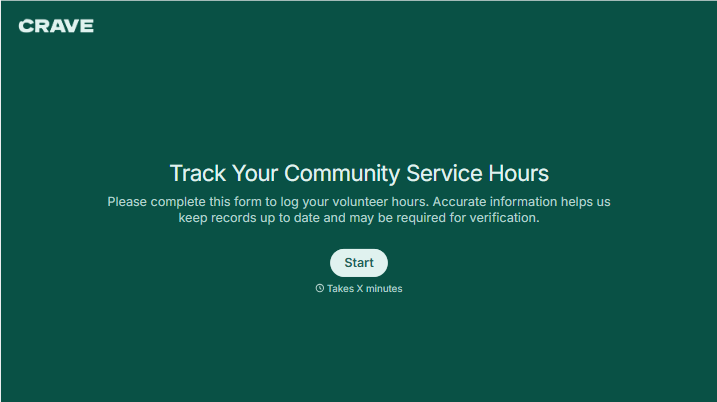
Change text, colors, and even logos to match the look and feel of your brand. Then embed forms smoothly onto web and email.
Make forms feel effortless to fill out. Pace questions, call people by their name, and adapt the flow based on the data they share.
Stay efficient by connecting forms to your workflow. Typeform integrates with 300+ tools including Slack, Zapier, and HubSpot.


