What is an adventure sports declaration form?Why do adventure sports businesses need a declaration form?
Get the waivers signed and the details captured before anyone hits the water, trail, or sky.



Adventure sports operators live in a world of controlled risk. But when your pre-activity paperwork is a crumpled clipboard passed around a parking lot, you're adding uncontrolled risk: illegible signatures, missing medical disclosures, and liability gaps that keep your lawyers up at night.
This adventure sports declaration form template digitizes the entire process. Participants confirm their understanding of risks, disclose relevant medical conditions, and provide emergency contacts, all through a guided, one-question-at-a-time flow. Conditional logic means a participant who flags a medical condition sees follow-up questions, while those without conditions move straight through.
Share it via link, QR code, or embed it on your booking page. Responses sync instantly to your records, so every declaration is stored, searchable, and timestamped before anyone clips into a harness.
An adventure sports declaration form is a liability and safety document that participants complete before engaging in high-risk activities like rock climbing, white-water rafting, bungee jumping, or paragliding. It captures informed consent, medical disclosures, and emergency contact information.
It protects both your participants and your business. A signed declaration confirms the participant understands the inherent risks, discloses conditions that could affect their safety, and provides emergency contacts. From a legal standpoint, it demonstrates you took reasonable steps to inform and prepare every participant.
- Full name, date of birth, and contact details
- Emergency contact name and phone number
- Pre-existing medical conditions, allergies, or medications
- Acknowledgment of risks specific to the activity
- Confirmation of physical fitness to participate
- Digital signature and date
Yes. The form is fully mobile-responsive. Display a QR code at your check-in point and participants can complete it on their own device in a few minutes. No app downloads, no paper, no pen that's run out of ink.
Every submission is automatically saved and timestamped. You can integrate with Google Drive, Dropbox, or your own storage system for automatic backups. For compliance, set a data retention policy that matches your local regulatory requirements.
Get inspired by relevant templates and categories
3200+ Templates, 300+ Integrations

Karaoke Contest Judging Form
Give event organizers and judges a simple way to evaluate karaoke performances with a form that collects contestant details, performance scores, and feedback. Keep judging results organized so competition coordinators can compare ratings, calculate final scores, and recognize outstanding performers through a consistent evaluation process.
View template

Bounce House Permission Slip Form
Give parents an easy way to authorize their child's participation in bounce house activities with a form that collects participant information, emergency contacts, and safety acknowledgments. Keep permission records organized so event organizers can verify consent, communicate rules, and manage inflatable play activities safely.
View template

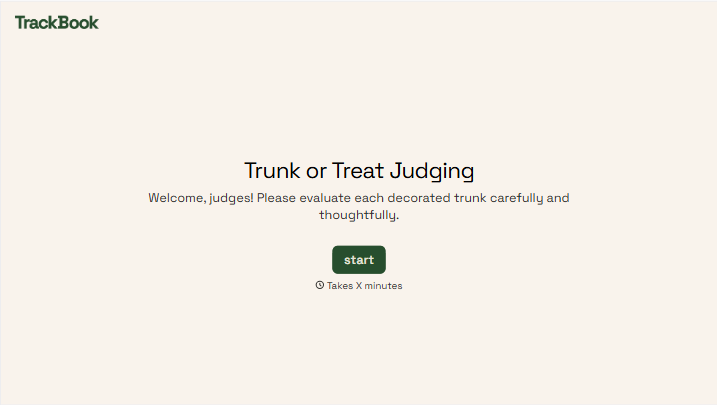

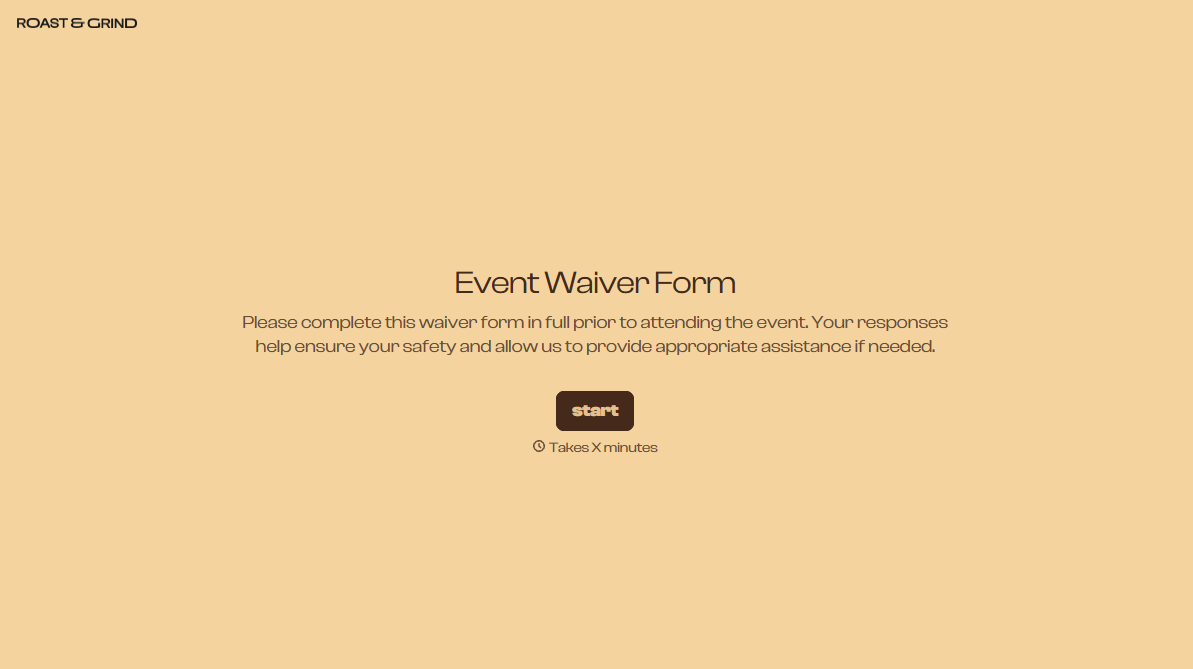
With Typeform, you can customize everything
Change text, colors, and even logos to match the look and feel of your brand. Then embed forms smoothly onto web and email.
Make forms feel effortless to fill out. Pace questions, call people by their name, and adapt the flow based on the data they share.
Stay efficient by connecting forms to your workflow. Typeform integrates with 300+ tools including Slack, Zapier, and HubSpot.


