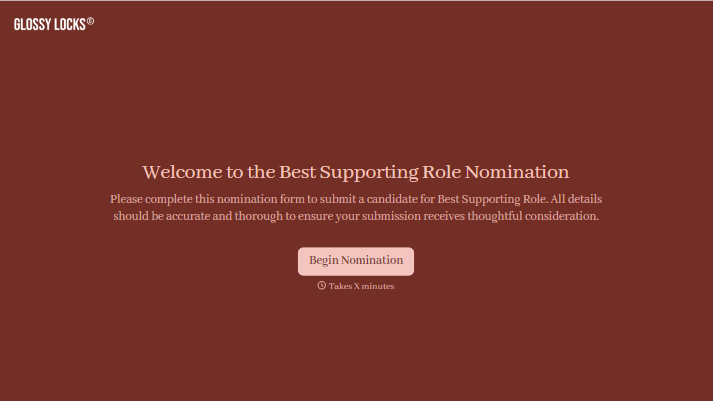
Best Supporting Role Nomination Form
Give nominators a clear way to recognize a standout supporting performance. Collect the performer, production, and specific moments that made an impression so judges have more than a name to consider.



A supporting performer can change the energy of a scene with a single reaction. Someone remembers that moment long after the production ends, but a nomination that says “they were brilliant” doesn’t explain why. Typeform’s best supporting role nomination form gives that appreciation room to become specific.
Nominators identify the performer, character, and production, then describe what made the performance award-worthy. You can ask how the performer developed the character, worked with the ensemble, or contributed to a key scene. Include the eligibility criteria so people know which performances qualify before submitting.
Your awards team gets nominations it can check and organize for review. Nominators get prompts that help them explain their choice. Judges get examples to consider alongside the rest of your evaluation process.
A best supporting role nomination form collects recommendations for an award recognizing a supporting performance. It records the performer’s name, role, production, and reasons for the nomination. Theater groups, film organizations, schools, and awards committees use it to gather entries for review.
A name alone gives judges little to work with. A nomination form asks people to explain what distinguished the performance and provide examples. It also collects the production details your team needs to check eligibility and distinguish performers with similar names.
Ask for the details needed to identify and assess the nomination:
- Performer’s name
- Character or supporting role
- Production title and relevant performance dates
- Reason for the nomination
- Specific scenes or moments that demonstrate the performance’s strengths
- Supporting materials, if your rules allow them
- Nominator’s name and contact details
- Confirmation that the nomination meets the stated eligibility criteria
Define what counts as a supporting role under your award rules rather than leaving nominators to guess.
Ask for an example instead of a string of compliments. “Describe a moment when this performer made a scene more effective” gives nominators a clear starting point. Allow a concise response, and explain that specific observations help judges understand the nomination better than its length.
Yes, if your award rules allow it. Ask for a separate submission for each performer so the supporting statement stays attached to the correct nomination. State any nomination limits and explain how you handle repeat nominations for the same performance.
Get inspired by relevant templates and categories
3200+ Templates, 300+ Integrations

Karaoke Contest Judging Form
Give event organizers and judges a simple way to evaluate karaoke performances with a form that collects contestant details, performance scores, and feedback. Keep judging results organized so competition coordinators can compare ratings, calculate final scores, and recognize outstanding performers through a consistent evaluation process.
View template

Bounce House Permission Slip Form
Give parents an easy way to authorize their child's participation in bounce house activities with a form that collects participant information, emergency contacts, and safety acknowledgments. Keep permission records organized so event organizers can verify consent, communicate rules, and manage inflatable play activities safely.
View template
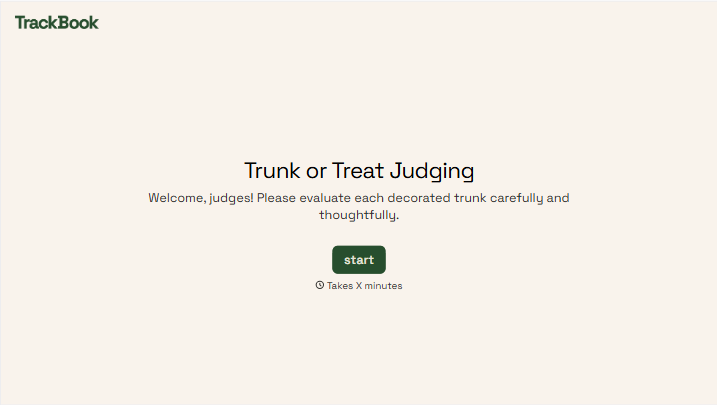

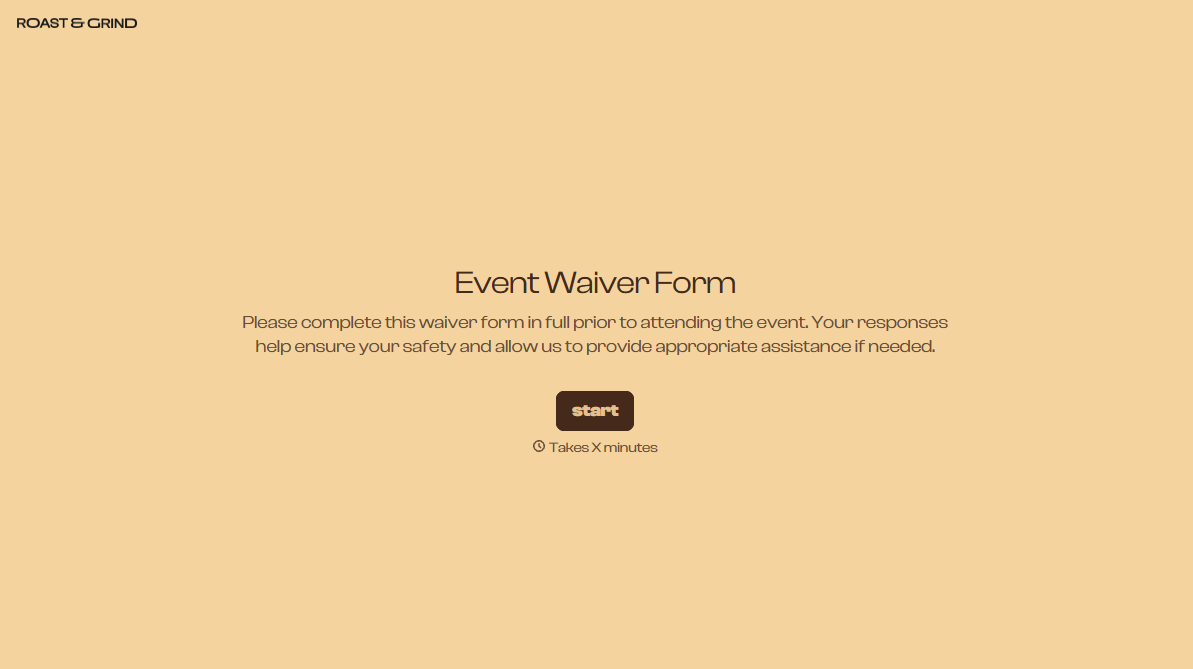
With Typeform, you can customize everything
Change text, colors, and even logos to match the look and feel of your brand. Then embed forms smoothly onto web and email.
Make forms feel effortless to fill out. Pace questions, call people by their name, and adapt the flow based on the data they share.
Stay efficient by connecting forms to your workflow. Typeform integrates with 300+ tools including Slack, Zapier, and HubSpot.


