Bounce House Permission Slip Form
Give parents an easy way to authorize their child's participation in bounce house activities with a form that collects participant information, emergency contacts, and safety acknowledgments. Keep permission records organized so event organizers can verify consent, communicate rules, and manage inflatable play activities safely.



A school is planning a field day with inflatable attractions, while a community organization wants to include a bounce house at an upcoming festival. Both need parental permission before children participate, but their events involve different schedules and supervision arrangements. A bounce house permission slip form allows organizers to collect the information needed to document consent and communicate safety expectations.
Parents provide their child's information, emergency contact details, and permission to participate. You can include sections for age restrictions, safety guidelines, and relevant medical considerations. Fields for additional instructions give parents space to explain accommodations or concerns that event organizers should understand before allowing participation.
Your team receives organized permission records without relying on paper slips or scattered emails. Staff reviews submissions, verifies the parental consent, and confirms that participants meet established safety requirements. Parents get a straightforward way to review activity details and understand the rules before authorizing their child's participation.
A bounce house permission slip form documents parental or guardian consent for children to participate in inflatable play activities. It typically includes participant information, emergency contacts, event details, and safety acknowledgments. Schools, event organizers, and recreational facilities use it to communicate participation requirements, confirm permission, and maintain records for supervised bounce house activities.
Bounce houses involve physical activity and potential risks, including falls, collisions, and injuries. A permission slip helps organizers communicate safety expectations and obtain parental consent before participation. It also provides emergency contact information and identifies relevant considerations for supervising children. Documenting permission supports event preparation and helps staff follow established participation procedures.
Include questions that help organizers confirm consent and prepare for safe participation, like:
- What is the child's full name?
- How old is the participant?
- Who is the parent or legal guardian?
- What is the guardian's contact information?
- Which event will the child attend?
- Does the child meet the participation requirements?
- Are there relevant medical conditions or restrictions?
- Does the child require any accommodations?
- Who should be contacted during an emergency?
- Is there an alternate emergency contact?
- Has the guardian reviewed the safety rules?
- Does the guardian understand the activity's risks?
- Does the guardian authorize participation?
- Are there additional instructions for supervisors?
- What is the guardian's signature and date?
You can adjust the questions to match your event, participant age groups, and safety requirements.
Use short questions and clear instructions to help parents provide information quickly. Include multiple-choice questions for participation requirements and checkboxes for safety acknowledgments. Explain the event location, supervision arrangements, and applicable age or size restrictions. Conditional logic can display additional questions when parents identify medical considerations. Provide an electronic signature field to document consent.
No. A bounce house permission slip documents parental consent but doesn't replace appropriate supervision or safety precautions. Organizers must follow manufacturer instructions, enforce occupancy and size restrictions, and provide trained attendants to monitor participants. Inflatable equipment should be properly secured and operated under suitable weather conditions. Permission forms support safety planning, but active supervision remains essential throughout the activity.
Get inspired by relevant templates and categories
3200+ Templates, 300+ Integrations

Karaoke Contest Judging Form
Give event organizers and judges a simple way to evaluate karaoke performances with a form that collects contestant details, performance scores, and feedback. Keep judging results organized so competition coordinators can compare ratings, calculate final scores, and recognize outstanding performers through a consistent evaluation process.
View template

Bounce House Permission Slip Form
Give parents an easy way to authorize their child's participation in bounce house activities with a form that collects participant information, emergency contacts, and safety acknowledgments. Keep permission records organized so event organizers can verify consent, communicate rules, and manage inflatable play activities safely.
View template
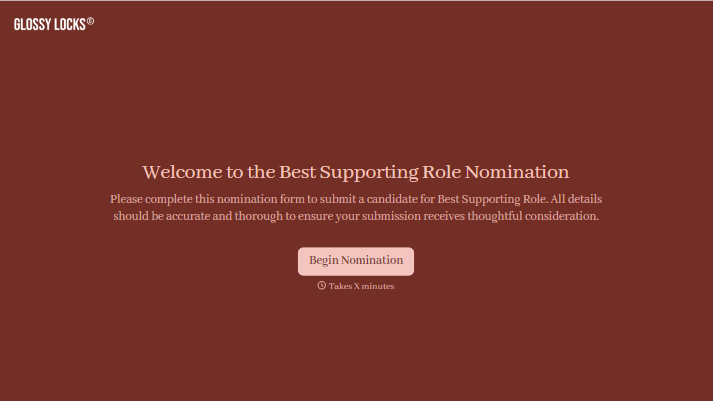
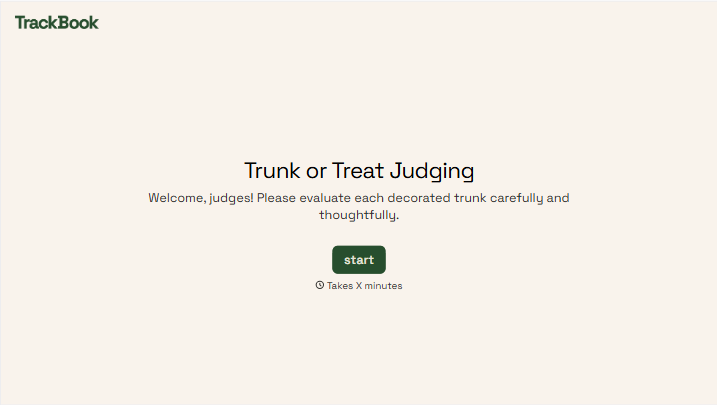

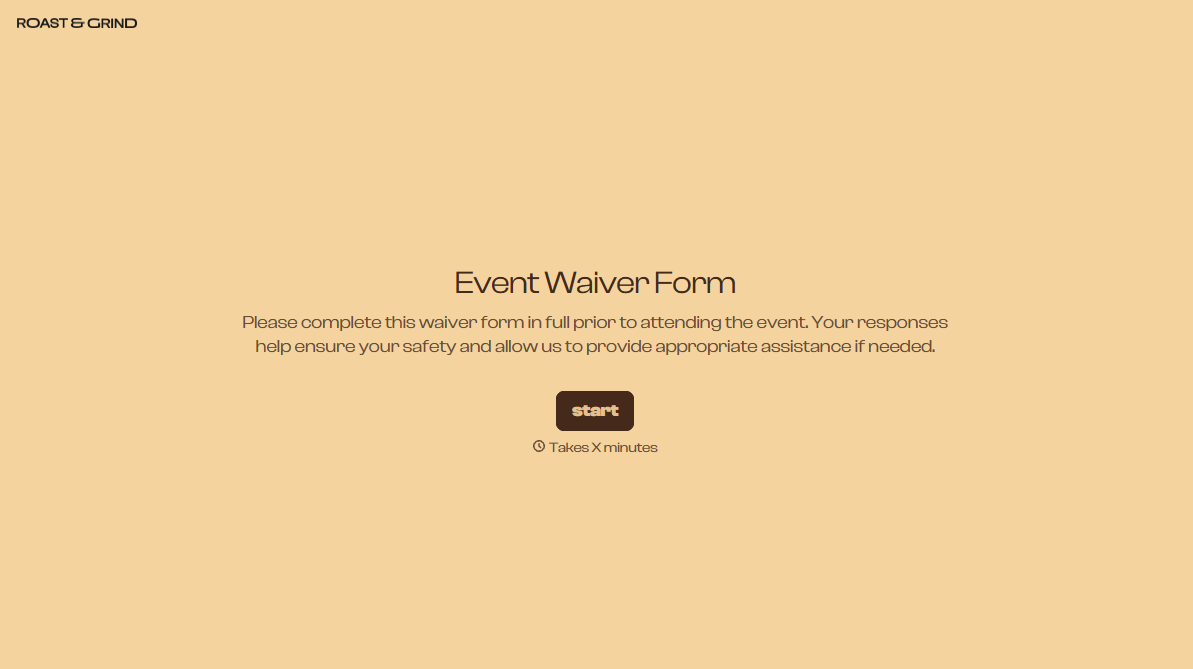
With Typeform, you can customize everything
Change text, colors, and even logos to match the look and feel of your brand. Then embed forms smoothly onto web and email.
Make forms feel effortless to fill out. Pace questions, call people by their name, and adapt the flow based on the data they share.
Stay efficient by connecting forms to your workflow. Typeform integrates with 300+ tools including Slack, Zapier, and HubSpot.


