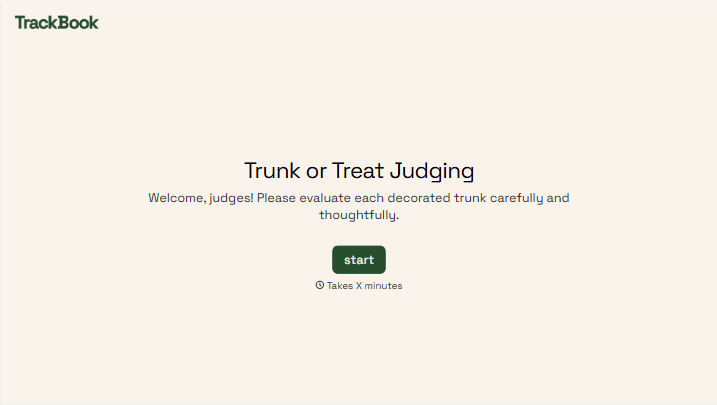
Trunk or Treat Judging Form
Give judges a clear way to score every trunk at your event. Collect entry numbers, category scores, and comments so you can compare results and announce your winners.



One trunk has a handmade haunted house. Another turns its entire parking space into a pirate ship. Both draw a crowd, but your judges need more than applause to choose a winner. Typeform’s trunk or treat judging form gives them the same criteria to work from.
Judges identify the entry, score each category, and add comments about what stood out. You can include creativity, theme, decorations, and overall presentation, with a clear scale for each. Ask for the judge’s name so organizers can follow up if a score is missing or an entry number looks wrong.
You get results organized around the categories you chose. Judges get a consistent way to record their decisions as they move between trunks. And when it’s time to announce the awards, you have scores and comments to explain what made each winner stand out.
A trunk or treat judging form collects scores for decorated vehicles at a Halloween event. It records the entry being judged, ratings for each category, and any comments. Schools, community groups, and event organizers use it to gather judges’ responses and determine award winners.
Without shared criteria, one judge might reward elaborate decorations while another focuses on originality. A judging form makes the categories clear before scoring begins. It also keeps results together, making it easier to check that each entry has been judged and compare scores after the event.
Include the information you need to connect each score to the right entry:
- Judge’s name
- Trunk number or entry name
- Theme, if applicable
- Scoring categories, such as creativity and presentation
- A clearly explained rating scale
- Optional comments
- An award recommendation, if your process uses one
Use the same scale throughout, and explain whether any category carries more weight than the others.
Give judges the criteria before they start and explain what low, middle, and high scores mean. Ask them to assess every assigned entry using those definitions. Number the trunks clearly, allow enough time to visit each one, and decide how you’ll handle tied scores before results come in.
Yes. Create a separate voting form with the trunk numbers or entry names and ask attendees to choose their favorite. Keep those votes separate from the judges’ scores so each award has a clear basis. Explain your voting rules and deadline, and choose a method for handling repeat submissions before sharing the link.
Get inspired by relevant templates and categories
3200+ Templates, 300+ Integrations
With Typeform, you can customize everything
Change text, colors, and even logos to match the look and feel of your brand. Then embed forms smoothly onto web and email.
Make forms feel effortless to fill out. Pace questions, call people by their name, and adapt the flow based on the data they share.
Stay efficient by connecting forms to your workflow. Typeform integrates with 300+ tools including Slack, Zapier, and HubSpot.


