Virtual Live Trivia Form
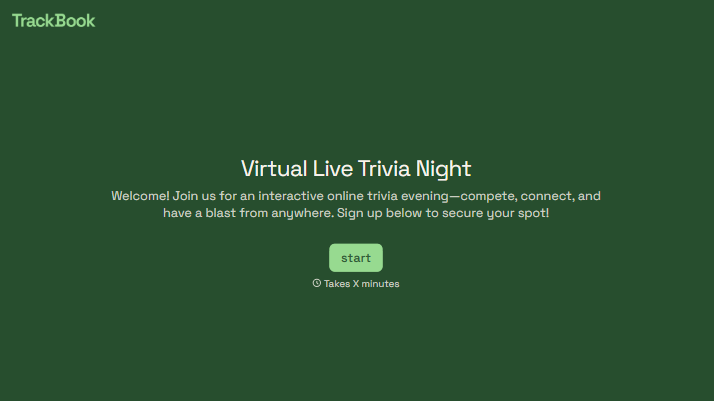
Give players a clear place to submit their answers during your online trivia event. Collect team names, round responses, and tie-breaker guesses so you can keep submissions organized as you host.



One team posts its answer in the group chat. Another sends a private message, and a third forgets to include its name. Before you can announce the scores, you’re matching answers to players. Typeform’s virtual live trivia form gives everyone the same place to respond.
Players enter their name or team name and submit answers for the round. You can number questions to match your presentation, explain the answer format, and include a tie-breaker. Share the form link alongside your video call so participants know where to send their responses.
You get a consistent set of submissions to review. Players get a clear route from hearing a question to handing in an answer. And the host can spend more time reading questions and discussing results, with fewer messages to sort through between rounds.
A virtual live trivia form collects player or team answers during an online quiz event. It typically includes a name, round number, and fields for each answer. Hosts use it alongside a video call or livestream to organize responses for scoring.
Answers submitted through chat can get mixed in with questions, jokes, and other messages. A dedicated form keeps responses together and asks everyone for the same identifying details. That makes it easier to match answers to teams and review each round.
Include the details players need to submit an identifiable, complete response:
- Player or team name
- Round name or number
- Clearly numbered answer fields
- Instructions for acceptable answer formats
- Submission deadline or timing instructions
- A tie-breaker question, if needed
- Rules for corrections or duplicate submissions
Keep the team name consistent across rounds so you can match submissions when adding up scores.
Share the link before the first round and explain when players should submit. Match the form’s question numbers to those you read aloud or show on screen. For team play, ask one person to submit on behalf of each team. A short practice question gives everyone a chance to understand the process before scoring begins.
That depends on how you configure the form and any connected tools. Multiple-choice answers are easier to score consistently, while written answers may need a host to review spelling or acceptable alternatives. If you want automatic scoring or a live leaderboard, set up and test that workflow before the event. Collecting answers alone does not create a live ranking.
Get inspired by relevant templates and categories
3200+ Templates, 300+ Integrations
With Typeform, you can customize everything
Change text, colors, and even logos to match the look and feel of your brand. Then embed forms smoothly onto web and email.
Make forms feel effortless to fill out. Pace questions, call people by their name, and adapt the flow based on the data they share.
Stay efficient by connecting forms to your workflow. Typeform integrates with 300+ tools including Slack, Zapier, and HubSpot.


