Airport Transfer Booking Form
Give travelers a straightforward way to arrange airport transportation with a form that collects flight details, pickup locations, and passenger preferences. Keep reservations organized so transportation providers can coordinate drivers, plan routes, and provide reliable transfers between airports, hotels, and other destinations.



A business traveler needs a private car from the airport to a downtown hotel, while a family wants to book a larger vehicle for an early morning flight. They both need dependable airport transportation, but their schedules, luggage requirements, and vehicle preferences differ. An airport transfer booking form helps transportation providers collect reservation details and prepare for upcoming trips.
Travelers provide contact information, flight numbers, pickup and drop-off locations, and preferred transfer times. You can include fields for passenger counts, luggage quantities, vehicle types, and special assistance requirements. Questions about child safety seats, accessibility accommodations, and return transfers help transportation providers understand each booking and arrange suitable vehicles.
Your team receives organized transportation requests without relying on scattered emails or phone calls. Booking coordinators review submissions, confirm vehicle availability, and assign drivers based on passenger needs. Airport shuttle companies, private car services, and travel agencies get a structured way to manage reservations, coordinate pickups, and communicate important trip details to customers.
An airport transfer booking form collects information from travelers requesting transportation to or from an airport. It typically includes passenger contact details, flight information, pickup and drop-off locations, travel dates, and vehicle preferences. Airport shuttle services, private transportation companies, hotels, and travel agencies use it to organize reservations, schedule drivers, and coordinate airport transfers.
Managing airport transfer reservations through individual messages or phone calls can make it difficult to track flight schedules, passenger requirements, and vehicle availability. A structured booking form collects consistent information about each trip, including pickup times, destinations, and luggage needs. It helps transportation providers plan routes, assign appropriate vehicles, and communicate reservation details while reducing administrative work and scheduling errors.
Include questions that help transportation providers coordinate airport transfers and prepare for passenger needs, like:
- What is your full name?
- What is your preferred contact email?
- What is your phone number?
- What date do you need airport transportation?
- Are you booking an airport pickup or drop-off?
- Which airport will you be traveling to or from?
- What is your flight number?
- Which airline are you traveling with?
- What is your scheduled flight arrival or departure time?
- What is your preferred pickup time?
- What is your pickup address or location?
- What is your destination address?
- How many passengers will be traveling?
- How many pieces of luggage will you bring?
- Do you have any oversized luggage or special equipment?
- What type of vehicle would you prefer?
- Do you require a child safety seat?
- Do you need any accessibility accommodations?
- Would you like to request a meet-and-greet service?
- Do you need a one-way or round-trip transfer?
- If booking a round trip, what is your return travel date?
- Are there any additional stops along your route?
- What is your preferred payment method?
- Have you reviewed the transfer rates and cancellation policies?
- Are there any special pickup or transportation instructions?
You can customize the questions to match your available vehicles, service areas, and reservation policies.
Use dropdown menus for airports, vehicle types, and transfer services. Include date and time fields for travel schedules and multiple-choice questions for passenger counts, luggage requirements, and additional services. Conditional logic can display follow-up questions when travelers request round-trip transportation, child safety seats, or accessibility accommodations. Clearly explain pickup procedures, pricing, waiting time policies, and cancellation terms. Keep the form mobile-friendly so travelers can make reservations conveniently from their phones, and provide clear instructions about how booking confirmations will be communicated.
Yes. An airport transfer booking form helps transportation providers collect accurate flight information, pickup times, and passenger requirements before confirming reservations. Coordinators can review submissions, identify overlapping requests, and assign vehicles based on availability and capacity. The collected information also supports driver scheduling, route planning, and communication with travelers about pickup arrangements.
By maintaining organized booking records, transportation providers can reduce misunderstandings and prepare for changes in travel schedules. However, a booking form alone does not automatically monitor flight delays or guarantee vehicle availability. Providers should verify reservations, communicate confirmations, and use reliable flight tracking information when coordinating airport pickups.
Get inspired by relevant templates and categories
3200+ Templates, 300+ Integrations


Pet Boarding Waiver and Consent Form
Give pet owners a straightforward way to authorize boarding services with a form that collects pet information, emergency contacts, and care instructions. Keep consent records organized so boarding facilities can understand each pet's needs, confirm owner permissions, and provide a safe and comfortable boarding experience.
View template
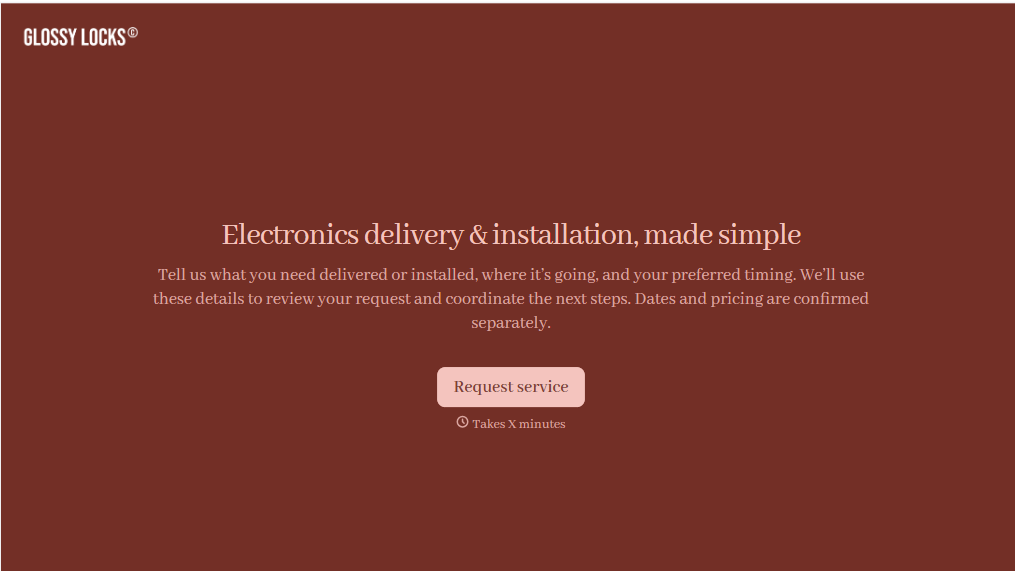
Electronics Installation Delivery Form
Give customers a straightforward way to schedule electronics delivery and installation services with a form that collects product details, delivery addresses, and setup requirements. Keep service requests organized so retailers and installation teams can coordinate appointments, prepare equipment, and complete deliveries efficiently.
View template
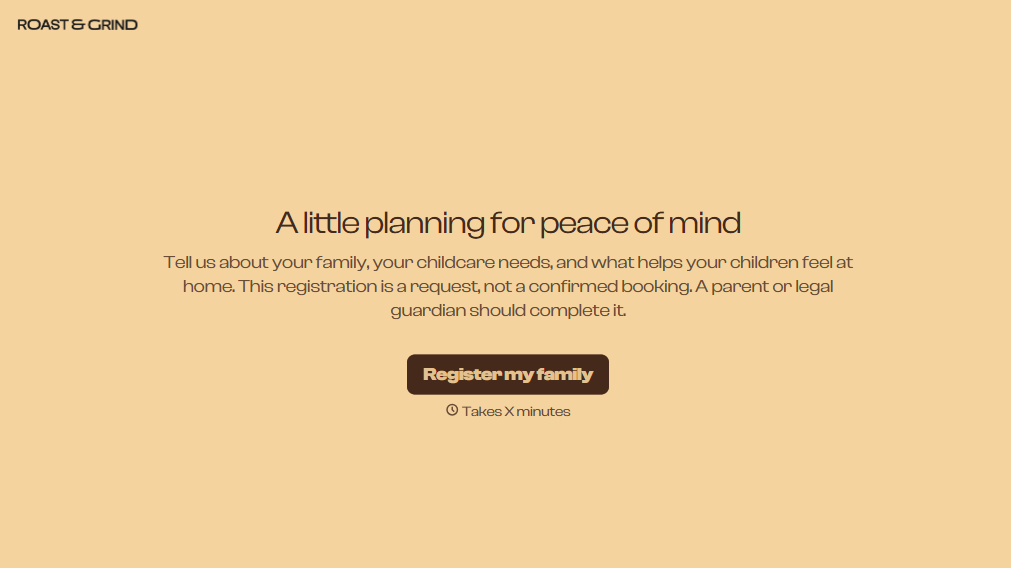
Babysitting Registration Form
Provider parents and guardians a simpler way to register their children for babysitting services with a form that collects contact information, childcare needs, and scheduling preferences. Keep registration records organized so babysitters and childcare providers can prepare for appointments, understand each child's needs, and provide a safe, comfortable environment.
View template

Airport Transfer Booking Form
Give travelers a straightforward way to arrange airport transportation with a form that collects flight details, pickup locations, and passenger preferences. Keep reservations organized so transportation providers can coordinate drivers, plan routes, and provide reliable transfers between airports, hotels, and other destinations.
View template
With Typeform, you can customize everything
Change text, colors, and even logos to match the look and feel of your brand. Then embed forms smoothly onto web and email.
Make forms feel effortless to fill out. Pace questions, call people by their name, and adapt the flow based on the data they share.
Stay efficient by connecting forms to your workflow. Typeform integrates with 300+ tools including Slack, Zapier, and HubSpot.


