Attendance Certificate Form Template
Collect the information needed to issue attendance certificates accurately and efficiently.



Issuing attendance certificates for events, training sessions, conferences, or courses requires accurate records of who attended and for how long. When attendance is tracked informally, certificate requests arrive with discrepancies and your team spends time verifying details that should have been captured at the point of attendance.
A digital attendance certificate request form collects the relevant details directly from attendees: full name as it should appear on the certificate, the event or session attended, dates, and any reference number. This ensures the certificate reflects exactly what the attendee needs without back-and-forth corrections. For events with your own attendance records, you can cross-reference requests against your registration data before issuing.
Customize the form for your event or program, add your organization's branding, and connect submissions to your certificate generation workflow through Zapier or a document automation tool.
It's a form used to collect the information needed to generate and issue an attendance certificate to participants of an event, training program, conference, or educational session. It ensures the certificate details are accurate before issuance.
Generating certificates with incorrect name spelling or wrong dates creates rework and delays. A request form puts the accuracy burden on the attendee at the point of request, reducing errors and the volume of corrections your team has to process.
A certificate request form should capture everything needed to populate the certificate accurately:
- Full name as it should appear on the certificate
- Email address for delivery
- Name of the event, course, or session attended
- Date(s) of attendance
- Any reference or registration number
- Organization or institution name (if required on the certificate)
Connect Typeform to a document generation tool like Documint, Carbone, or Google Docs via Zapier or Make. Each form submission triggers the generation of a personalized certificate using a template you've designed, which is then emailed to the attendee automatically. This removes manual effort for high-volume issuance.
If your event has a registration list, add a step in your workflow that cross-checks each submission against attendance records before triggering certificate generation. You can do this manually for small events or use a Zapier workflow that checks a Google Sheet of verified attendees and only generates a certificate when there's a match.
Get inspired by relevant templates and categories
3200+ Templates, 300+ Integrations
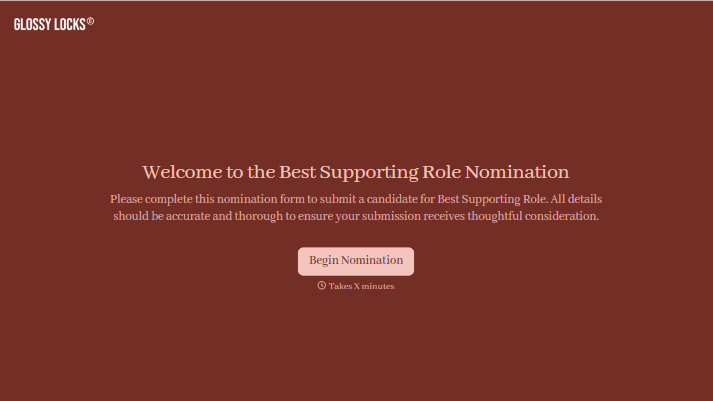
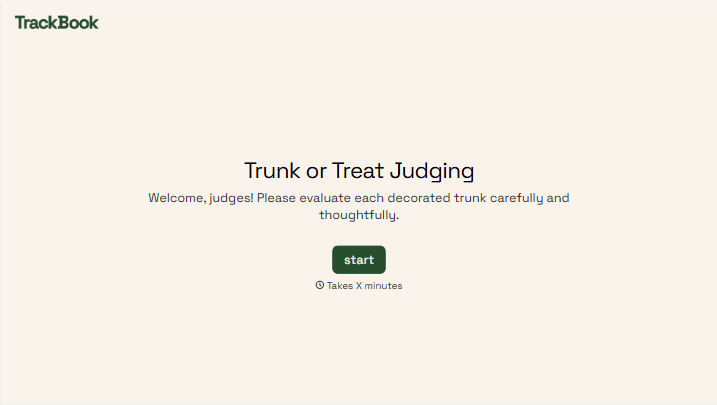

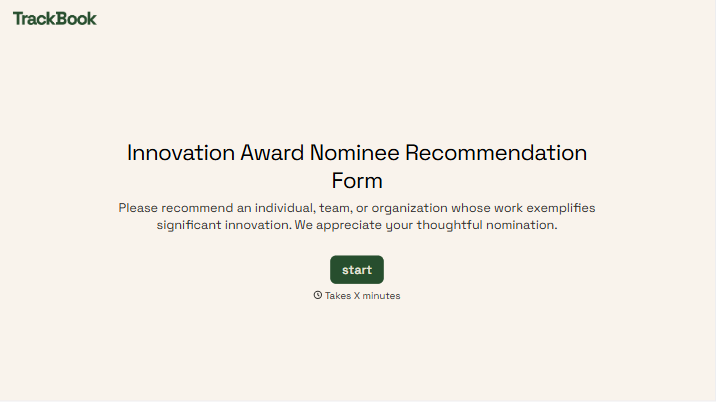
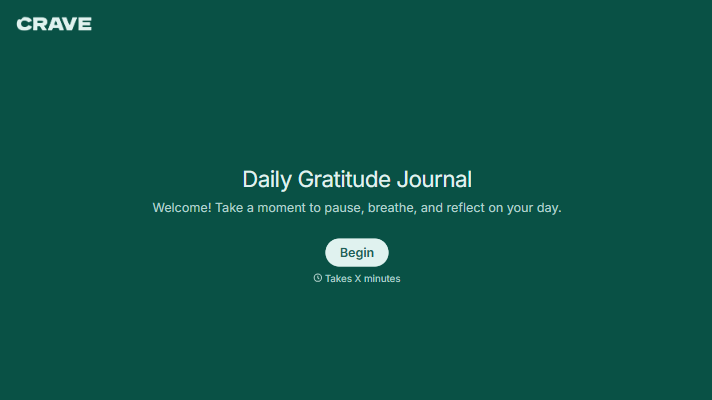

With Typeform, you can customize everything
Change text, colors, and even logos to match the look and feel of your brand. Then embed forms smoothly onto web and email.
Make forms feel effortless to fill out. Pace questions, call people by their name, and adapt the flow based on the data they share.
Stay efficient by connecting forms to your workflow. Typeform integrates with 300+ tools including Slack, Zapier, and HubSpot.


