Free Basketball Registration Form Template
Register players for your basketball program without the paperwork pile-up at the first practice.



Paper registration at the door of a basketball tryout or program sign-up creates a bottleneck before the first drill even starts. Parents fill out forms in a hurry, handwriting is hard to read, health and consent information gets missed, and you end up spending the first session sorting paper instead of running your program.
Moving registration online gives you clean, complete data before anyone shows up. Typeform walks registrants through one question at a time, which keeps the form from feeling overwhelming and reduces incomplete submissions. For youth programs, conditional logic can ask for parental consent details only when the player is under 18.
Responses feed directly into a spreadsheet. Customize the template to match your league's age groups, skill levels, and registration requirements.
A basketball registration form collects player information for a league, team, or training program. It typically covers personal details, skill level, emergency contacts, and any health or consent information needed.
Online registration means you have complete player information before sessions start. It also makes it easier to communicate with parents or players and track enrollment across multiple teams or age groups.
A complete basketball registration form should cover:
- Player name, date of birth, and contact information
- Parent or guardian details (for youth programs)
- Team or age group preference
- Experience level or position preference
- Emergency contact information
- Medical conditions or allergies relevant to physical activity
Add a division or age group selection question early in the form. Use conditional logic to route registrants to the relevant follow-up questions for their group. This keeps a single form clean while serving multiple programs.
Typeform allows you to set response limits on a form, so once the maximum number of registrations is reached, the form closes automatically. This prevents you from over-enrolling a program.
Get inspired by relevant templates and categories
3200+ Templates, 300+ Integrations
Distributor Registration Form
A distributor application that arrives as a scanned resale certificate attached to an email doesn't tell your sales team what territory they're actually asking for. Collect what your company actually needs, business information, tax documentation, and territory, before you set up an account.
View template
Tutoring Registration Form
A phone call to sign up for tutoring isn't the kind of information a tutor can build a first session around, especially without knowing which chapter of algebra is causing the trouble. Collect the student's subject needs, schedule, and goals before the first session, so a tutor isn't starting from scratch on day one.
View template
Resident Registration Form
A move-in packet signed at the leasing office and filed in a drawer isn't the kind of record your front desk can pull up when a resident's guest needs access or a car needs to be identified in the lot. Collect household members, vehicles, and emergency contacts before move-in day, so your community has an accurate record from the start.
View template
College Enrollment Form
An acceptance letter isn't an enrolled student, it's an interested one, and if the deposit, housing, and immunization records live in three different portals, some of the admitted class quietly enrolls somewhere else instead. Confirm it one place at a time, before the deposit deadline passes.
View template
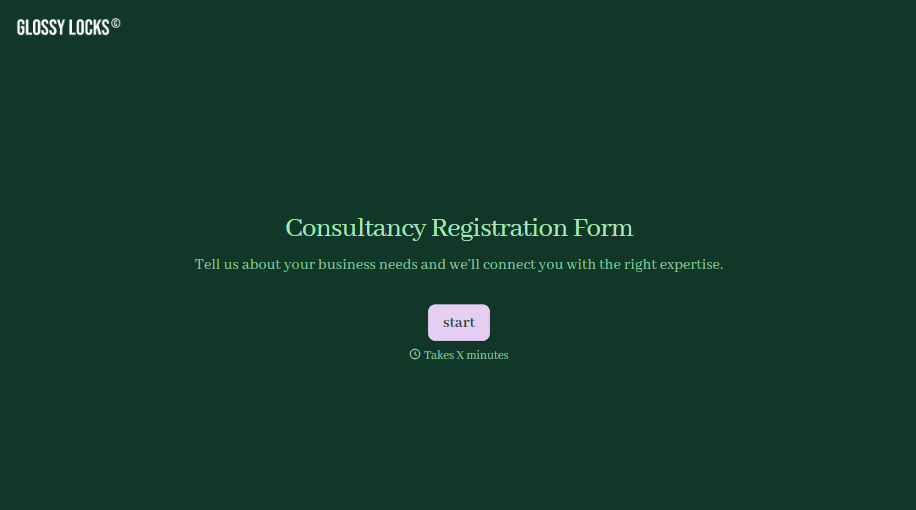
Consultancy Registration Form
Move past a registration form that only grabs a name and a phone number. Confirm the client understands who they're signing up with, screen for what a consultancy is legally allowed to charge and promise, and keep a record of exactly what was disclosed and agreed to.
View template

With Typeform, you can customize everything
Change text, colors, and even logos to match the look and feel of your brand. Then embed forms smoothly onto web and email.
Make forms feel effortless to fill out. Pace questions, call people by their name, and adapt the flow based on the data they share.
Stay efficient by connecting forms to your workflow. Typeform integrates with 300+ tools including Slack, Zapier, and HubSpot.


