Birthday Party Invitation Form Template
Send invitations that actually get answered, with RSVPs, dietary needs, and headcounts handled in 1 place.



Planning a birthday party is supposed to be fun. Tracking RSVPs across text threads, DMs, and verbal "maybes" is not. You end up over-ordering food, under-ordering chairs, and anxiously refreshing your phone the day before the party.
This birthday party invitation form template puts everything in 1 place. Guests confirm attendance, note dietary restrictions, indicate plus-ones, and answer any custom questions you add, like whether they'd prefer laser tag or bowling. Question branching means guests who RSVP "no" get a short thank-you instead of 10 more questions about meal preferences.
Customize the design to match your party theme, share the link via text or social media, and watch the responses roll in. You'll know exactly who's coming, what they need, and what they're excited about.
A birthday party invitation form is a digital invitation and RSVP tool that lets guests confirm their attendance and share important details (dietary needs, plus-ones, song requests, or gift preferences) all in one response. It replaces the chaos of managing RSVPs across multiple channels.
Group texts turn into noise. Social media events have notoriously unreliable RSVP counts. A form gives you definitive yes-or-no answers with structured details attached to each response. You get a clean guest list with actionable information, not a thread of "maybe!" and thumbs-up emojis.
- Guest's name and contact info
- RSVP status (attending, not attending, maybe)
- Number of additional guests
- Dietary restrictions or allergies
- Activity preferences (if offering options)
- Song requests or special messages for the birthday person
Absolutely. Adjust the questions for the audience. Ask parents for the child's name, age, allergies, and pickup preferences. You can also add a field for emergency contact information and a note about supervision expectations. Conditional logic can show parent-specific fields while keeping the form short.
Copy the form link and send it however your guests communicate: text, WhatsApp, email, Instagram DM, or even a printed QR code on a physical invitation. The form works on any device, so guests can RSVP from wherever they see it.
Get inspired by relevant templates and categories
3200+ Templates, 300+ Integrations
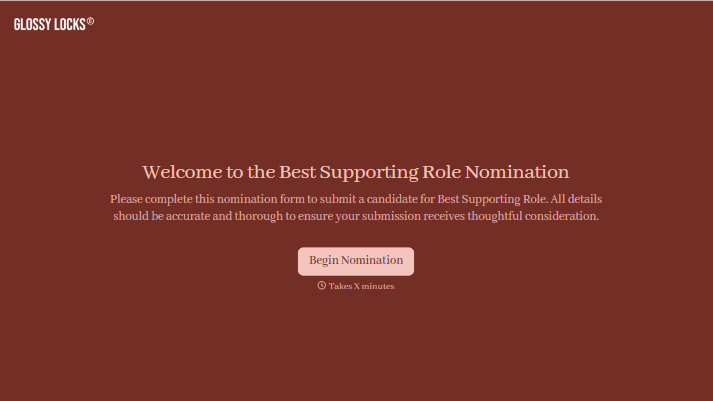
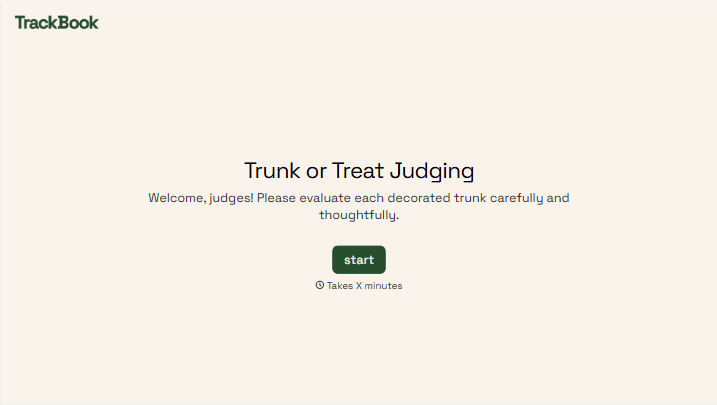
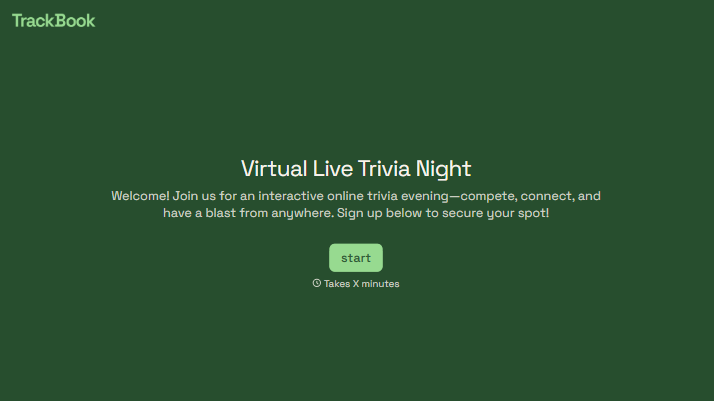
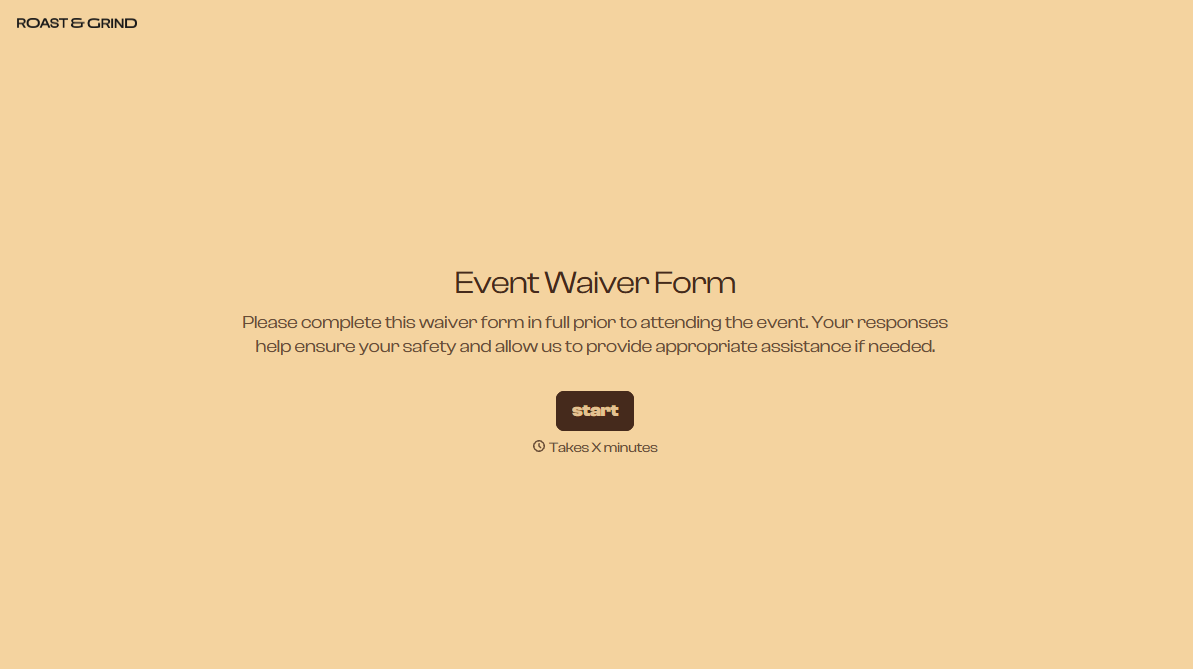
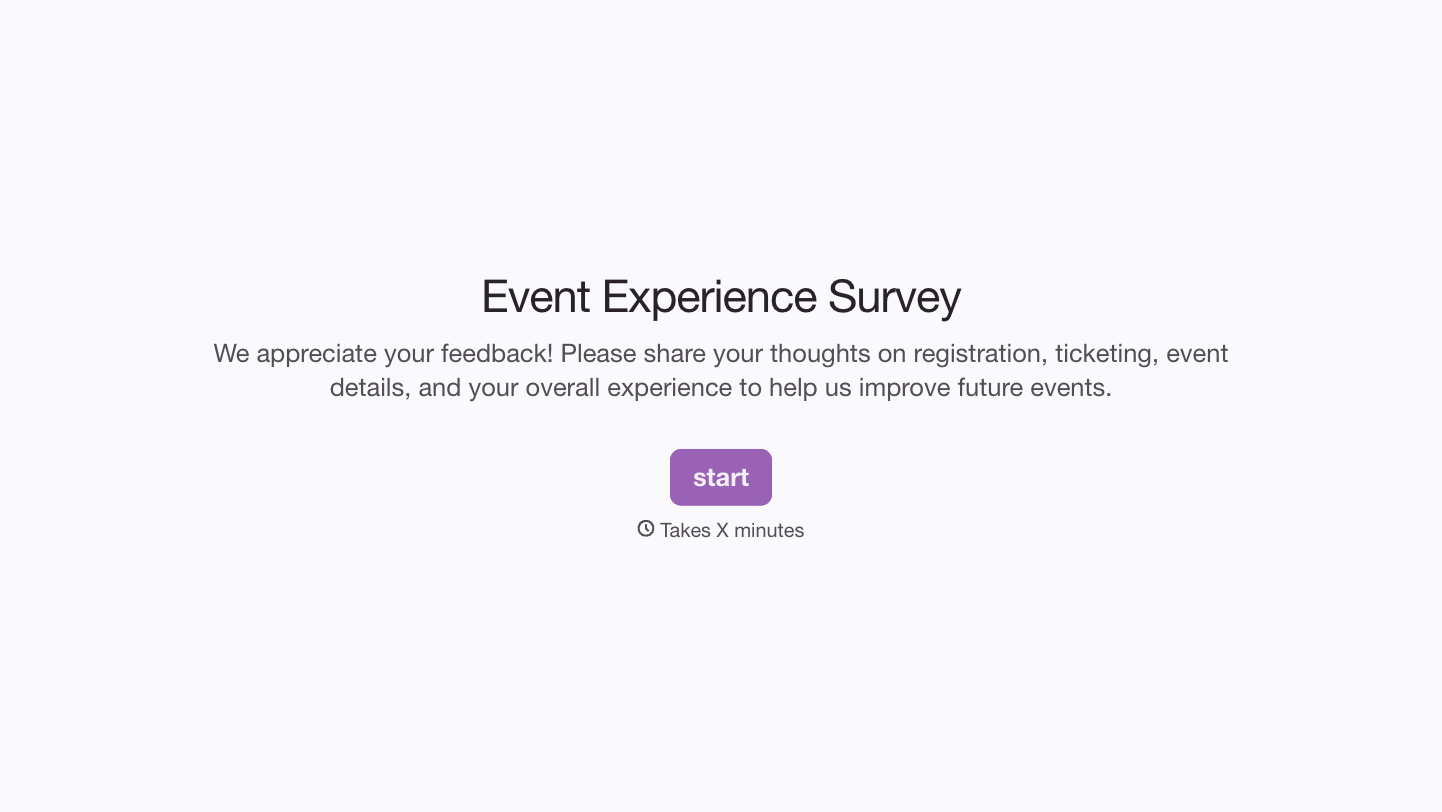
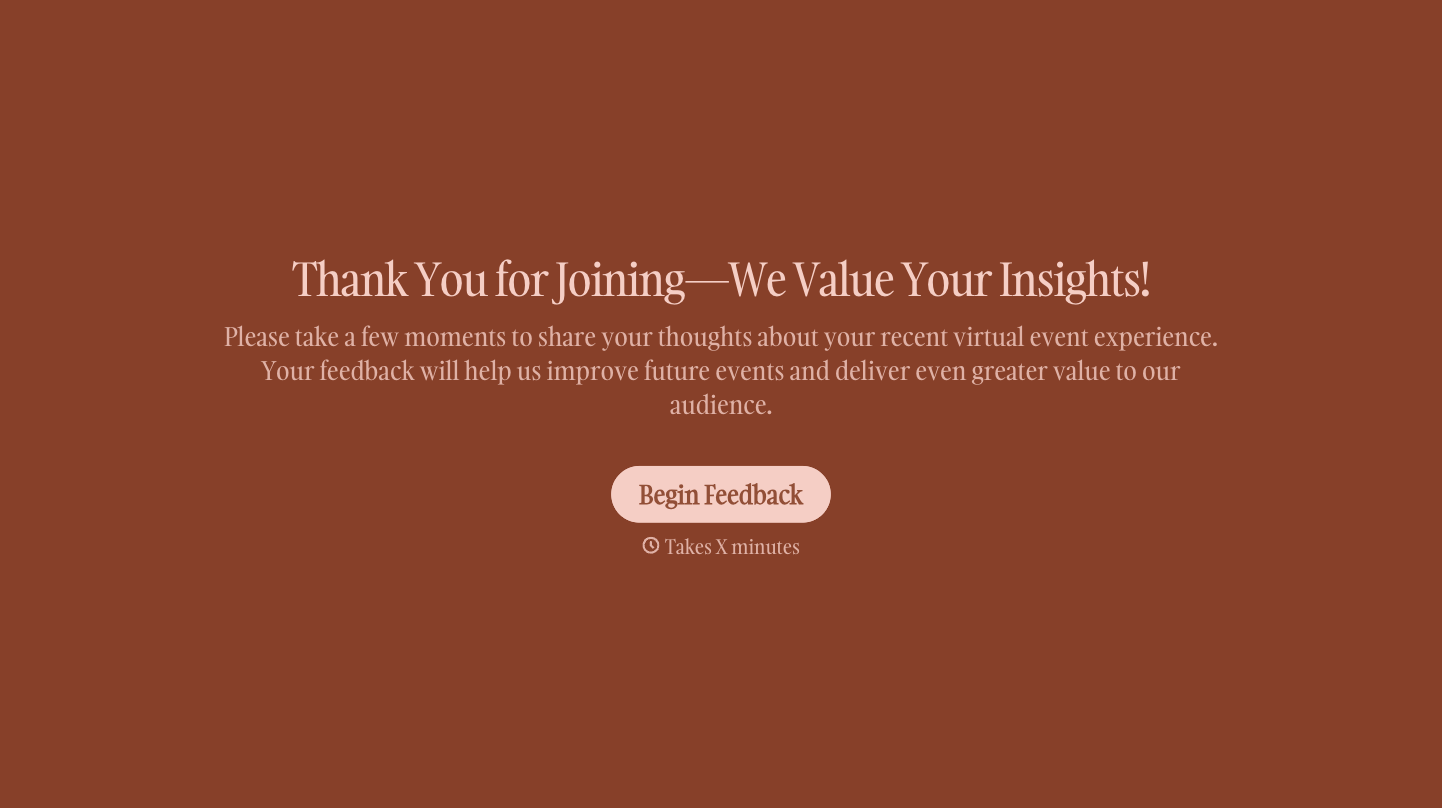
With Typeform, you can customize everything
Change text, colors, and even logos to match the look and feel of your brand. Then embed forms smoothly onto web and email.
Make forms feel effortless to fill out. Pace questions, call people by their name, and adapt the flow based on the data they share.
Stay efficient by connecting forms to your workflow. Typeform integrates with 300+ tools including Slack, Zapier, and HubSpot.


