Caregiver Consent Form Template
Authorize a caregiver to act on your behalf — with the documentation to back it up.



When you're leaving your child, an elderly parent, or another dependant in someone else's care, clear documentation of what that caregiver is and isn't authorized to do protects everyone. A caregiver consent form ensures the caregiver can act confidently in an emergency, schools and medical providers know who's authorized, and the scope of care is clear from day one.
This template captures the caregiver's name and contact information, their relationship to the dependant, the care period, the specific authorizations granted (medical treatment, school pick-up, travel with the child, and so on), emergency contacts, known medical conditions or allergies, and a parent or guardian signature. Some versions also include a field for the caregiver to acknowledge their responsibilities.
The form can be shared digitally with the caregiver, the child's school, or a medical provider, or printed and kept on file at home. Families who use it regularly often keep a standing version on file with their pediatrician and update it annually.
Common authorizations include consent to emergency medical treatment, permission to pick up a child from school, authorization to travel domestically or internationally with the child, and permission to authorize medical procedures in the parent's absence. Be specific — 'consent to emergency medical treatment' and 'authorization for elective procedures' are different things.
No. A caregiver consent form authorizes specific actions during a defined period — it doesn't transfer custody or parental rights. For situations requiring broader legal authority, such as an extended stay with a non-parent caregiver, a notarized power of attorney or guardianship document may be more appropriate.
For most everyday caregiving situations, a signed form is sufficient. For travel across international borders, airlines and border agencies increasingly require notarized authorization for children traveling with a non-parent. Check the specific requirements of the destination countries and the airline before traveling.
You set the dates. Include an explicit start and end date so the authorization doesn't persist indefinitely. For recurring caregivers like grandparents or regular babysitters, an annually renewed form is a sensible practice — it ensures contact information and medical details stay current.
Yes — at minimum, known allergies, current medications, the pediatrician's contact information, and any conditions that affect emergency treatment. A caregiver needs to be able to hand this to a paramedic or emergency room staff in a stressful moment, so clarity matters.
Get inspired by relevant templates and categories
3200+ Templates, 300+ Integrations
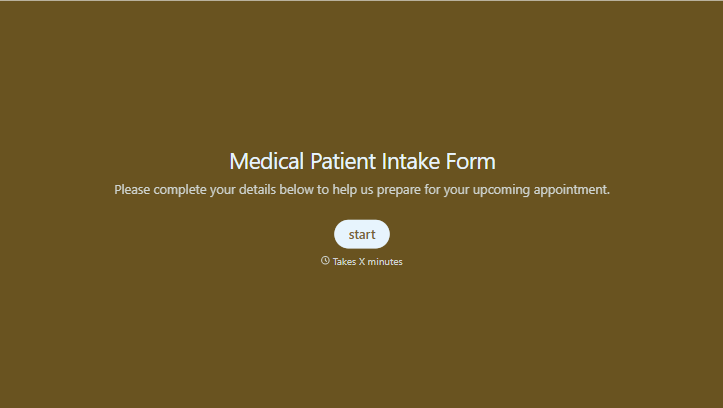
Medical Patient Intake Form
Move past a clipboard that captures a name and an insurance card. Screen for the medical history that actually changes how a patient is treated, document informed consent and privacy acknowledgment, and keep a timestamped signature on file for exactly what your patient agreed to.
View template
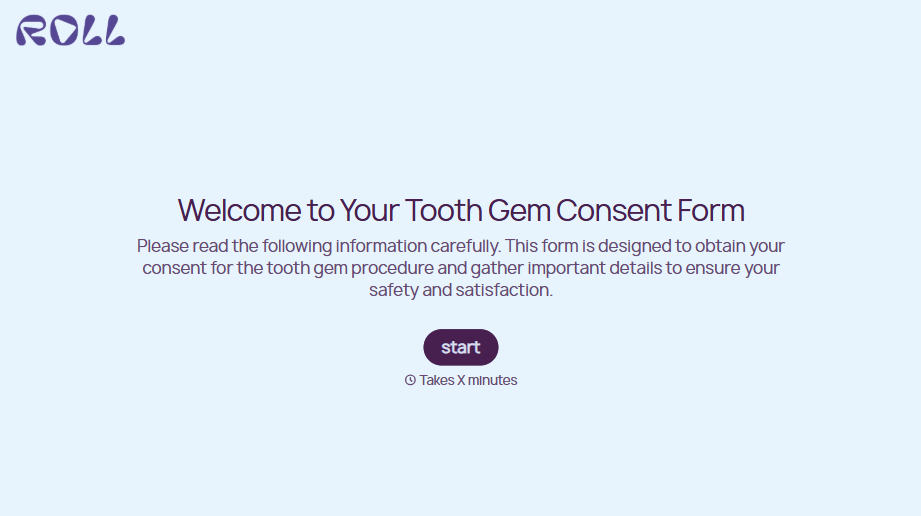
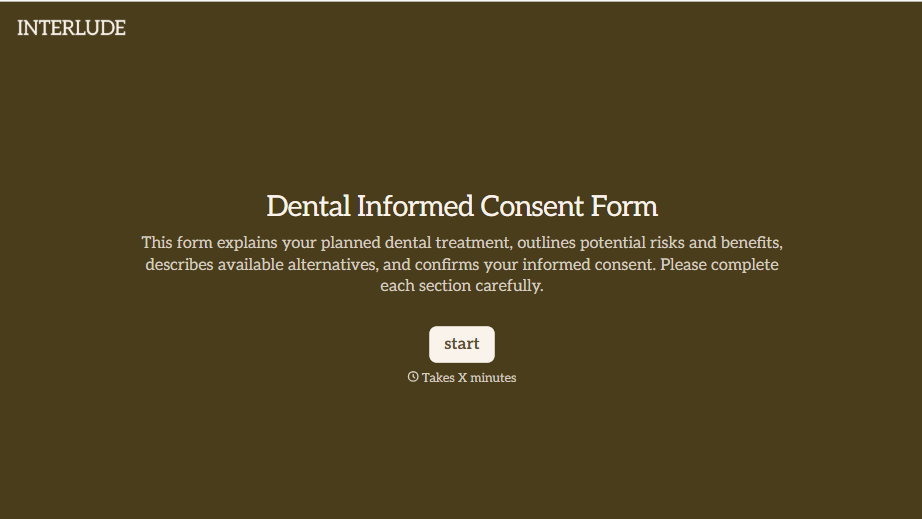

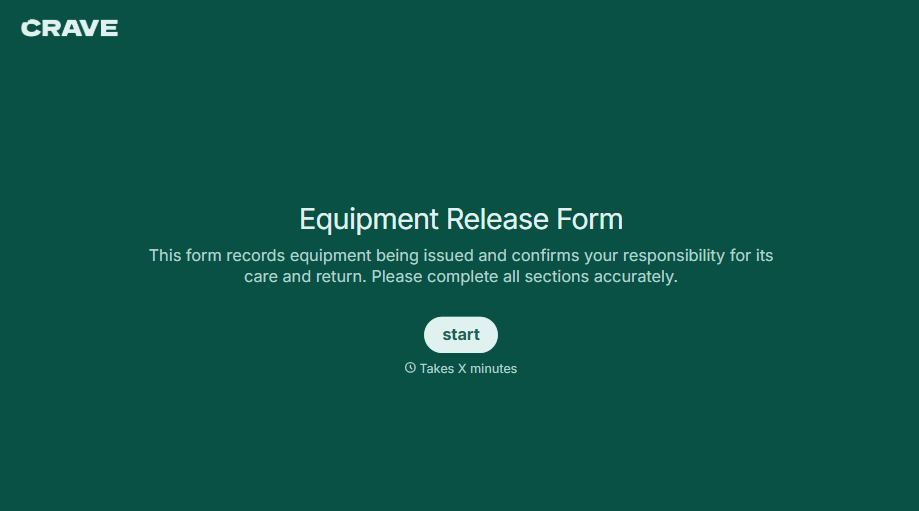
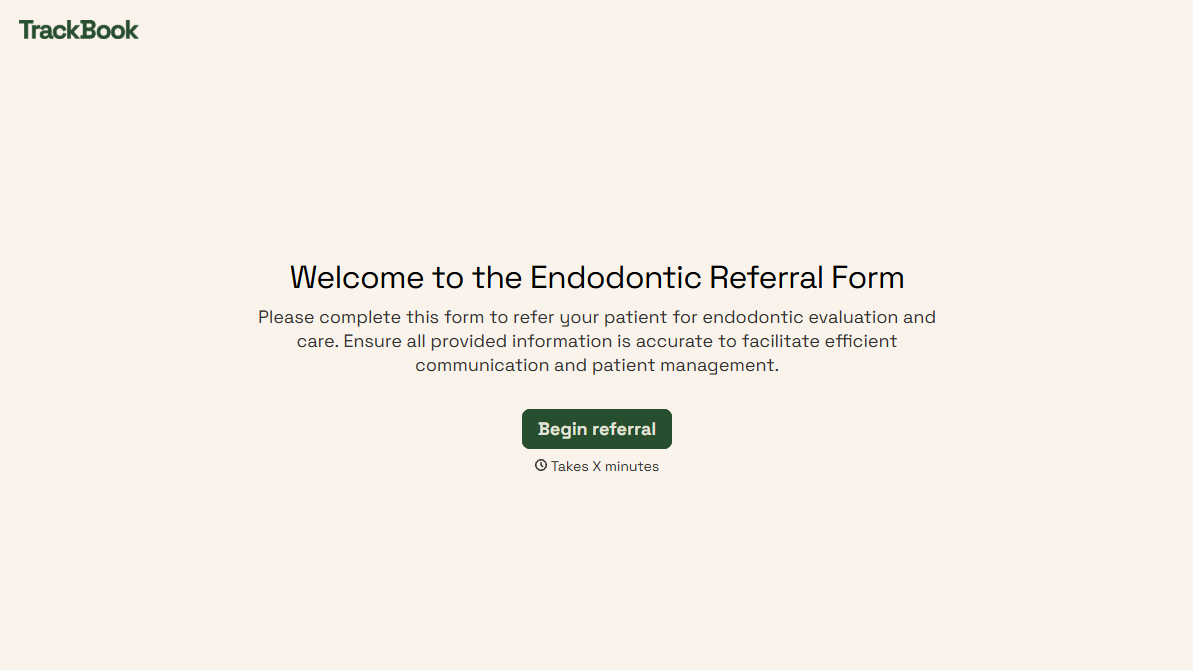
With Typeform, you can customize everything
Change text, colors, and even logos to match the look and feel of your brand. Then embed forms smoothly onto web and email.
Make forms feel effortless to fill out. Pace questions, call people by their name, and adapt the flow based on the data they share.
Stay efficient by connecting forms to your workflow. Typeform integrates with 300+ tools including Slack, Zapier, and HubSpot.


