Tooth Gem Consent Form
Move past a quick sign-here waiver that skips the questions that actually matter. Screen for the dental history that rules someone out, document informed consent, and keep a timestamped signature on file for exactly what your client agreed to.



A tooth gem sits directly on a client's enamel, sometimes near the gumline, for months or years. A one-line waiver at checkout doesn't document whether that client has a cavity, a filling, gum disease, or an allergy to bonding resin under the spot where the gem goes. It also doesn't hold up as proof they understood the real risks: enamel damage, decay trapped under the gem, gum irritation, or a gem that comes loose. Where the service can legally be offered matters too. Florida's dental board classifies placing anything bonded to a tooth as practicing dentistry, and it has issued citations and cease-and-desist orders to non-dentists offering tooth gems. Other states haven't addressed it as directly, which makes this a patchwork, not a settled rule.
Typeform's tooth gem consent form uses conditional logic to walk a client through their dental history first, cavities, fillings, gum issues, known allergies, so anyone who isn't a good candidate gets flagged before a gem is ever picked up. It lays out the risks in plain language instead of fine print, and confirms the client understands aftercare and that a gem isn't guaranteed to stay in place forever.
Every signed form becomes a timestamped PDF showing what the client disclosed, what they were told, and what they agreed to, exactly the record you'd want on file if a tooth chips, a gem falls out, or anyone questions whether the service was performed appropriately.
A tooth gem consent form documents that a client was told what applying a tooth gem involves, bonding a small ornament to the surface of a tooth, along with the risks: enamel damage, decay, gum irritation, and the possibility the gem loosens or falls out. It also collects the client's relevant dental history so the technician or dentist can confirm they're actually a candidate for the procedure.
It depends on where you practice. Some states, Florida among them, treat placing a tooth gem as practicing dentistry and have cited or issued cease-and-desist orders to non-dentists offering the service. Other states haven't addressed it directly. A consent tooth gem form doesn't change what your state dental board requires, so confirm your state's specific rules before offering the service, regardless of what the form covers.
Capture enough to screen the client and document what they agreed to:
- Full name, date of birth, and contact information
- Dental history: cavities, fillings, crowns, gum disease, and any known allergies to bonding materials
- A plain-language description of the procedure and materials used
- Disclosed risks, including enamel damage, decay, gum irritation, and the gem loosening or falling out
- Aftercare instructions and confirmation the client understood them
- Signature and date, plus a parent or guardian's signature if the client is a minor
Not by itself. A signed form documents that a client was informed and agreed to the procedure, but it doesn't override your state's licensing requirements, and it won't excuse a procedure performed negligently. Use it to document consent properly, and separately confirm you're permitted to offer the service where you're located.
Yes. Typeform's signature question lets clients sign by typing, drawing, or uploading their signature, time-stamps it the moment they submit, and locks the response so it can't be changed afterward, generating a PDF you can keep on file. It's available on Typeform's Growth Flow, Growth Custom, and Enterprise plans.
Get inspired by relevant templates and categories
3200+ Templates, 300+ Integrations
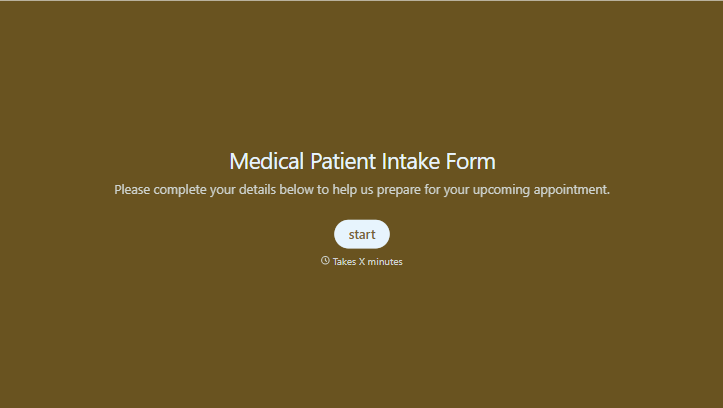
Medical Patient Intake Form
Move past a clipboard that captures a name and an insurance card. Screen for the medical history that actually changes how a patient is treated, document informed consent and privacy acknowledgment, and keep a timestamped signature on file for exactly what your patient agreed to.
View template
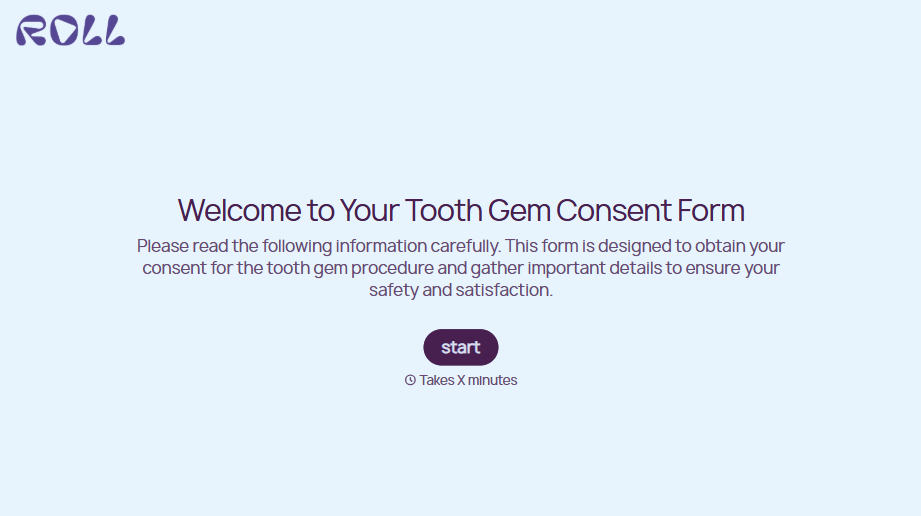
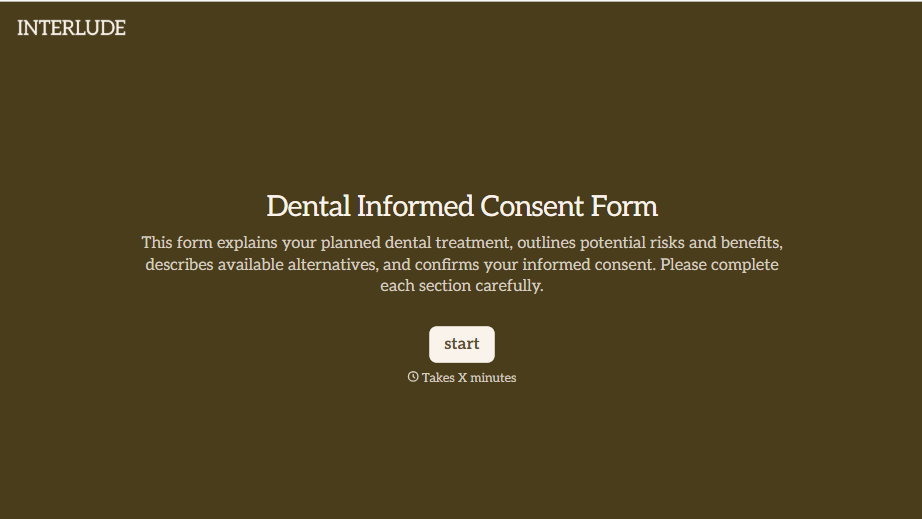
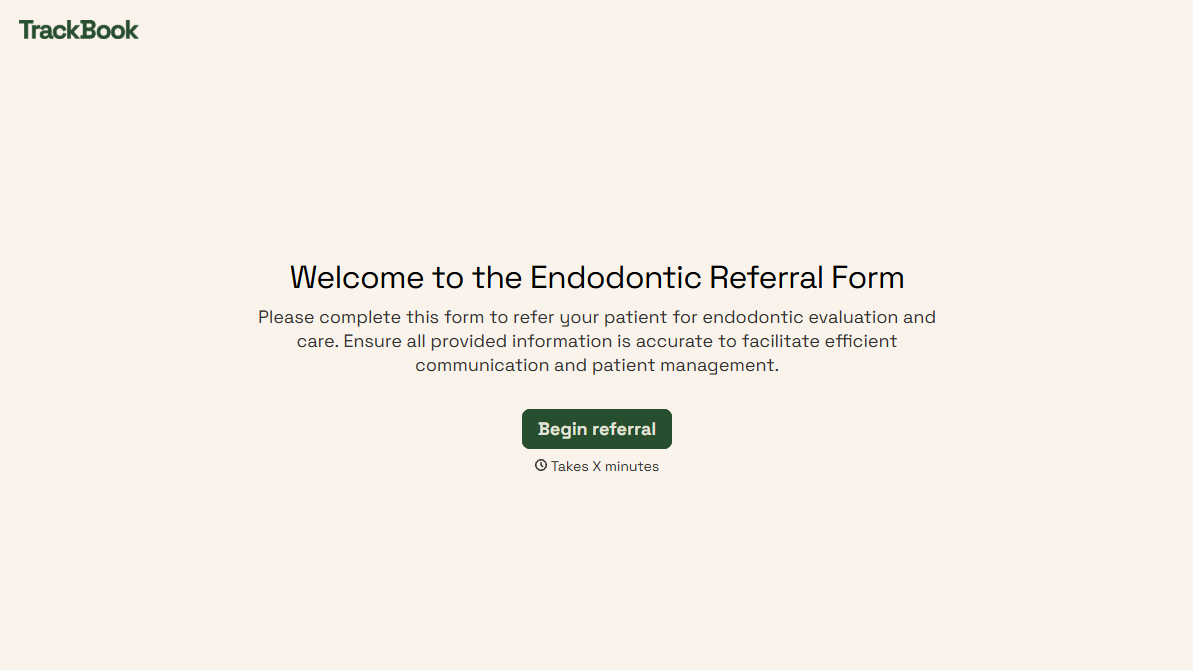
With Typeform, you can customize everything
Change text, colors, and even logos to match the look and feel of your brand. Then embed forms smoothly onto web and email.
Make forms feel effortless to fill out. Pace questions, call people by their name, and adapt the flow based on the data they share.
Stay efficient by connecting forms to your workflow. Typeform integrates with 300+ tools including Slack, Zapier, and HubSpot.


