Medical Patient Intake Form
Move past a clipboard that captures a name and an insurance card. Screen for the medical history that actually changes how a patient is treated, document informed consent and privacy acknowledgment, and keep a timestamped signature on file for exactly what your patient agreed to.



A one-page sign-in sheet at check-in doesn't tell your care team whether a patient is on a blood thinner, allergic to a common medication, pregnant, or already being treated for a condition that changes today's visit. It also doesn't confirm the patient understood what they were consenting to, just that they signed something.
Under HIPAA, that's not optional paperwork. Covered providers have to give patients a Notice of Privacy Practices and make a good-faith effort to get a written acknowledgment, on file, that they received it, starting with the first visit. Skip that step and you're exposed to more than an annoyed patient: as of HHS's January 2026 penalty update, HIPAA civil penalties for an uncorrected violation run up to $73,011 per violation, with an annual cap of $2,190,294 for repeated violations of the same requirement.
Typeform's medical patient intake form uses conditional logic to ask about current medications, allergies, and existing conditions first, so anything urgent surfaces before insurance details and paperwork, and puts the privacy notice and consent-to-treatment language in plain terms, confirming the patient understood both before they sign. Every signed form becomes a timestamped record of what was disclosed, what they were told, and what they agreed to, the record you want if a treatment is questioned or anyone asks whether consent and privacy acknowledgment were actually documented.
A medical patient intake form documents what a patient disclosed about their health, what they were told about your privacy practices, and what they consented to before treatment begins. It typically collects demographic and insurance details, medical history, current medications and allergies, an emergency contact, and a signature confirming informed consent and receipt of your Notice of Privacy Practices.
Not by itself. The form documents patient history and consent, but compliance also depends on the tool collecting the data. Typeform states its data protection standards are HIPAA-ready and that it can provide a Business Associate Agreement (BAA), but only for customers on the Growth Custom or Enterprise plans, not Growth Flow or lower tiers. If your form will collect protected health information, you need a signed BAA in place, and Typeform's own guidance notes that AI-assisted features aren't covered under its HIPAA compliance, so those should stay off for any form gathering PHI. Confirm the specifics with your compliance team before collecting PHI through any online form.
Capture enough to treat the patient safely and document what they agreed to:
- Full name, date of birth, contact information, and an emergency contact
- Insurance details: carrier, policy number, group number, and subscriber information
- Medical history: current conditions, medications, allergies, and past surgeries
- Your Notice of Privacy Practices, with a place to acknowledge receipt
- Informed consent to treatment, written in plain language
- Signature and date, plus a parent or guardian's signature if the patient is a minor
Not by itself. A signed form documents that a patient disclosed their history and consented to treatment, but it doesn't excuse care that was performed negligently, and it doesn't replace your obligations under HIPAA or your state's informed-consent requirements. Use it to document consent and privacy acknowledgment properly, and confirm your state's specific rules separately—a form is documentation, not a shield.
Yes. Typeform's signature question lets patients sign by typing, drawing, or uploading their signature, time-stamps it the moment they submit, and locks the response so it can't be changed afterward, generating a PDF you can keep on file. It's available on Typeform's Growth Flow, Growth Custom, and Enterprise plans.
Get inspired by relevant templates and categories
3200+ Templates, 300+ Integrations
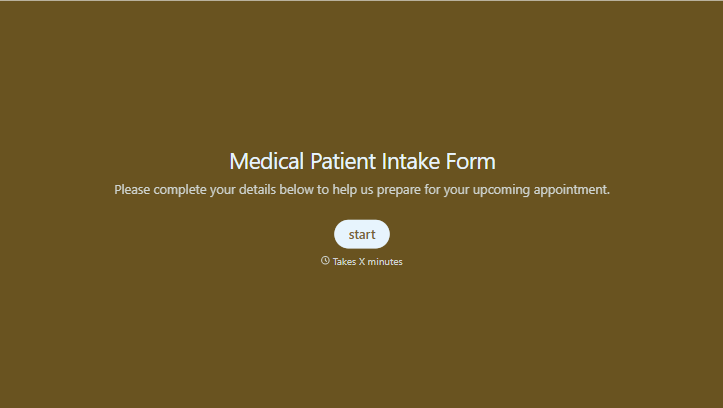
Medical Patient Intake Form
Move past a clipboard that captures a name and an insurance card. Screen for the medical history that actually changes how a patient is treated, document informed consent and privacy acknowledgment, and keep a timestamped signature on file for exactly what your patient agreed to.
View template
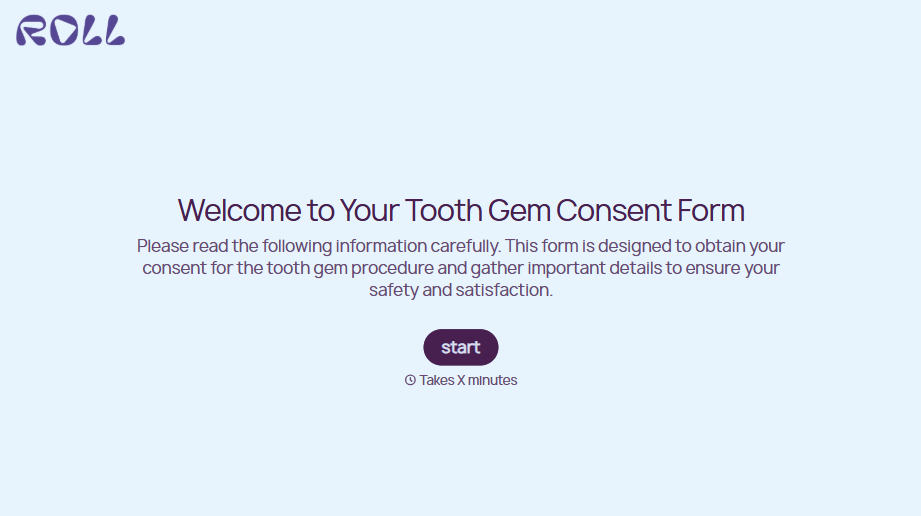
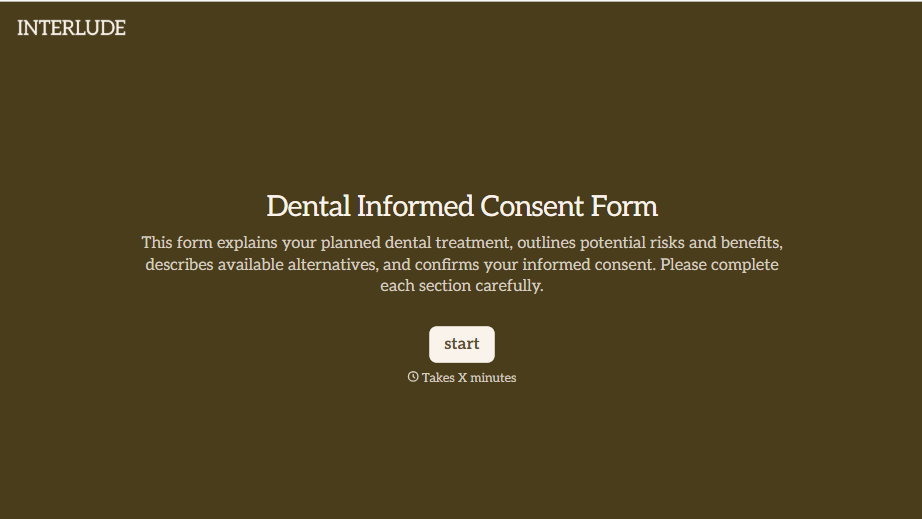
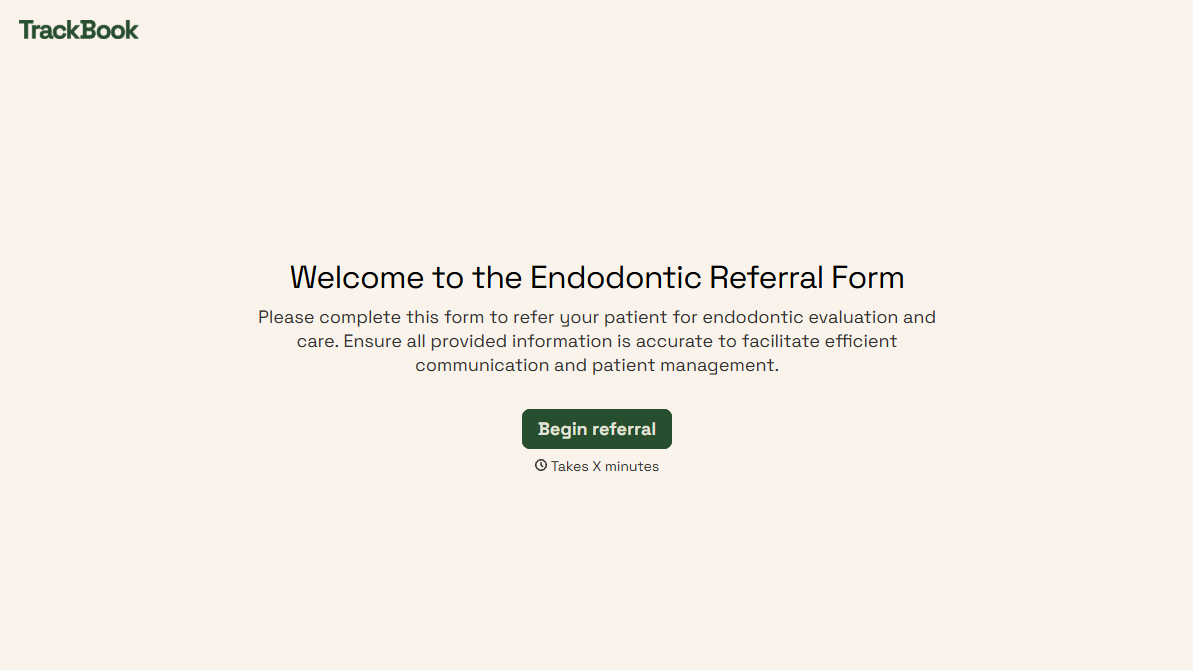
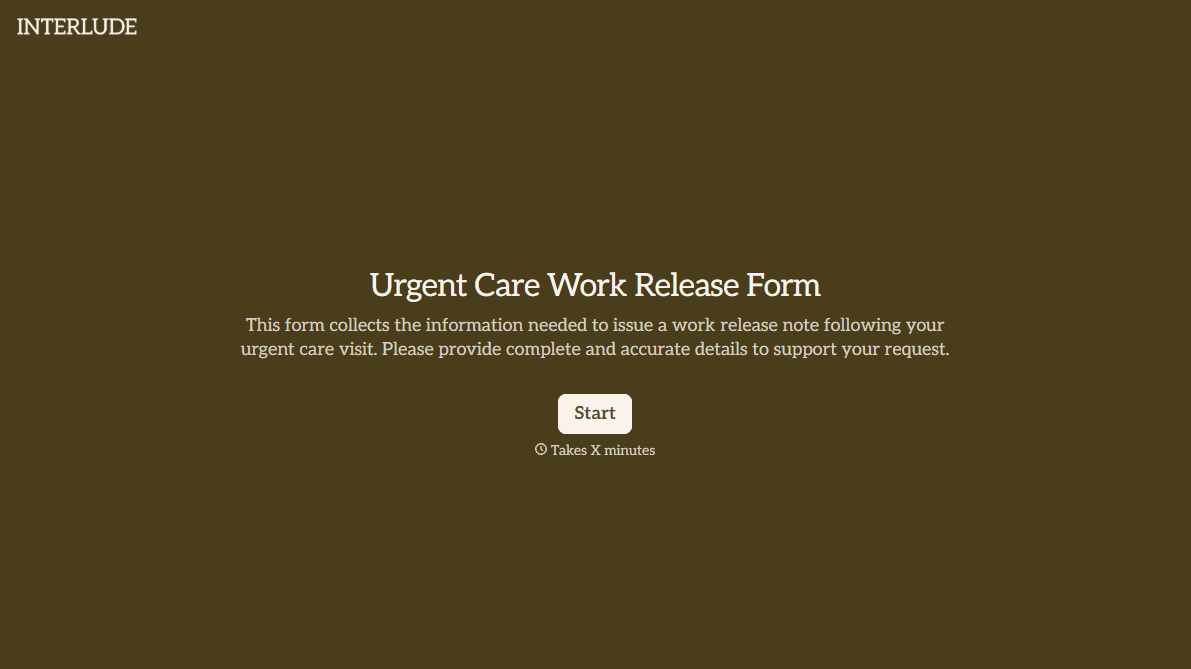
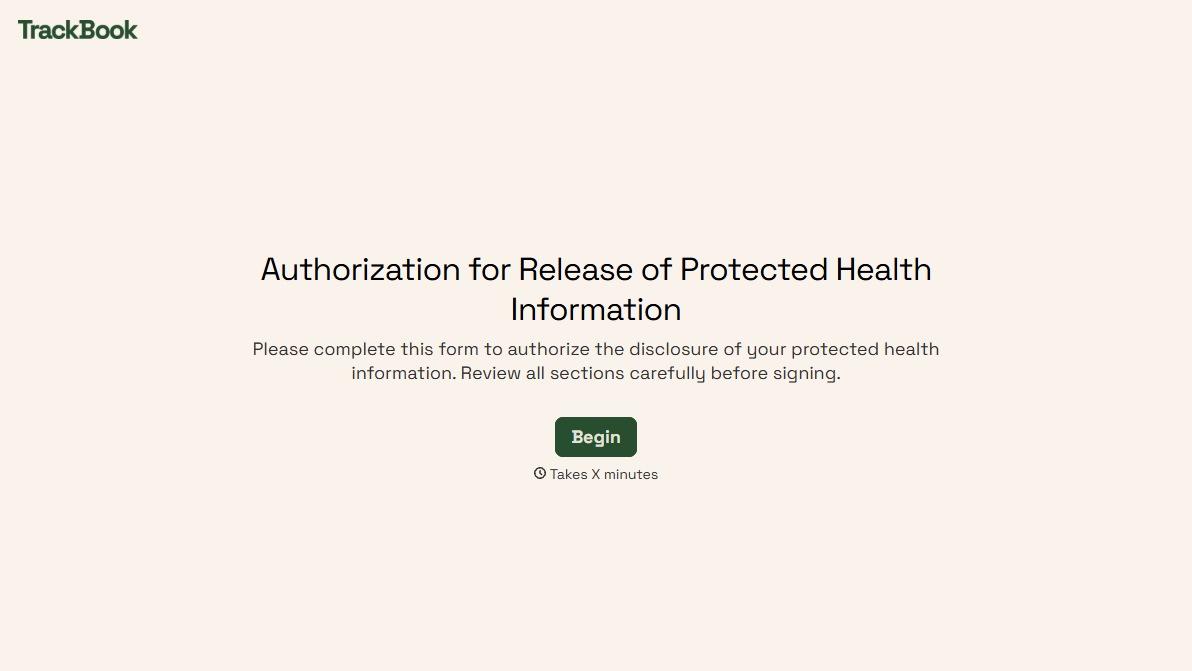
With Typeform, you can customize everything
Change text, colors, and even logos to match the look and feel of your brand. Then embed forms smoothly onto web and email.
Make forms feel effortless to fill out. Pace questions, call people by their name, and adapt the flow based on the data they share.
Stay efficient by connecting forms to your workflow. Typeform integrates with 300+ tools including Slack, Zapier, and HubSpot.


