Dental Informed Consent Form
Move past the clipboard that captures a signature but not the conversation behind it. Document informed consent digitally, with a timestamped e-signature and a clear record of exactly what your patient was told before they agreed.



A signature on a paper form proves someone signed it. It doesn't prove they understood the risks of the procedure, that they heard about the alternative you didn't recommend, or that a parent, not just whoever walked in with the patient, signed for a minor. The form usually ends up in a filing cabinet or a scanned PDF, and finding the right version for the right procedure means digging through a binder of near-identical templates.
Typeform's dental informed consent form uses conditional logic to show the risks, benefits, and alternatives that match the procedure you select, so a patient scheduled for an extraction sees extraction-specific information instead of one generic paragraph written to cover everything your practice does. The signature question lets patients sign by typing, drawing, or uploading their signature. It time-stamps the moment they submit and locks the response so nothing can be edited afterward.
Every signed form becomes a PDF with the exact questions asked, the answers given, and the exact time the signature was captured, ready to save into the patient's chart instead of a filing cabinet. Months later, you have a documented answer to what you actually told a patient, not a guess based on handwriting.
A dental informed consent form documents that a patient, or their parent or legal guardian if they're a minor, was told about a proposed treatment before agreeing to it: the problem being treated, what the treatment involves, its benefits and risks, and the alternatives, including the option of no treatment at all. It's not just a signature. It's a record that the conversation happened.
A paper form proves someone signed it. It doesn't prove they understood the risks, and it's one illegible signature or misfiled folder away from being useless if a treatment gets questioned later. A digital form lets you tailor the risks, benefits, and alternatives to the specific procedure, capture a legible, timestamped signature, and pull up the exact record in seconds instead of digging through a filing cabinet.
Cover what your state dental board expects and what your patients actually need to understand:
- Patient name, date of birth, and contact information
- A plain-language description of the procedure, not just its clinical name
- Why the treatment is being recommended
- The risks and possible complications, including pain, swelling, or treatment failure
- The benefits patients can expect
- Alternatives to the proposed treatment, including the choice to do nothing
- A statement confirming the patient understood and had a chance to ask questions
- Signature and date, plus a parent or guardian's signature for minor patients
Not on its own. Informed consent is a conversation the dentist has with the patient before treatment, and this form documents that it happened, it doesn't replace the discussion itself. What counts as adequate disclosure also varies by state dental practice act. Use this template to document consent consistently, and confirm the specific requirements for your state with your own counsel or dental board.
Yes. Typeform's signature question lets patients sign by typing, drawing, or uploading their signature, time-stamps it the moment they submit, and locks the response so it can't be changed afterward, generating a PDF you can save straight into the patient's chart. It's available on Typeform's Growth Flow, Growth Custom, and Enterprise plans.
Get inspired by relevant templates and categories
3200+ Templates, 300+ Integrations
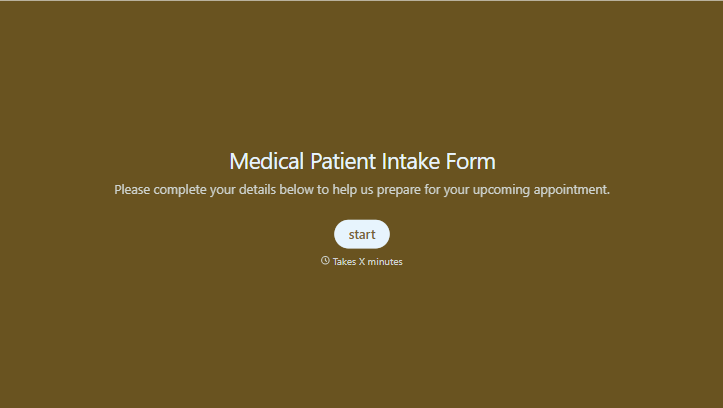
Medical Patient Intake Form
Move past a clipboard that captures a name and an insurance card. Screen for the medical history that actually changes how a patient is treated, document informed consent and privacy acknowledgment, and keep a timestamped signature on file for exactly what your patient agreed to.
View template
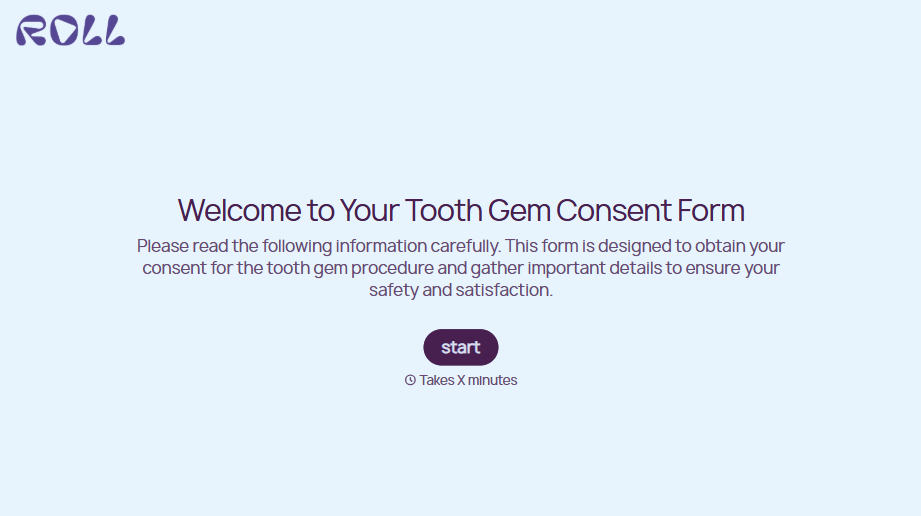
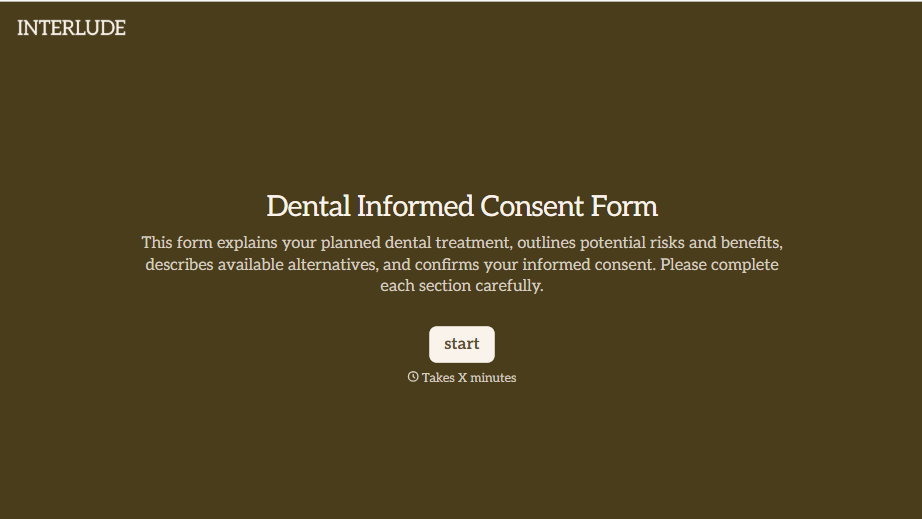
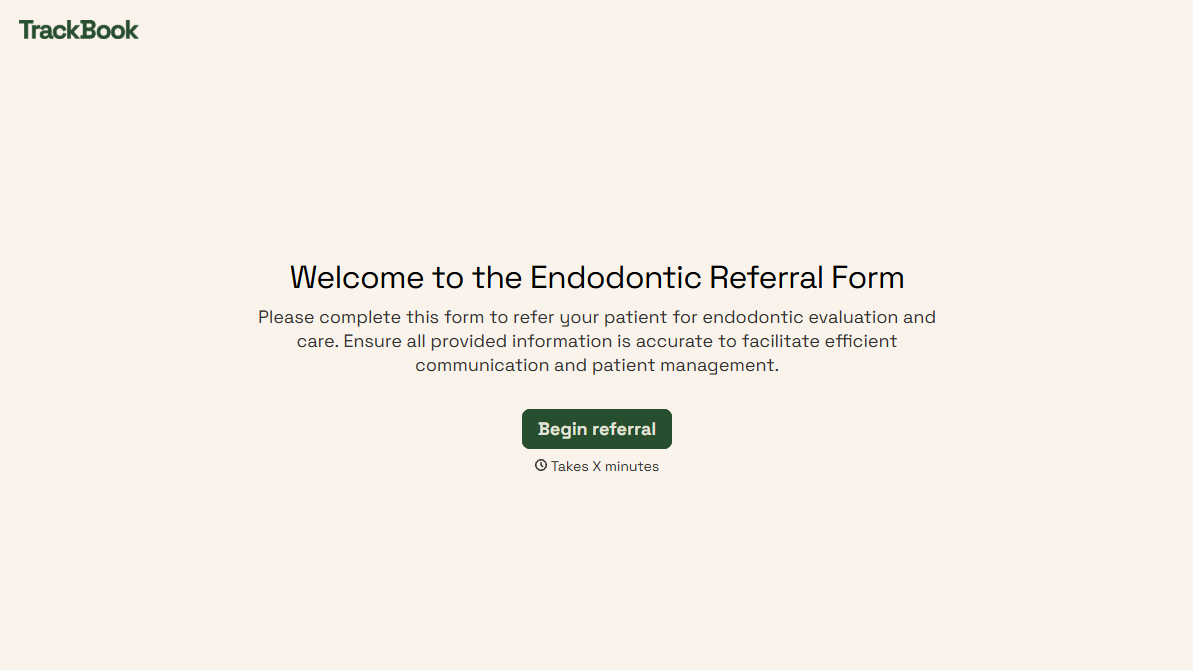
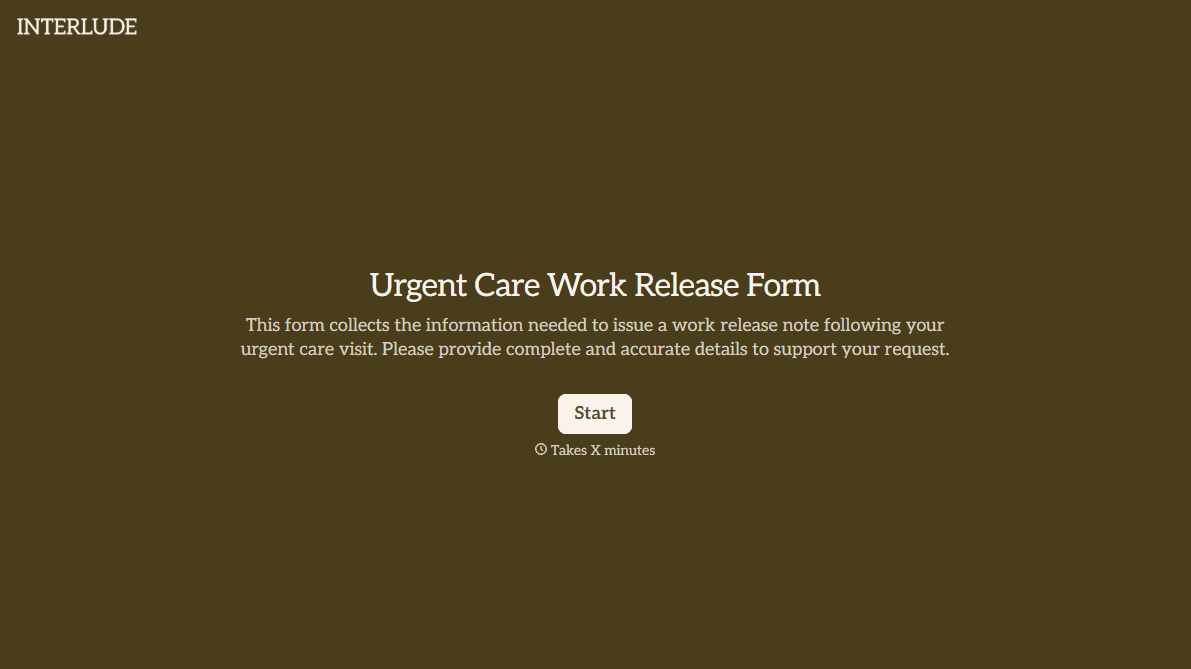
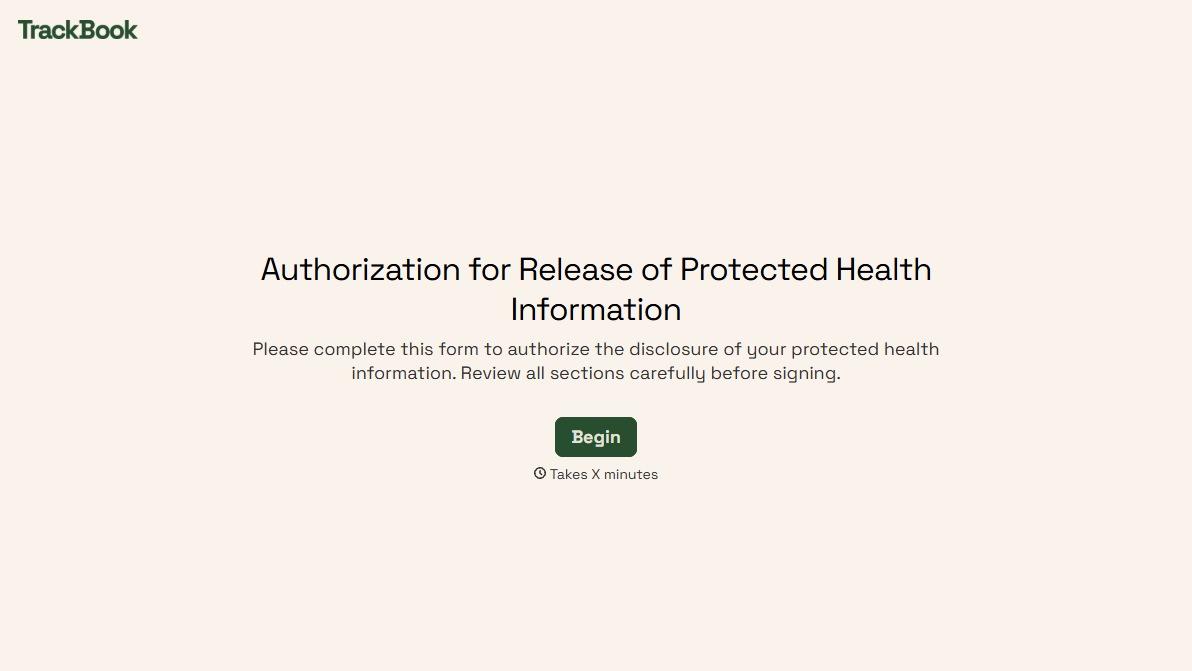
With Typeform, you can customize everything
Change text, colors, and even logos to match the look and feel of your brand. Then embed forms smoothly onto web and email.
Make forms feel effortless to fill out. Pace questions, call people by their name, and adapt the flow based on the data they share.
Stay efficient by connecting forms to your workflow. Typeform integrates with 300+ tools including Slack, Zapier, and HubSpot.


