Heuristic Evaluation Checklist Form
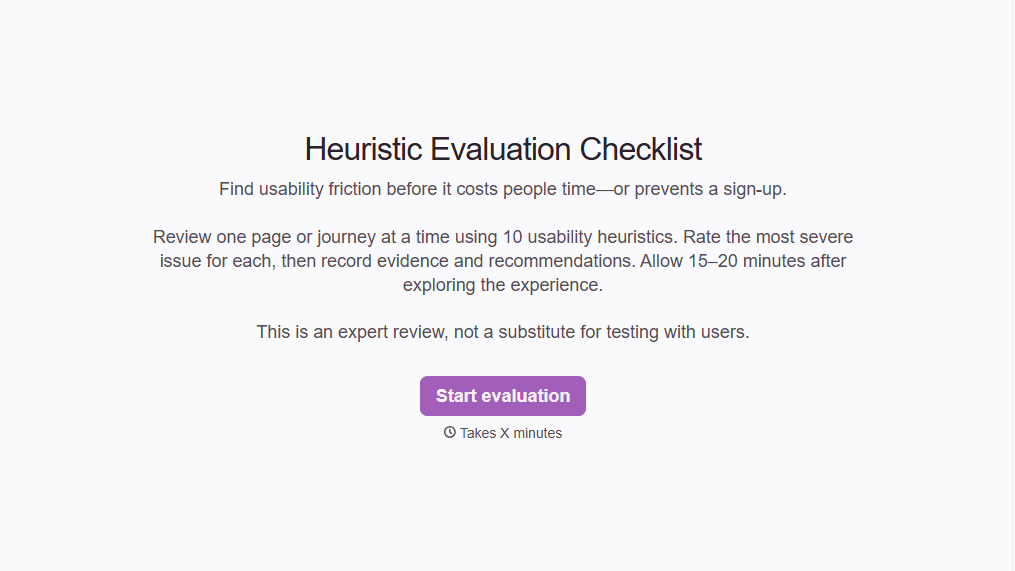
Evaluate website and app usability with a structured heuristic evaluation checklist form. Identify interface issues, document findings, and prioritize improvements to create a better user experience.



A UX designer reviews an ecommerce checkout process and notices that error messages don't explain how to fix mistakes. Another evaluates a mobile app where users struggle to find the navigation menu. Both identify usability problems, but the issues affect different parts of the experience. A heuristic evaluation checklist form helps teams assess interfaces against established usability principles.
Evaluators review navigation, system feedback, error prevention, consistency, and other usability criteria. You can include rating scales for severity, checklists based on Nielsen's 10 usability heuristics, and fields for describing specific problems. Space for screenshots and recommendations helps teams document findings and suggest improvements.
Your design team gets consistent evaluation records that make usability issues easier to compare and prioritize. Designers and developers can review findings, address recurring problems, and track recommended changes. The result is a clearer understanding of where the interface needs improvement.
A heuristic evaluation checklist form helps UX professionals assess websites, apps, and digital interfaces against established usability principles. It typically includes criteria for navigation, consistency, error handling, system feedback, and user control. Evaluators use it to identify usability issues, document findings, and recommend improvements.
Usability problems aren't always obvious during routine design reviews. A structured checklist encourages evaluators to examine an interface systematically rather than relying on general impressions. It also helps teams document issues consistently, compare findings across evaluators, and prioritize changes based on their impact on the user experience.
Include the information needed to assess and document usability issues, such as:
- Evaluator name and evaluation date
- Website, application, or interface being reviewed
- Page, feature, or user flow evaluated
- Visibility of system status
- Match between the system and real-world conventions
- User control and freedom
- Consistency and standards
- Error prevention and recovery
- Recognition rather than recall
- Flexibility and efficiency of use
- Interface clarity and minimalist design
- Help and documentation
- Usability issue descriptions and severity ratings
- Screenshots and recommended improvements
Adjust the checklist to reflect your evaluation goals and the usability principles your team follows.
Organize questions by usability principle and use consistent rating scales for evaluating each criterion. Include brief descriptions or examples to clarify what evaluators should look for. Add open-text fields for documenting problems and suggested fixes. Conditional logic can display additional questions when an evaluator identifies a usability issue that requires further explanation.
Yes. A heuristic evaluation checklist form helps teams identify and rank usability problems based on severity, frequency, and impact. Evaluators can assign severity ratings and document how each issue affects the user experience. Design teams can compare findings, identify recurring concerns, and prioritize improvements. Heuristic evaluations complement usability testing but don't replace feedback from actual users.
Get inspired by relevant templates and categories
3200+ Templates, 300+ Integrations
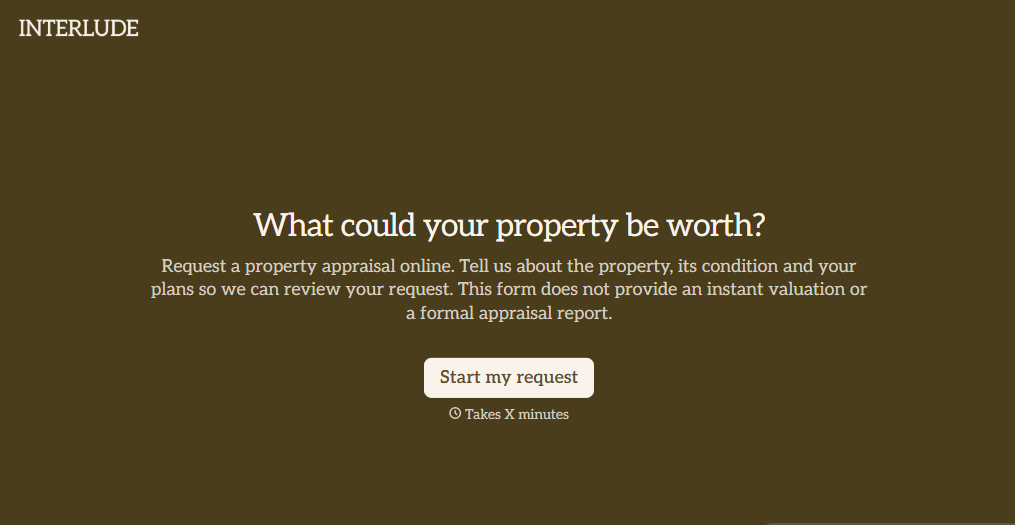
Digital Property Appraisal Form
Give property owners a convenient way to request real estate appraisals with a form that collects property details, ownership information, and valuation needs. Keep appraisal requests organized so real estate professionals can review submissions, evaluate property characteristics, and coordinate accurate property assessments.
View template

With Typeform, you can customize everything
Change text, colors, and even logos to match the look and feel of your brand. Then embed forms smoothly onto web and email.
Make forms feel effortless to fill out. Pace questions, call people by their name, and adapt the flow based on the data they share.
Stay efficient by connecting forms to your workflow. Typeform integrates with 300+ tools including Slack, Zapier, and HubSpot.


