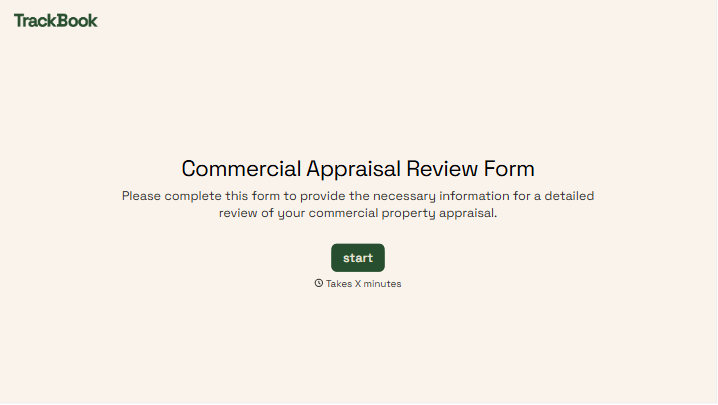
Commercial Appraisal Review Form
Give reviewers a consistent way to assess a commercial property appraisal. Record the report details, supporting analysis, and questions needing clarification so your team can follow the review findings.



An appraisal includes a value conclusion, but the reviewer needs to understand how the report reached it. A comparable property may need more explanation, or an income assumption may differ from the supporting records. Typeform’s commercial appraisal review form gives those observations a place alongside the report details.
The reviewer identifies the property and appraisal, then documents findings about the information, methods, and reasoning presented. Include space to reference report pages, explain concerns, and record responses from the appraiser. Keep unresolved questions distinct from findings that have been addressed.
Your team gets a review record it can follow without reconstructing comments from separate emails. Reviewers get a structure for explaining what supports their conclusions and what needs further attention. The completed form keeps the review outcome connected to the evidence behind it.
A commercial appraisal review form documents an assessment of an appraisal report for a commercial property. It records the report being reviewed, the scope of the review, and findings about the supporting information and analysis. Organizations use it to organize reviewer observations and follow-up questions.
A comment such as “the valuation needs support” gives the recipient little direction. A dedicated form prompts reviewers to identify the relevant section, explain the concern, and state what clarification is needed. It also makes the status of each issue easier to track.
Match the fields to the assignment and your review process:
- Property address and identifying details
- Appraiser, report date, and effective valuation date
- Reviewer details and review scope
- Property information and source documents considered
- Findings on the valuation methods and supporting analysis
- Comments on assumptions and comparable data
- Report references and requests for clarification
- Responses, unresolved issues, and review conclusions
Make room to explain each finding rather than relying entirely on checkboxes.
Ask reviewers to connect each comment to a report page, section, or supporting document. Separate requests for missing information from concerns about the analysis itself. Record the appraiser’s response and whether it resolves the question so later readers can follow the outcome.
Not by itself. The form records the reviewer’s work and conclusions within the stated scope. Avoid treating a completed checklist as automatic acceptance of the value conclusion. Have the responsible reviewer clearly document the outcome, any limitations, and further work required.
Get inspired by relevant templates and categories
3200+ Templates, 300+ Integrations




With Typeform, you can customize everything
Change text, colors, and even logos to match the look and feel of your brand. Then embed forms smoothly onto web and email.
Make forms feel effortless to fill out. Pace questions, call people by their name, and adapt the flow based on the data they share.
Stay efficient by connecting forms to your workflow. Typeform integrates with 300+ tools including Slack, Zapier, and HubSpot.


