Outdoor Adventure Skills Form
Find out what participants have tried, what they feel confident doing, and where they need guidance. Collect outdoor experience and learning goals to help instructors prepare for the group.



Two participants sign up for the same hike. One regularly walks marked trails but has never used a compass. The other can navigate a route but hasn’t carried an overnight pack. “Experienced” could describe either of them without telling an instructor what they need to know. Typeform’s outdoor adventure skills form makes room for those differences.
Participants describe the activities they’ve done, when they last did them, and how much support they needed. You can ask about navigation, camp setup, equipment use, or other skills relevant to your program. There’s also room to share what they want to learn and anything they’d like to discuss before taking part.
Instructors get a starting point for planning demonstrations, practice time, and follow-up conversations. Participants get a way to say they’re new to something without having to announce it to the group. The first session starts with a clearer picture of who’s there and what they hope to do.
An outdoor adventure skills form collects information about a participant’s experience, confidence, and learning needs for outdoor activities. It can cover skills such as hiking, navigation, camping, or paddling, depending on the program. Outdoor educators, guides, and camp organizers use it to prepare for participants before an activity begins.
A label such as “beginner” or “advanced” means different things to different people. Asking about specific experiences gives instructors more useful information. The responses can help you decide what to review, which questions to follow up on, and where participants would welcome more instruction.
Focus on the activities you’re planning and the skills they involve:
- Participant name and relevant activity experience
- How recently they used each skill
- Whether they practiced independently or with guidance
- Familiarity with the equipment involved
- Confidence with specific tasks
- Skills they want to learn or improve
- Support or adjustments they would like to discuss
Use concrete descriptions, such as “Set up a tent with help,” instead of asking respondents to interpret a general skill rating.
Describe tasks in familiar language and include options such as “Haven’t tried this yet.” Separate experience from confidence, since someone may have completed an activity and still want guidance. Explain that the answers help instructors prepare, and ask only about skills relevant to the planned activities.
Use it as an initial source of information. A participant’s description of their skills can guide follow-up questions, but it does not demonstrate their ability. Instructors should confirm relevant skills through appropriate discussion and practical checks before relying on them during an activity.
Get inspired by relevant templates and categories
3200+ Templates, 300+ Integrations



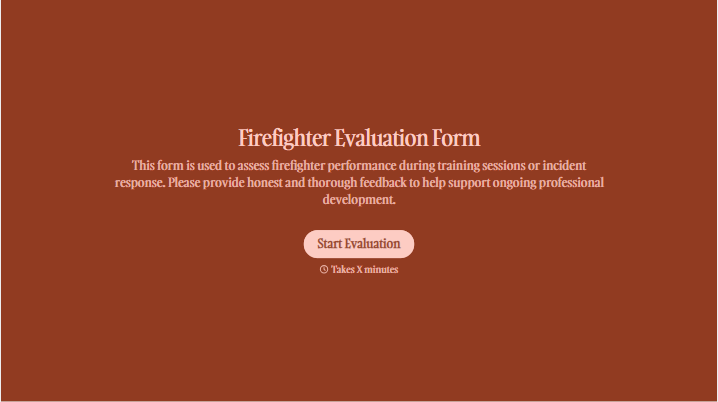
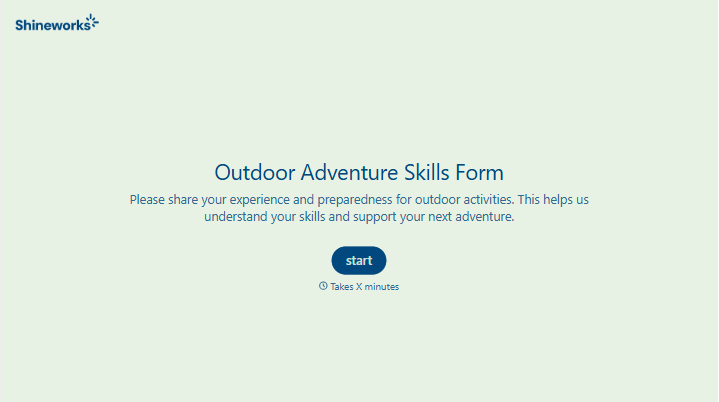
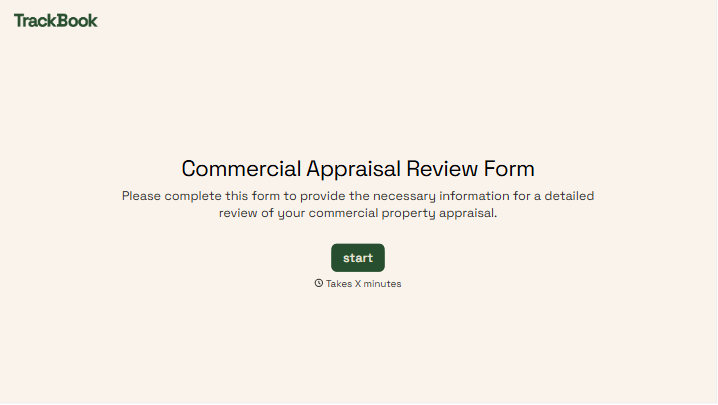
With Typeform, you can customize everything
Change text, colors, and even logos to match the look and feel of your brand. Then embed forms smoothly onto web and email.
Make forms feel effortless to fill out. Pace questions, call people by their name, and adapt the flow based on the data they share.
Stay efficient by connecting forms to your workflow. Typeform integrates with 300+ tools including Slack, Zapier, and HubSpot.


