Daycare Medical Form Template
Keep the medical information you need to care for every child safely and accurately on file.



A daycare medical form gives childcare staff the information to act quickly and correctly in any health-related situation. This form captures the child's medical history, allergies, medications, and emergency care preferences before their first day.
The template covers the child's name and date of birth, current medical conditions, allergies with reaction descriptions and treatment protocols, current medications and administration schedules, the child's physician and specialist contacts, emergency care authorization, and any specific health plans (asthma action plans, allergy action plans) attached as uploads.
Outdated or incomplete medical forms create risk. Build in an annual update process and a prompt for parents to notify the center whenever medical information changes.
Most state licensing requirements include: known allergies and reactions, current medications and administration requirements, immunization records, the child's physician contact, any chronic health conditions, and authorization for emergency medical treatment.
Medications at a childcare center require written parent authorization, the original container with the child's name and dosage, and a log of each administration. Maintain these records separately from the intake form.
An allergy action plan (like an FARE Food Allergy Action Plan) is created by the child's physician and describes what to do if the child is exposed to their allergen. Require this for any child with a known severe allergy.
Require written authorization from the parent and physician, keep medication in a secure and appropriately stored location, log each administration, and ensure trained staff know the protocol. Many states have specific requirements for prescription vs. over-the-counter medications.
This depends on state licensing regulations. Most states require parental authorization in writing, even for OTC medications like sunscreen or fever reducers. Check your state's rules and include the authorization field in the medical form.
Get inspired by relevant templates and categories
3200+ Templates, 300+ Integrations
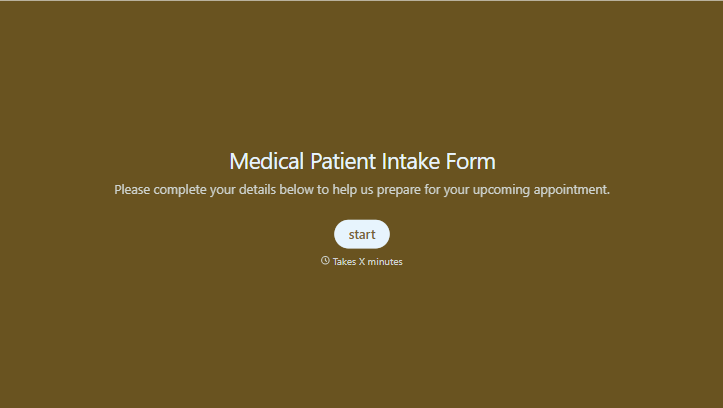
Medical Patient Intake Form
Move past a clipboard that captures a name and an insurance card. Screen for the medical history that actually changes how a patient is treated, document informed consent and privacy acknowledgment, and keep a timestamped signature on file for exactly what your patient agreed to.
View template


With Typeform, you can customize everything
Change text, colors, and even logos to match the look and feel of your brand. Then embed forms smoothly onto web and email.
Make forms feel effortless to fill out. Pace questions, call people by their name, and adapt the flow based on the data they share.
Stay efficient by connecting forms to your workflow. Typeform integrates with 300+ tools including Slack, Zapier, and HubSpot.


