E-Learning Registration
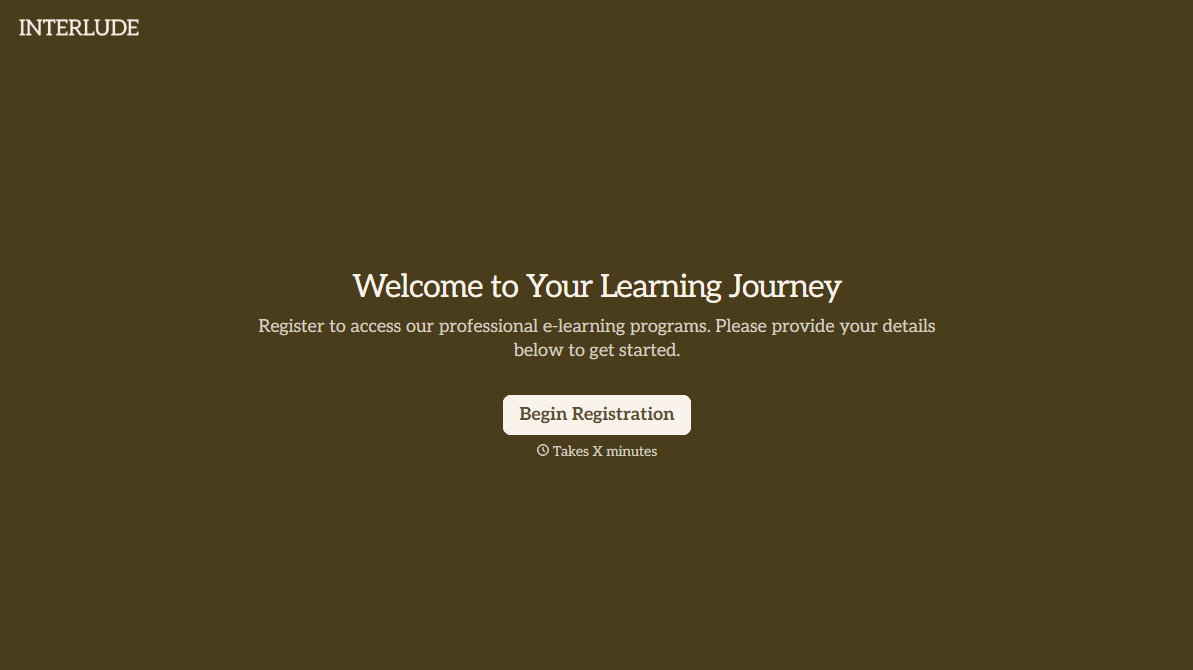
Course sign-ups shouldn't land in an inbox as a screenshot of a payment confirmation and nothing else. Collect what your program actually needs, skill level, course track, access details, before the first module goes live.



Registrations come in however a learner finds the course: a link shared in a newsletter, a sign-up button that just asks for an email, a payment confirmation forwarded to support because nobody's sure what happens next. By the time the course starts, you're missing the details that actually shape someone's experience, their skill level, which track they meant to join, whether they need accommodation.
Typeform's e-learning registration form asks for what your program needs to place a learner correctly, contact information, prior experience, course track, and preferred schedule, and uses conditional logic to branch from there. A beginner can route to a foundation's track with an onboarding call; an advanced learner can skip straight to elective selection, instead of every registrant answering questions that don't apply to their level.
Every registration lands in one place instead of a payment receipt and a guessed skill level. Connect the form to your learning management system through Zapier, and a submission can enroll a learner and send access details automatically. Ask for a skills assessment or prerequisite confirmation up front, and the course starts with everyone on the right track instead of sorting it out in week one.
An e-learning registration form is an online form course providers use to collect a learner's contact information, skill level, and track preference before enrollment. Instead of a bare sign-up button, the learner submits everything needed to place them correctly, and the course starts with a complete roster.
A sign-up page captures an email and a payment, not whether someone belongs in the beginner track or the advanced one. A form gets the placement details up front, so learners land in the right group from day one instead of switching tracks after the course is already underway.
Ask for what your program will actually need to enroll and place a learner:
- Name and contact information
- Prior experience or skill level
- Course track or module selection
- Preferred schedule, for live or cohort-based sessions
- Payment or access code confirmation
Not always, depending on how your program runs. A submission tells you who wants in and what track fits them, but if enrollment depends on payment or a prerequisite check, someone may still need to confirm it. Connect the form to your learning management system through Zapier, and a submission can trigger enrollment and access details automatically once payment clears.
Yes. Add a file upload question and learners can attach a prior certificate, a transcript, or proof of a prerequisite in the same submission, no separate email required. Pair it with conditional logic so the upload only appears for the tracks that actually require it.
Get inspired by relevant templates and categories
3200+ Templates, 300+ Integrations
Graduation Clearance Form
Move past a clearance process that assumes you can just withhold a transcript until every last fee is paid. Confirm what federal loan exit counseling actually requires, check what your state and the Department of Education actually allow you to hold, and keep a record of exactly what was cleared and when.
View template
With Typeform, you can customize everything
Change text, colors, and even logos to match the look and feel of your brand. Then embed forms smoothly onto web and email.
Make forms feel effortless to fill out. Pace questions, call people by their name, and adapt the flow based on the data they share.
Stay efficient by connecting forms to your workflow. Typeform integrates with 300+ tools including Slack, Zapier, and HubSpot.


