Event Request Form Template
Give your events team what they need to say yes (or no) without 10 follow-up emails.



Every organization has more event ideas than capacity. Someone wants to host a client dinner. Another team is planning a product launch. The CEO's assistant is booking a board retreat. And your events team is left sorting through vague requests with no budget, no timeline, and no clear objective.
This event request form template brings structure to the chaos. Requesters provide the event type, purpose, expected attendance, date preferences, budget estimate, and any special requirements, all before your team spends a minute on planning. Conditional logic adjusts the form based on event type, so a virtual webinar asks different questions than an in-person gala.
Hook it into your project management or calendar tool and every approved request becomes a project with clear parameters. Your events team evaluates complete proposals instead of assembling them from Slack messages and hallway conversations.
An event request form is an internal intake tool that departments or individuals use to formally request that an event be planned and executed. It captures the event's purpose, format, audience, date, budget, and logistical needs so the events team can evaluate feasibility, allocate resources, and prioritize effectively.
It front-loads the thinking. Instead of your events team pulling information out of stakeholders piece by piece, every request arrives with the context needed to make a go/no-go decision. This reduces planning timelines, prevents scope creep, and ensures that events align with organizational priorities rather than whoever asks loudest.
- Requester's name, department, and contact information
- Event type (conference, workshop, dinner, webinar, team outing)
- Event purpose and target audience
- Preferred date(s) and time, with flexibility indication
- Estimated attendance and venue preferences
- Budget estimate and funding source
Add fields for strategic alignment. Ask requesters how the event supports organizational goals, what outcome they expect, and who the audience is. When you can see that one event drives revenue and another is a nice-to-have social gathering, prioritization becomes clearer. You can also include a scoring rubric on the back end that weights each factor automatically.
Yes. Use a conditional field at the top ("Is this an internal or external event?") to route requesters through the appropriate set of questions. External events might need vendor coordination, sponsorship details, and public-facing branding. Internal events focus more on logistics, AV requirements, and catering. One form covers both scenarios.
Get inspired by relevant templates and categories
3200+ Templates, 300+ Integrations

Karaoke Contest Judging Form
Give event organizers and judges a simple way to evaluate karaoke performances with a form that collects contestant details, performance scores, and feedback. Keep judging results organized so competition coordinators can compare ratings, calculate final scores, and recognize outstanding performers through a consistent evaluation process.
View template

Bounce House Permission Slip Form
Give parents an easy way to authorize their child's participation in bounce house activities with a form that collects participant information, emergency contacts, and safety acknowledgments. Keep permission records organized so event organizers can verify consent, communicate rules, and manage inflatable play activities safely.
View template
With Typeform, you can customize everything
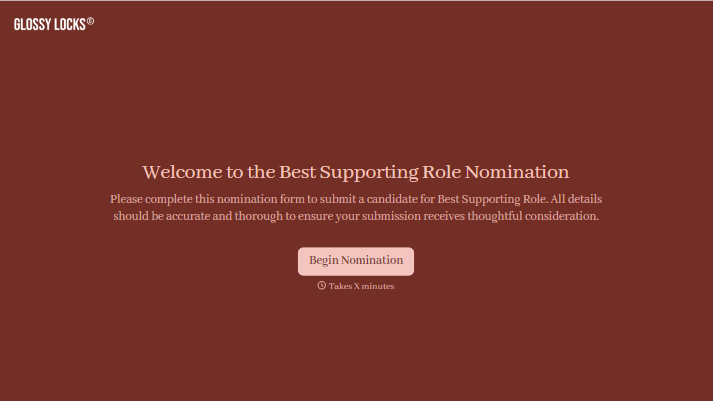
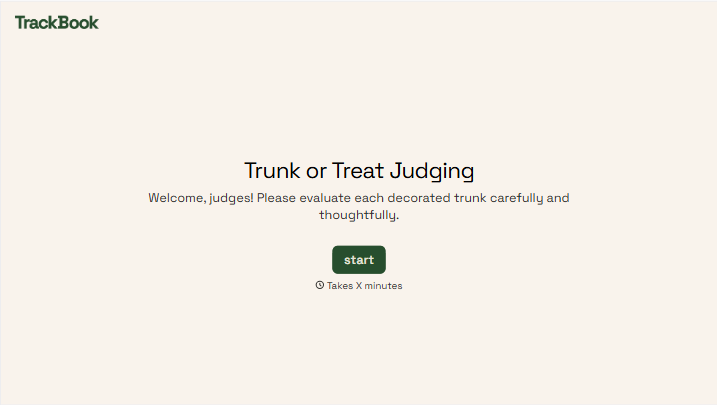
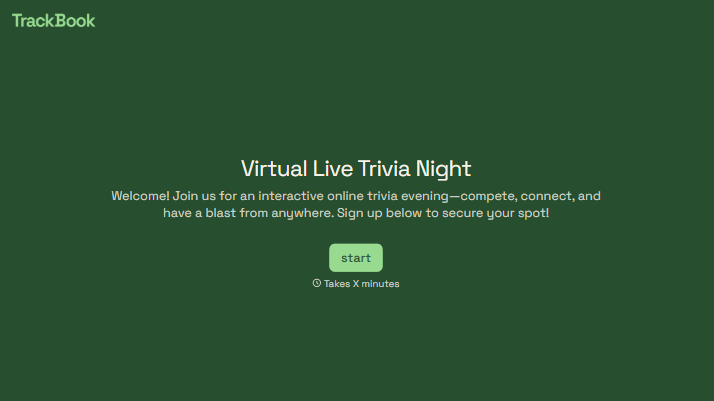
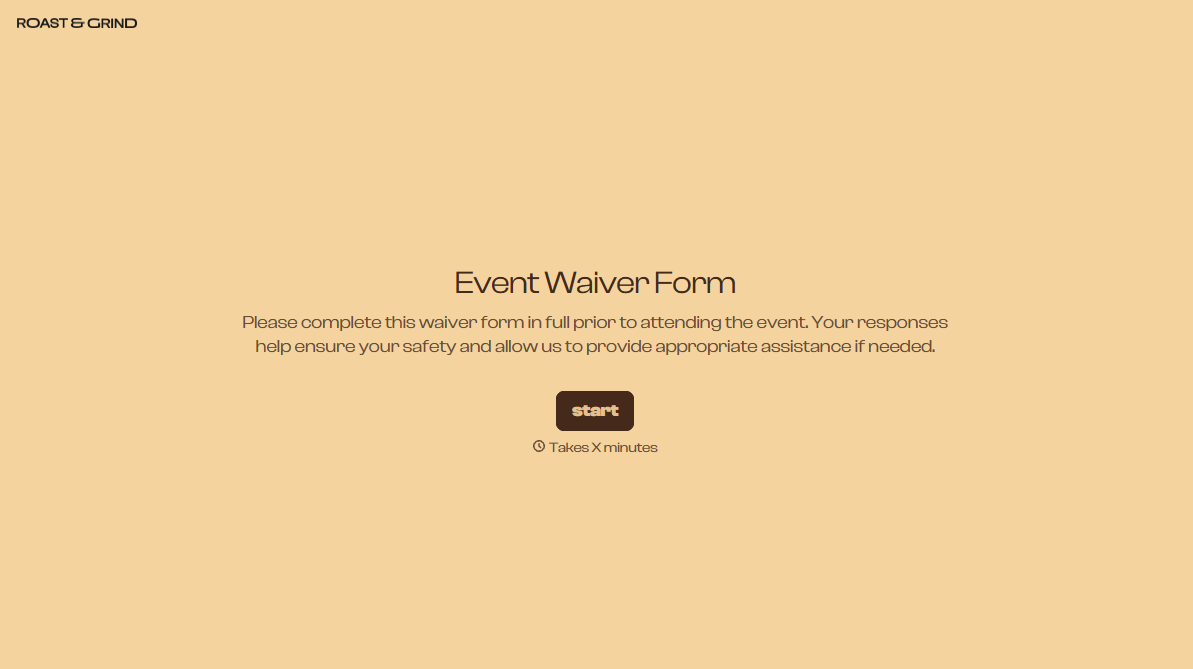
Change text, colors, and even logos to match the look and feel of your brand. Then embed forms smoothly onto web and email.
Make forms feel effortless to fill out. Pace questions, call people by their name, and adapt the flow based on the data they share.
Stay efficient by connecting forms to your workflow. Typeform integrates with 300+ tools including Slack, Zapier, and HubSpot.


