Health Declaration Form Template
Screen for health risks quickly without making it feel like an interrogation.



Whether you're running a workplace, hosting an event, managing a school, or operating a healthcare facility, health declarations have become a standard part of daily operations. But nobody wants to fill out a clunky form every time they walk through the door. If the process is slow, invasive, or confusing, people rush through it, and inaccurate declarations defeat the entire purpose.
This health declaration form template makes the screening process fast, clear, and mobile-friendly. Typeform's one-question-at-a-time format keeps each question focused, reducing errors and rushed responses. Conditional logic means someone who reports no symptoms breezes through in under a minute, while someone flagging a concern sees targeted follow-up questions, like recent travel history or exposure contacts.
Customize the questions for your specific health protocols, connect submissions to your tracking system through integrations, and set up instant alerts when a response requires attention.
A health declaration form is a self-reported screening tool where individuals attest to their current health status — typically confirming the absence of symptoms, recent exposures, or recent travel to high-risk areas. It's used by employers, schools, event organizers, healthcare facilities, and travel operators to identify potential health risks before granting access to a shared space or service.
Paper health declarations are slow to fill out, impossible to analyze at scale, and a pain to store. A digital form processes in seconds, automatically flags concerning responses, feeds data into tracking systems, and creates a timestamped, searchable archive. During outbreaks or incidents, the ability to quickly search and analyze past declarations is invaluable. Speed and accuracy both improve when pen and paper are removed from the equation.
- Current symptoms checklist (fever, cough, fatigue, etc.)
- Recent close contact with confirmed cases
- Travel history to high-risk areas within a defined period
- Current isolation or quarantine status
- Vaccination or testing status (if applicable to your protocol)
- Confirmation of truthfulness with a digital signature or checkbox
Define your protocol before the situation arises and communicate it clearly in the form. When a respondent flags symptoms or exposures, conditional logic can show immediate instructions. "Do not enter the premises. Contact [name] at [number]." On the backend, an integration triggers an instant notification to your health and safety coordinator. The goal is a compassionate, clear response that protects both the individual and the group.
Retention periods depend on your jurisdiction and industry regulations. Many workplace safety guidelines recommend retaining health screening records for at least 3 years. During active health emergencies, you may need them for contact tracing for at least 30 days. Consult your legal and compliance team to determine the appropriate retention period, and make sure your storage method complies with applicable privacy laws.
Get inspired by relevant templates and categories
3200+ Templates, 300+ Integrations
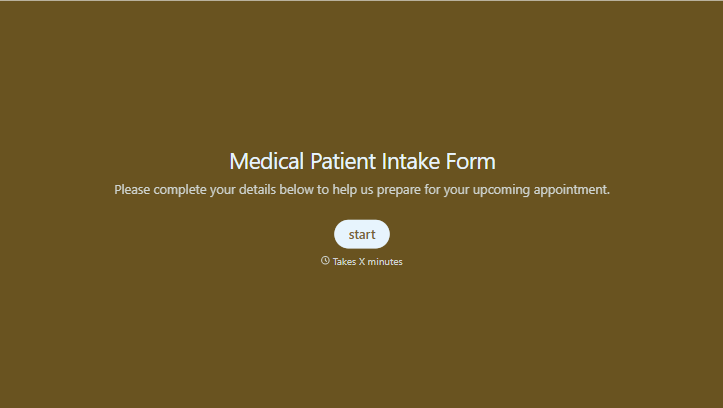
Medical Patient Intake Form
Move past a clipboard that captures a name and an insurance card. Screen for the medical history that actually changes how a patient is treated, document informed consent and privacy acknowledgment, and keep a timestamped signature on file for exactly what your patient agreed to.
View template
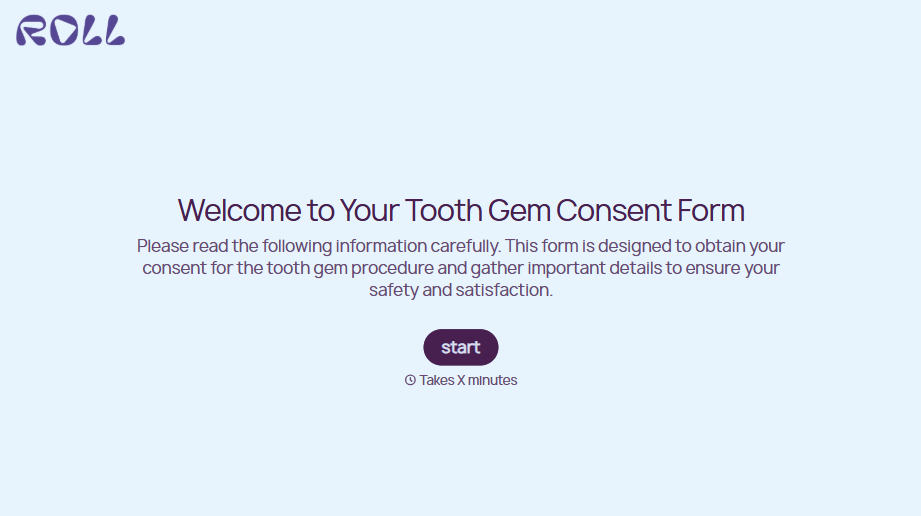
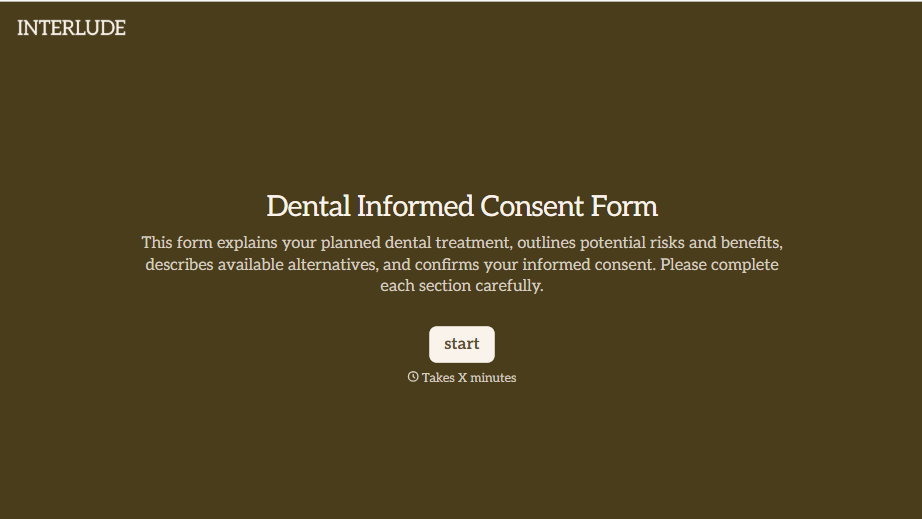


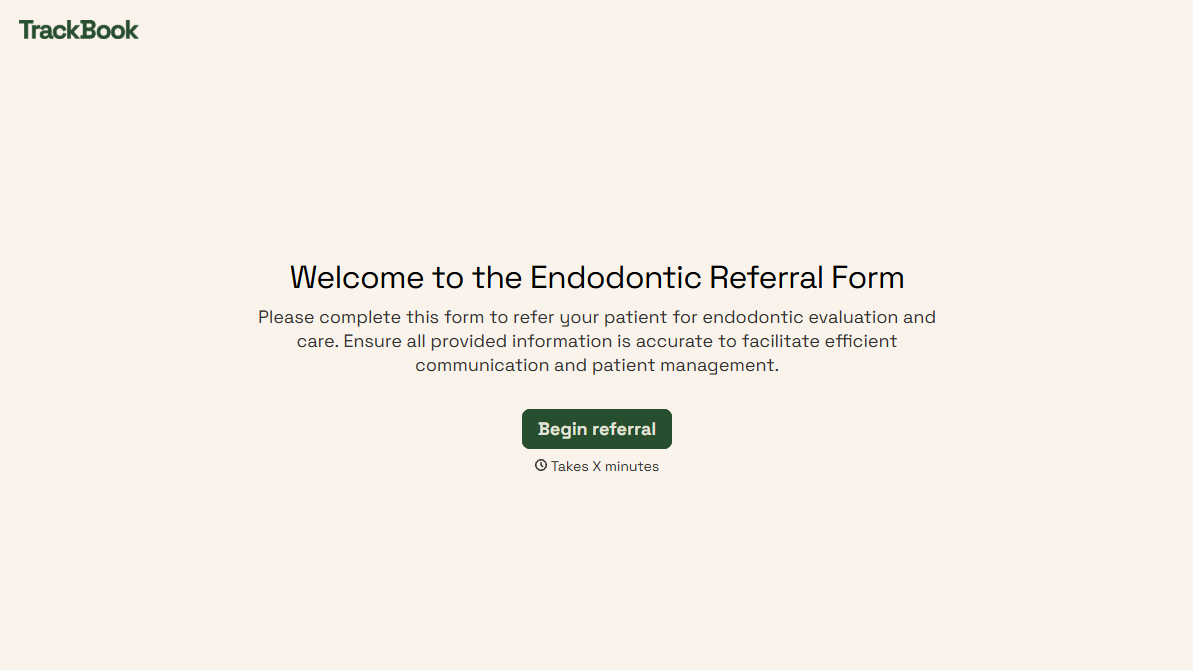
With Typeform, you can customize everything
Change text, colors, and even logos to match the look and feel of your brand. Then embed forms smoothly onto web and email.
Make forms feel effortless to fill out. Pace questions, call people by their name, and adapt the flow based on the data they share.
Stay efficient by connecting forms to your workflow. Typeform integrates with 300+ tools including Slack, Zapier, and HubSpot.


