Home Health Care Application Form Template
Streamline intake for home health care clients. Capture medical history, care needs, insurance details, and emergency contacts before the first visit.



Home health care involves a level of trust and clinical responsibility that demands thorough intake documentation. Before sending a caregiver into a client's home, you need a clear picture of their medical history, current medications, mobility limitations, care requirements, and who to contact in an emergency — all documented accurately before day one.
This template covers the client's personal details and address, primary diagnosis and medical history, current medications and allergies, mobility and daily living assistance needs, preferred care schedule, insurance provider and policy details, primary care physician, emergency contacts, and household information relevant to caregiver safety. A consent section authorizes care and information sharing with the care team.
Home health agencies, private duty nursing companies, and elder care providers use this form as the foundation for care planning. Send it to the client or family member before the initial assessment visit. Connect to your care management platform to create client records automatically. Completed applications give clinical staff the context they need to match the right caregiver to each client.
Yes — add a field for who is completing the form (client, family member, or legal guardian) and collect the representative's details and relationship.
Typeform encrypts data in transit and at rest. Restrict access to completed applications to clinical and administrative staff only.
Use Zapier or a webhook to push completed applications into your care management platform automatically.
Create a separate care update form for documenting changes. Link updates to the original application using a client ID field.
Yes — add fields for insurance provider, policy number, group number, and prior authorization status. Include a file upload field for insurance card images.
Get inspired by relevant templates and categories
3200+ Templates, 300+ Integrations
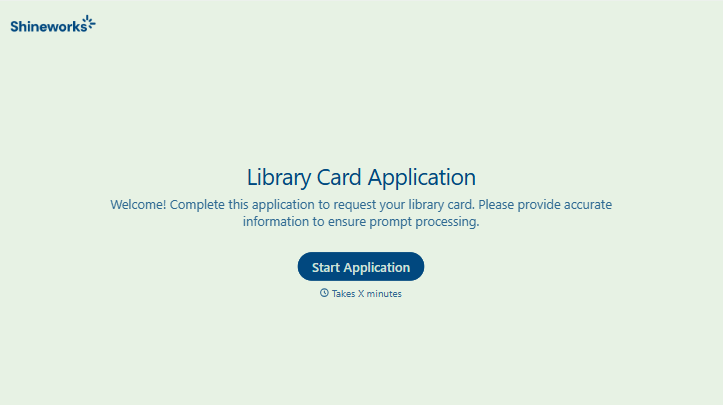
Library Card Application Form
Move past a quick sign-up sheet that just grabs a name and an address. Screen for who actually needs a parent or guardian to co-sign, confirm proof of residency, and keep a record of exactly what each cardholder agreed to before you hand over a card that comes with real financial responsibility attached.
View template
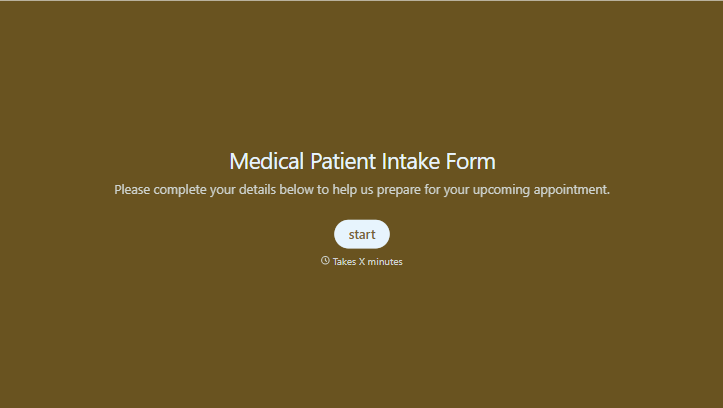
Medical Patient Intake Form
Move past a clipboard that captures a name and an insurance card. Screen for the medical history that actually changes how a patient is treated, document informed consent and privacy acknowledgment, and keep a timestamped signature on file for exactly what your patient agreed to.
View template
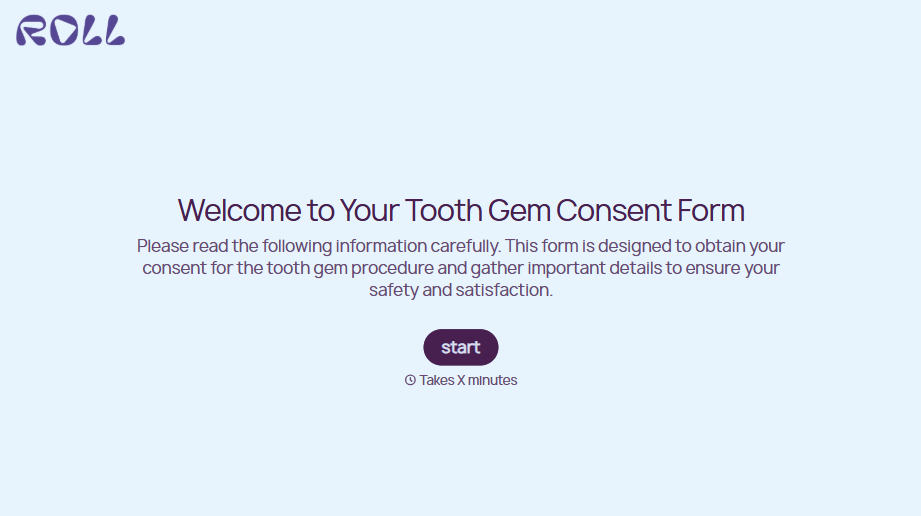
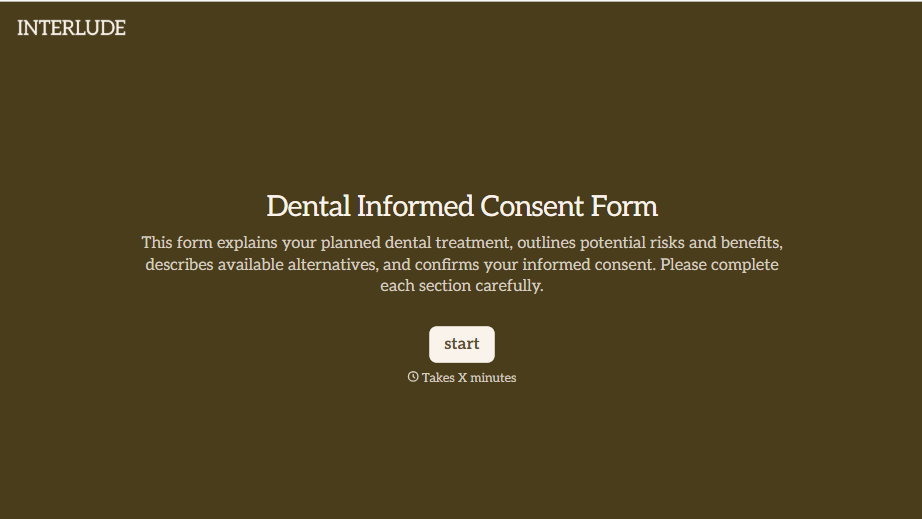


With Typeform, you can customize everything
Change text, colors, and even logos to match the look and feel of your brand. Then embed forms smoothly onto web and email.
Make forms feel effortless to fill out. Pace questions, call people by their name, and adapt the flow based on the data they share.
Stay efficient by connecting forms to your workflow. Typeform integrates with 300+ tools including Slack, Zapier, and HubSpot.


