Hotel Reservation Form Template
Let guests book their stay without the friction, and let your front desk focus on hospitality, not data entry.



Guests who want to book a room want 3 things: availability, clarity, and speed. When your reservation process involves emailing a request, waiting for a confirmation, and then being asked to repeat their details on arrival, you've already started the guest experience on the wrong foot. First impressions matter in hospitality, and the booking process is the first impression.
This hotel reservation form template walks guests through a smooth booking flow covering check-in and check-out dates, room type preference, number of guests, special requests, and contact details, all in a clean, one-question-at-a-time interface. Conditional logic surfaces relevant add-ons (airport shuttle, breakfast package, late checkout) based on the room type selected, creating upsell opportunities without being pushy.
Embed it on your hotel website, share it through travel platforms, or send the link directly to group booking contacts. Connect it to your property management system or reservation dashboard through integrations so every booking arrives organized and ready to confirm.
A hotel reservation form is a digital booking tool that captures guest details and room preferences for an upcoming stay. It collects check-in and check-out dates, room type, number of guests, contact information, and any special requests. It initiates the reservation process and provides the hotel with the information needed to confirm availability and prepare for the guest's arrival.
Online travel agencies charge commissions, often 15% to 25% per booking. A direct reservation form on your website lets guests book without the middleman, increasing your margin per room. It also gives you full control over the guest experience from the first interaction, lets you collect guest preferences for personalization, and builds your direct communication channel for future marketing.
- Guest full name, email, and phone number
- Check-in date and check-out date
- Room type preference and number of rooms
- Number of adults and children
- Special requests (early check-in, accessibility needs, celebrations)
- How they heard about your property
When a guest selects a room type, trigger follow-up questions about relevant add-ons. A suite booking might surface spa package options. A family room selection could show kid-friendly activity bundles. A business traveler might see meeting room availability. The key is relevance: show upgrades that make sense for what the guest has already chosen, not a laundry list of every service you offer.
It depends on your cancellation policy. If you require a deposit or credit card to hold the reservation, you can integrate a payment step into the form flow. If you prefer to collect payment at check-in, the form can serve as a request that your team confirms manually. Either way, clearly state your cancellation and payment policies within the form so guests know what to expect.
Get inspired by relevant templates and categories
3200+ Templates, 300+ Integrations
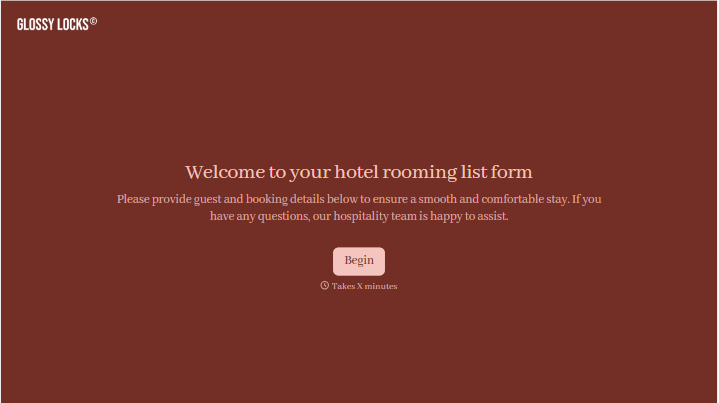

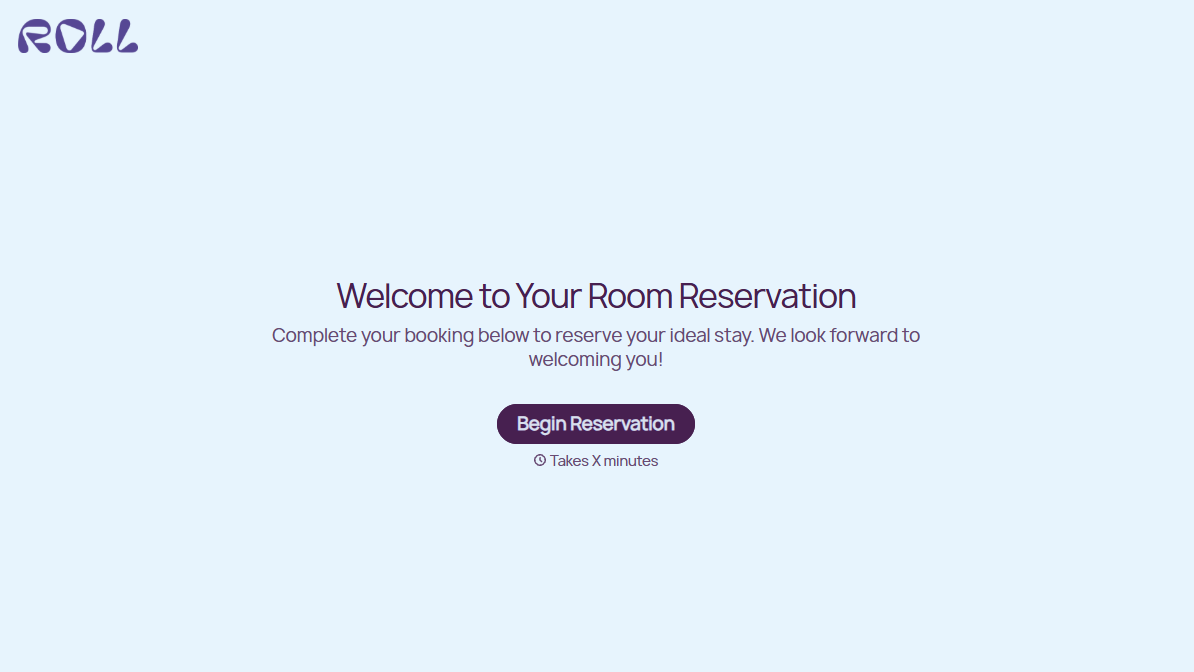
Hotel Room Booking Form
A room booked over the phone with "we'll figure out the room type when you get here" doesn't leave the front desk anything to actually plan around. Collect what your hotel actually needs, guest information, dates, and room preferences, before the reservation gets confirmed.
View template
With Typeform, you can customize everything
Change text, colors, and even logos to match the look and feel of your brand. Then embed forms smoothly onto web and email.
Make forms feel effortless to fill out. Pace questions, call people by their name, and adapt the flow based on the data they share.
Stay efficient by connecting forms to your workflow. Typeform integrates with 300+ tools including Slack, Zapier, and HubSpot.


