Insurance Claim Form Template
Give policyholders a clear, guided way to submit claims, so nothing gets lost and processing starts faster.



Filing an insurance claim is already stressful. When the process involves confusing forms, unclear instructions, and no confirmation that anything was received, it makes a hard situation worse. Policyholders abandon incomplete claims, call your support line repeatedly, and lose trust in your organization.
A well-structured claim form guides people through each section clearly: policy details, incident description, date and location, damages, and supporting documentation. Conditional logic adapts the form based on claim type, so someone filing a medical claim sees different fields than someone filing a property claim, without you having to build separate forms. Every submission is timestamped and stored, giving your team a clean record to work from.
Add your organization's branding, configure a confirmation email so claimants know their submission was received, and connect the form to your claims management system through Typeform's integrations.
It's a formal document that a policyholder submits to request compensation or coverage for a loss, damage, or incident covered under their insurance policy. It captures the details your team needs to evaluate and process the claim.
Structured claim forms reduce incomplete submissions, speed up processing, and create a consistent record across all claims. They also reduce the volume of follow-up calls from claimants wondering if their submission was received.
The specific fields vary by claim type, but core information includes:
- Policy number and policyholder name
- Type of claim (medical, property, vehicle, liability, etc.)
- Date, time, and location of the incident
- Description of what happened
- Estimated value of damages or losses
- Relevant supporting documents (photos, receipts, police reports)
The one-question-at-a-time format helps because it removes the overwhelm of seeing a long form all at once. Clear field labels, example answers in placeholder text, and a progress bar all reduce friction. A confirmation page and email also reassure claimants that their submission went through.
Use conditional logic to identify the claim type early in the form, then use Typeform's notification settings or a Zapier workflow to route submissions to the appropriate team inbox or claims queue based on the answer.
Get inspired by relevant templates and categories
3200+ Templates, 300+ Integrations
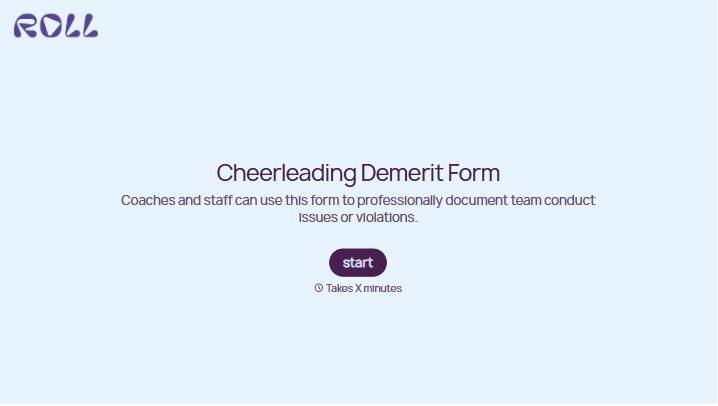
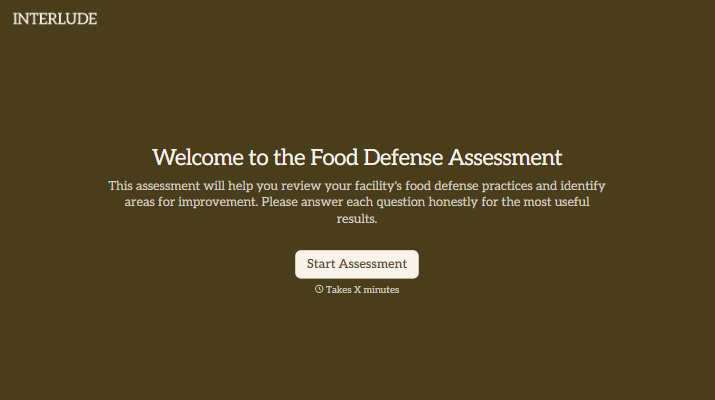
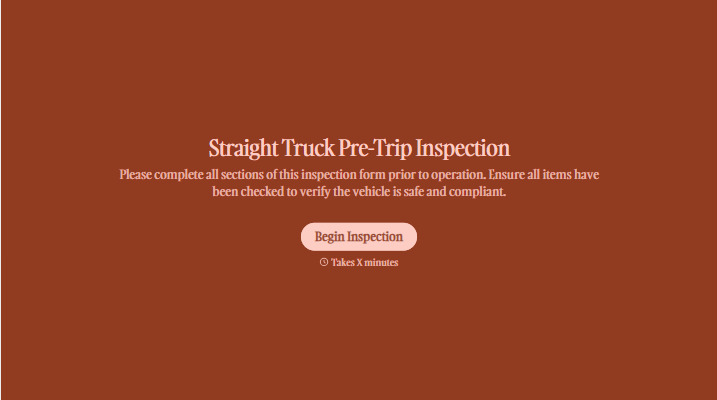
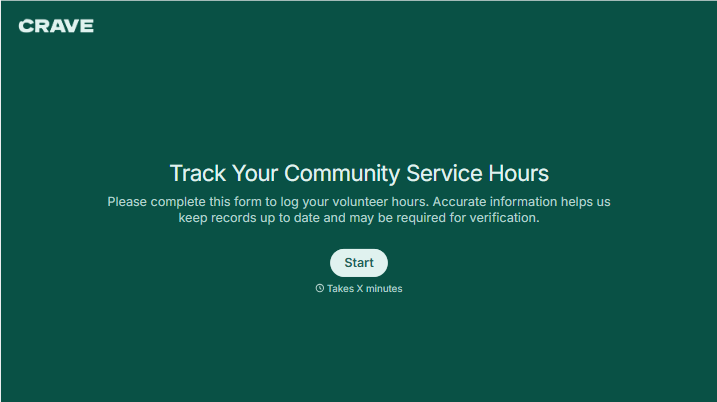
With Typeform, you can customize everything
Change text, colors, and even logos to match the look and feel of your brand. Then embed forms smoothly onto web and email.
Make forms feel effortless to fill out. Pace questions, call people by their name, and adapt the flow based on the data they share.
Stay efficient by connecting forms to your workflow. Typeform integrates with 300+ tools including Slack, Zapier, and HubSpot.


