Marriage Registration Form Template
Collect the information needed for a marriage registration in a clear, organized format that reduces processing time.



Marriage registration involves collecting specific personal and legal information from both parties — and doing it accurately matters because errors on official documentation are difficult to correct after the fact. An unstructured intake process, whether paper or email, increases the chance of missing or incorrect information.
A digital registration form guides each applicant through the required fields clearly and in order, reducing errors and ensuring completeness before the record reaches your office for processing. Conditional logic can handle different scenarios — first marriage, remarriage after divorce, remarriage after widowhood — without requiring every couple to answer the same set of questions.
The form can be sent ahead of the registration appointment so couples arrive prepared, saving time on both sides.
A marriage registration form collects the personal, legal, and identification information required to register a marriage with the relevant authority. It typically covers both parties' full names, dates of birth, citizenship status, previous marital history, and witness details.
Paper forms submitted in person frequently arrive incomplete or illegible. A digital form with required fields ensures every submission is complete before it reaches your processing team, reducing turnaround time and follow-up requests.
A complete marriage registration form typically includes:
- Full legal names of both parties
- Dates and places of birth
- Current addresses
- Citizenship or nationality
- Occupation
- Previous marital status (single, divorced, widowed) and supporting documentation requirements
- Names and contact details of witnesses
- Proposed date and location of the ceremony
Yes. Marriage registration requirements vary by country, state, and municipality. Review the specific requirements for your jurisdiction before deploying a form, and have the form reviewed by your legal or administrative team to ensure compliance.
Yes. You can include upload fields for supporting documents such as birth certificates, divorce decrees, or identification. Typeform supports file uploads directly within the form, keeping all submitted information in one place.
Get inspired by relevant templates and categories
3200+ Templates, 300+ Integrations
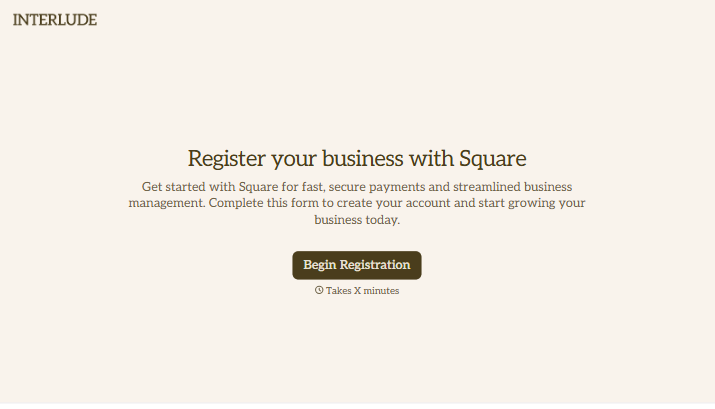
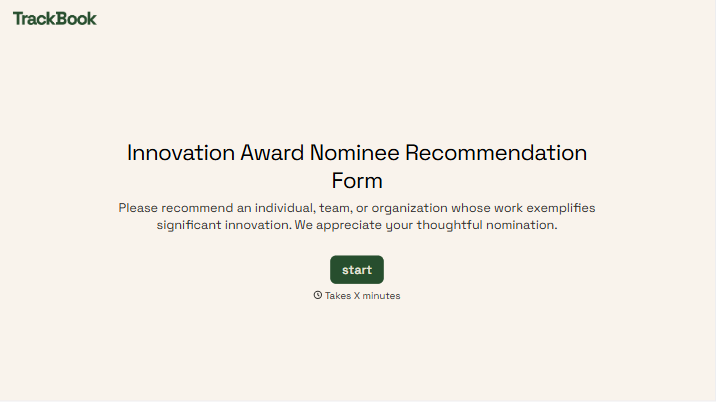
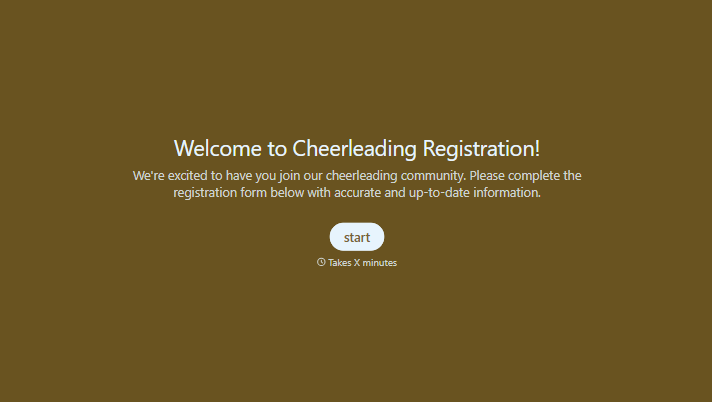
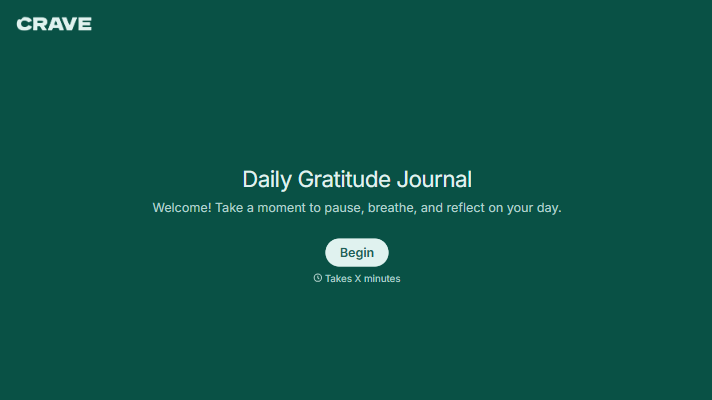

With Typeform, you can customize everything
Change text, colors, and even logos to match the look and feel of your brand. Then embed forms smoothly onto web and email.
Make forms feel effortless to fill out. Pace questions, call people by their name, and adapt the flow based on the data they share.
Stay efficient by connecting forms to your workflow. Typeform integrates with 300+ tools including Slack, Zapier, and HubSpot.


